
Create an account with email
Create an AquaCrews account using your email address and a password. You'll confirm your email, and then your LSC administrator approves your account before you can sign in.
Prefer to use your Google account instead? See Create an account with Google.
Before you start: have access to the email inbox for the address you'll use.
Steps
-
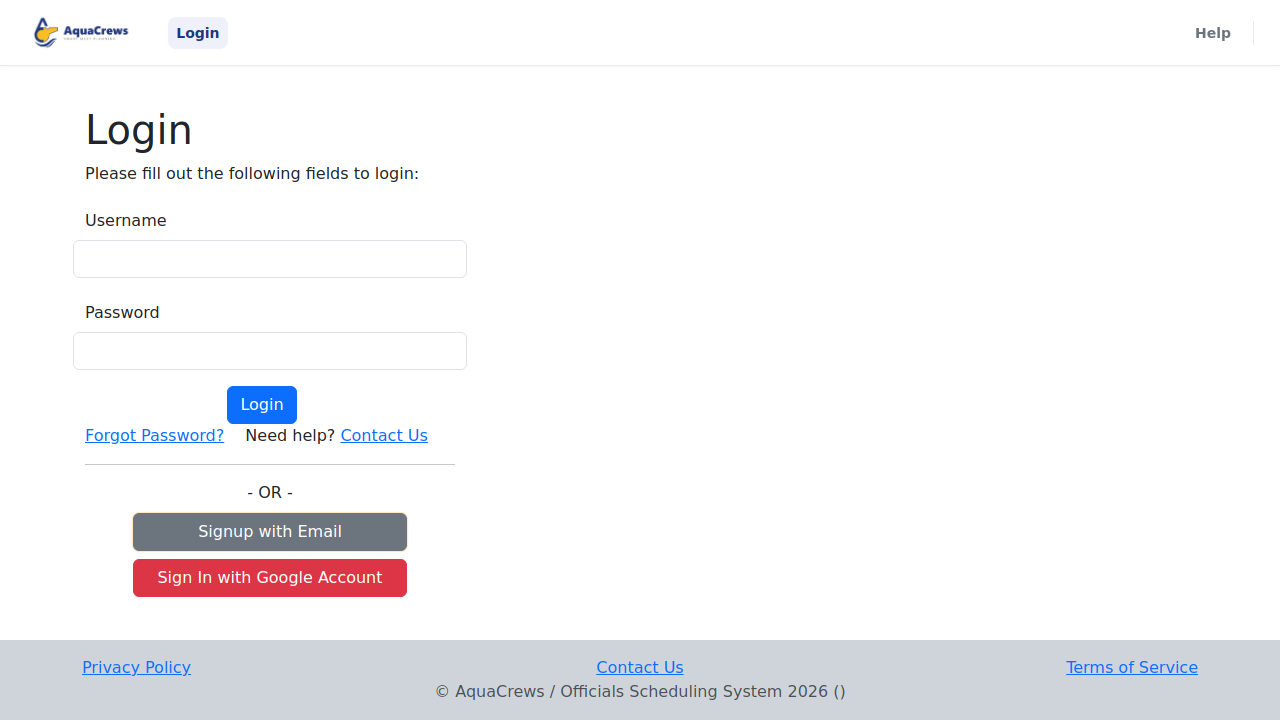
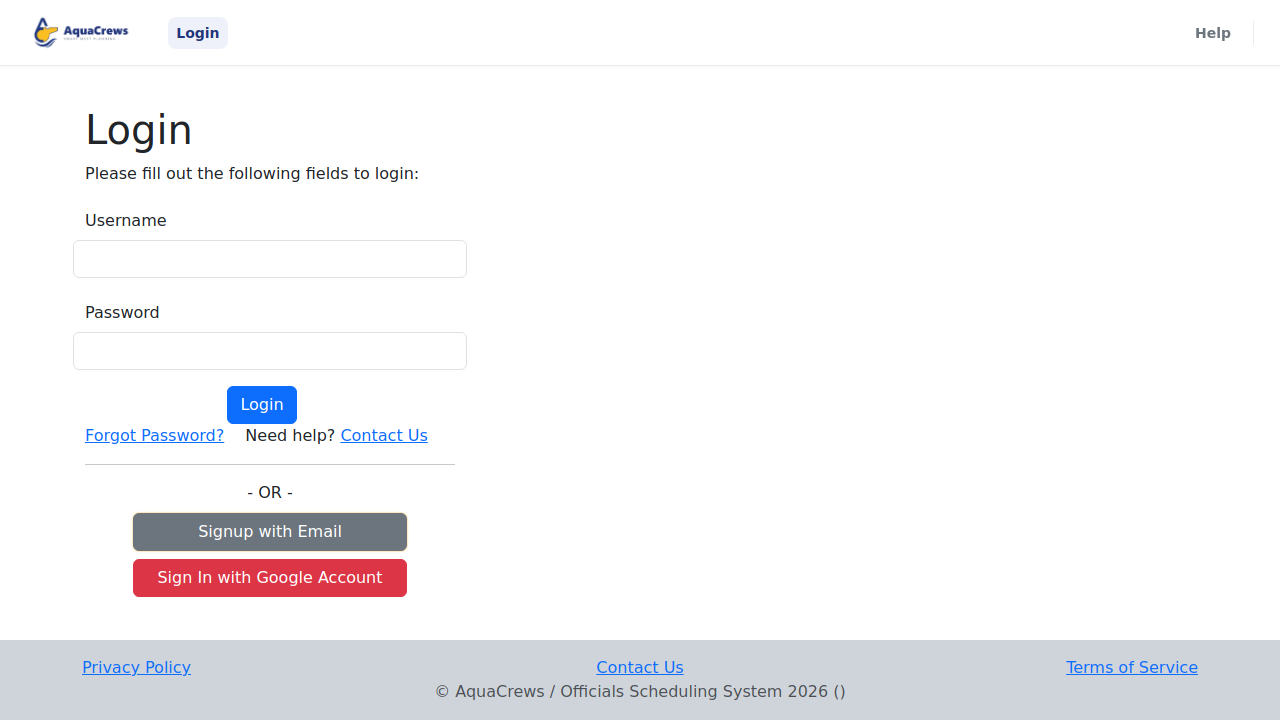
Go to www.aquacrews.com and click Signup with Email.
Click to see a larger version -
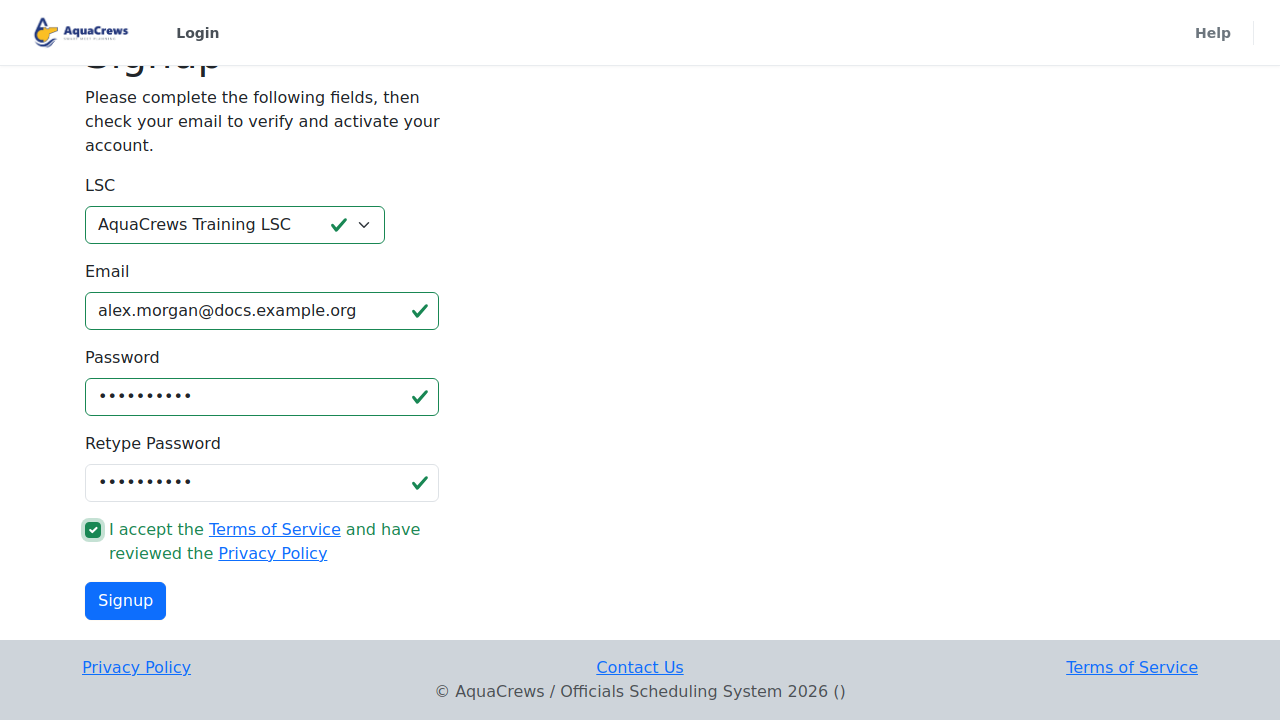
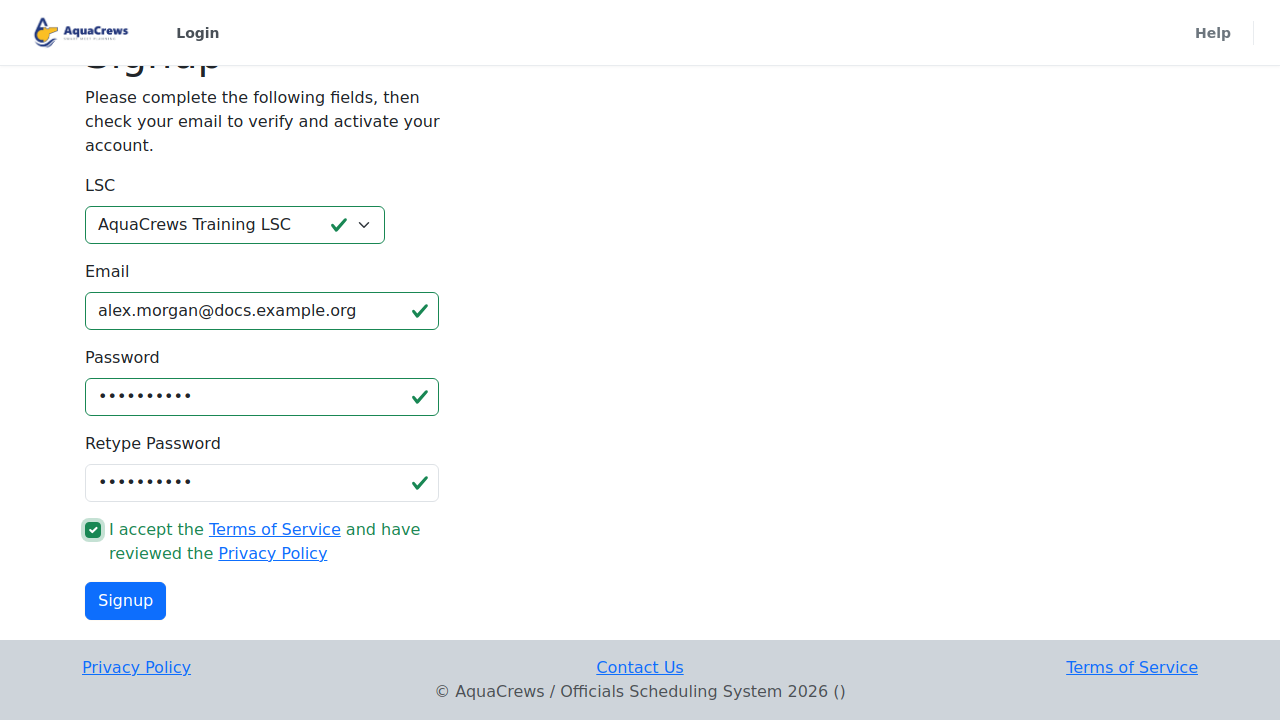
Under LSC, choose your LSC from the list or select "Demonstration LSC" if you want access to test or evaluate the system.
- Enter your Email address.
- Enter a Password, then type it again under Retype Password.
- Review the terms and privacy policies, then check the box to accept the Terms of Service and Privacy Policy.
-
Click Signup.
Click to see a larger version -
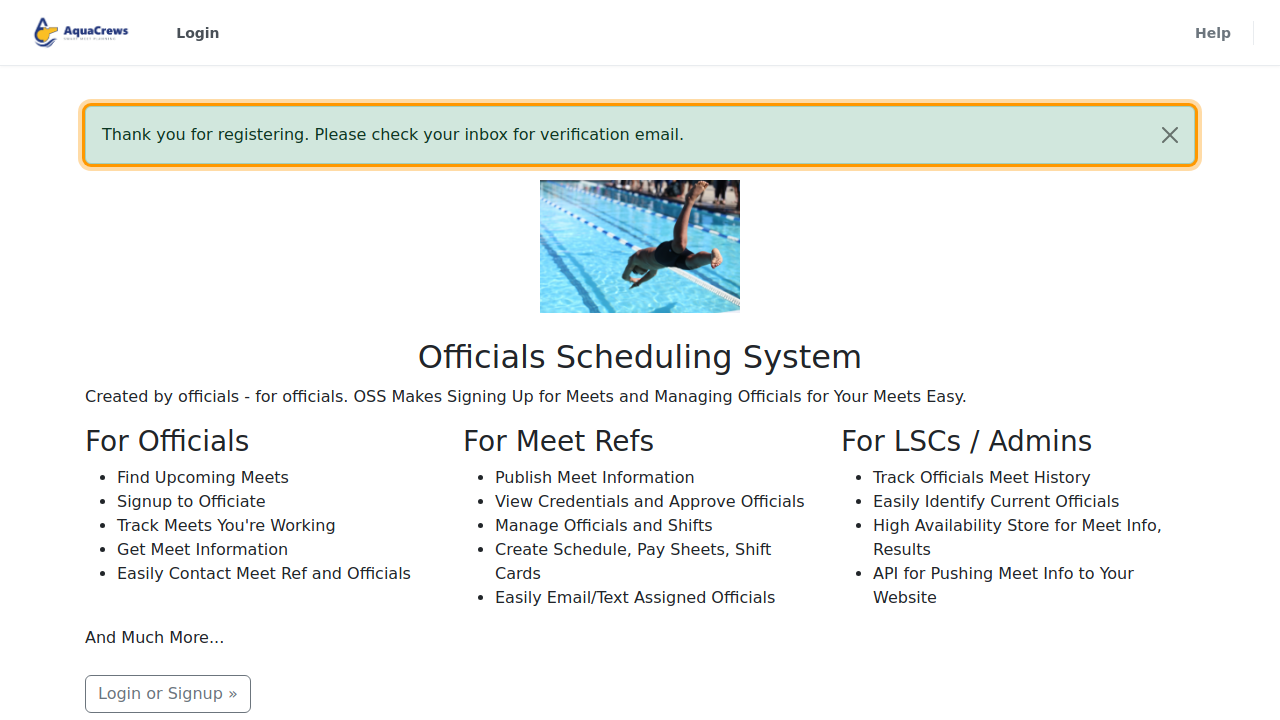
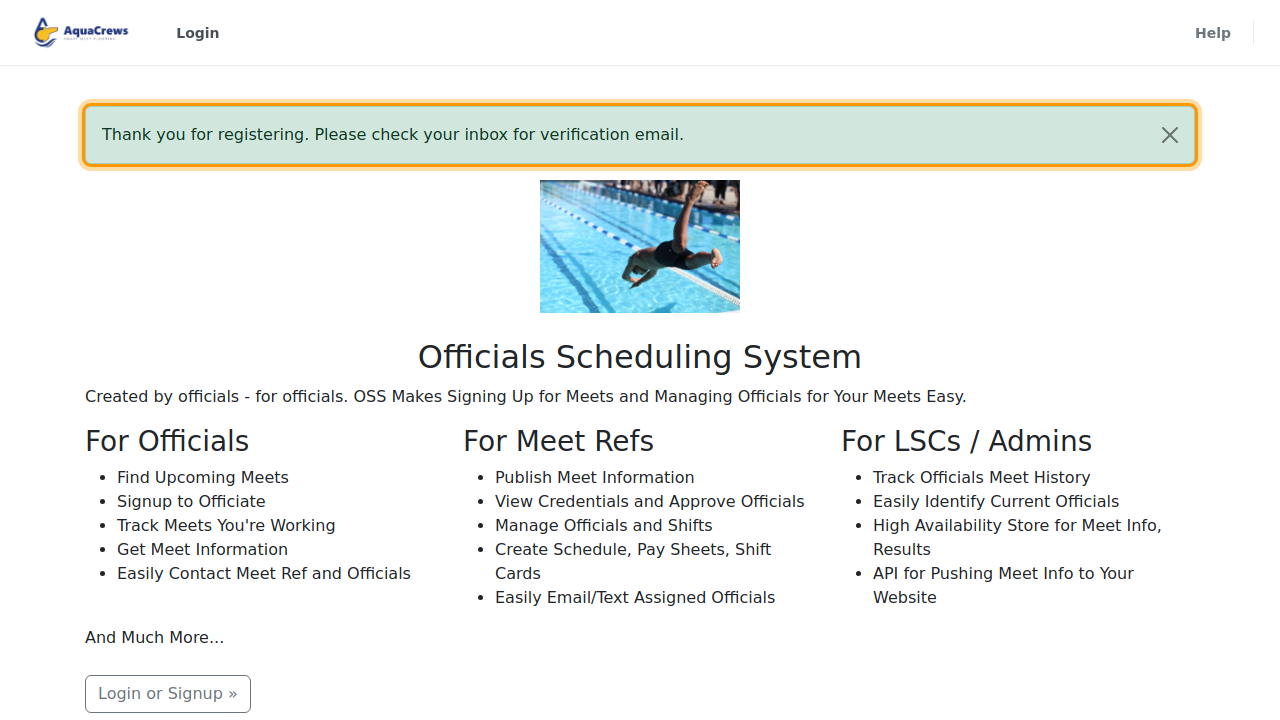
You'll see a message thanking you for registering. AquaCrews sends you an email to verify your email address - check your inbox.
Click to see a larger version -
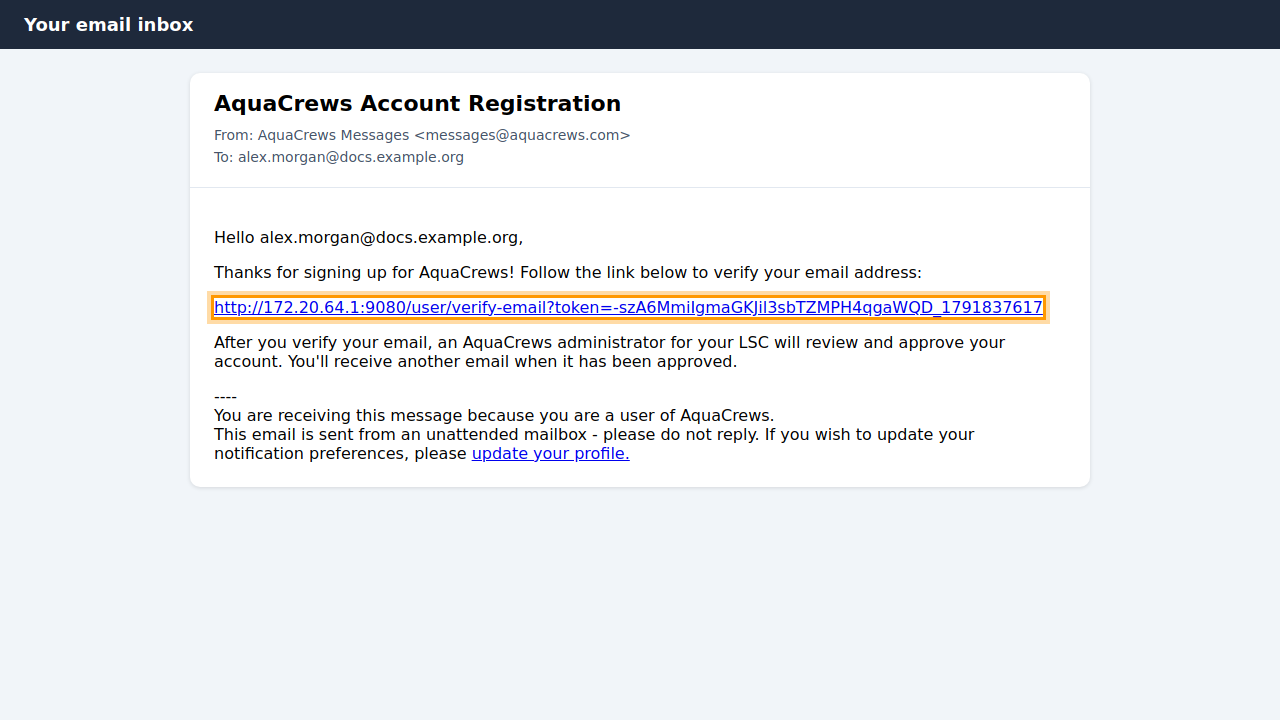
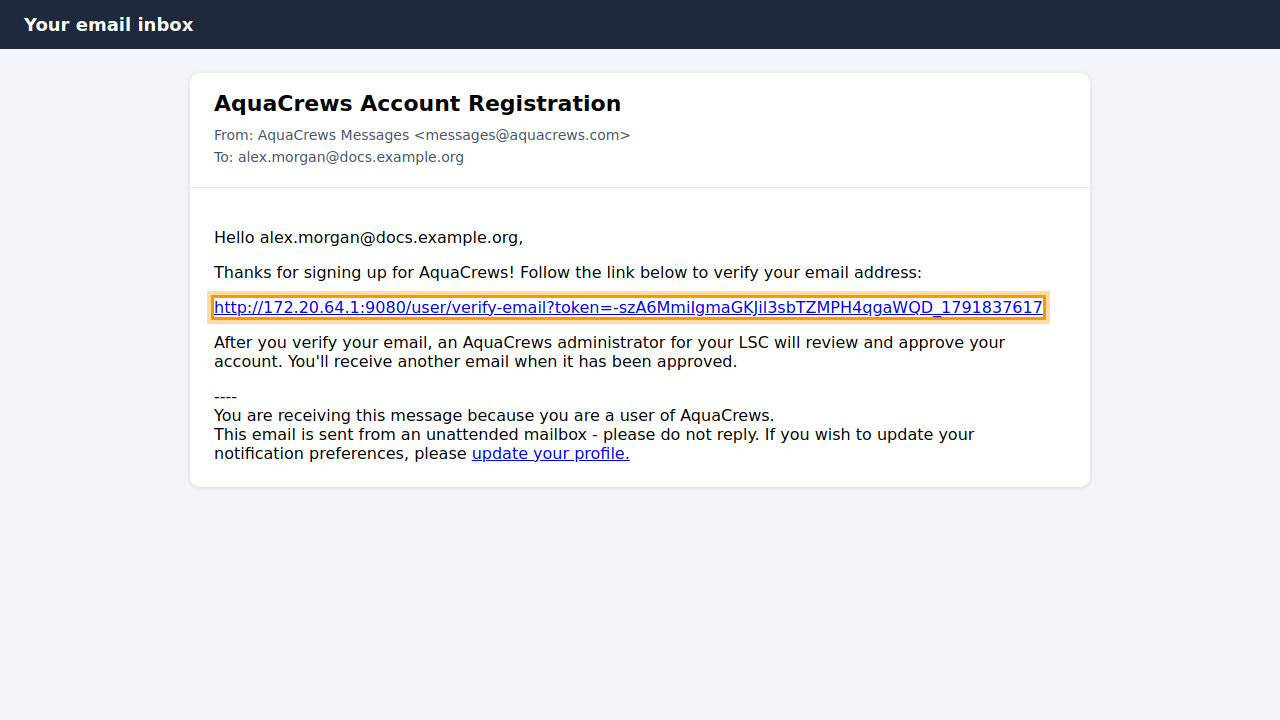
Open the email from AquaCrews with the subject AquaCrews Account Registration and click the link in it.
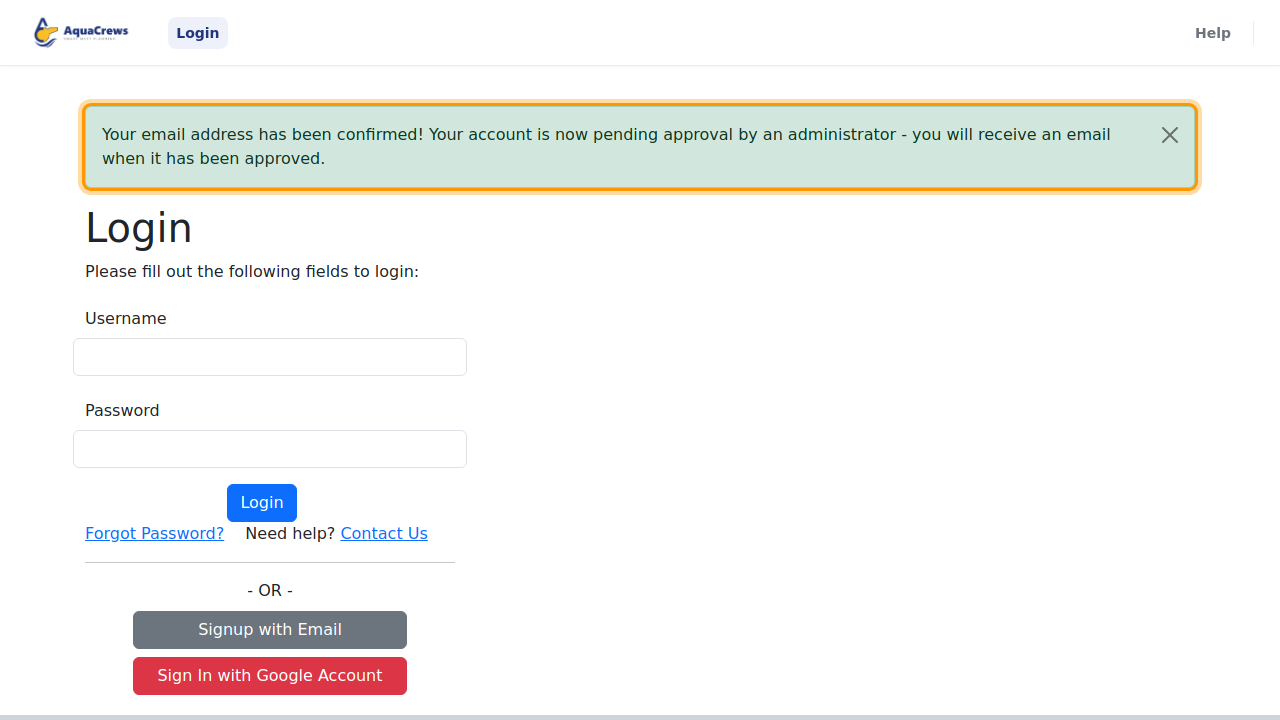
Click to see a larger version AquaCrews opens the login page and confirms your email address. Your account is now pending approval.
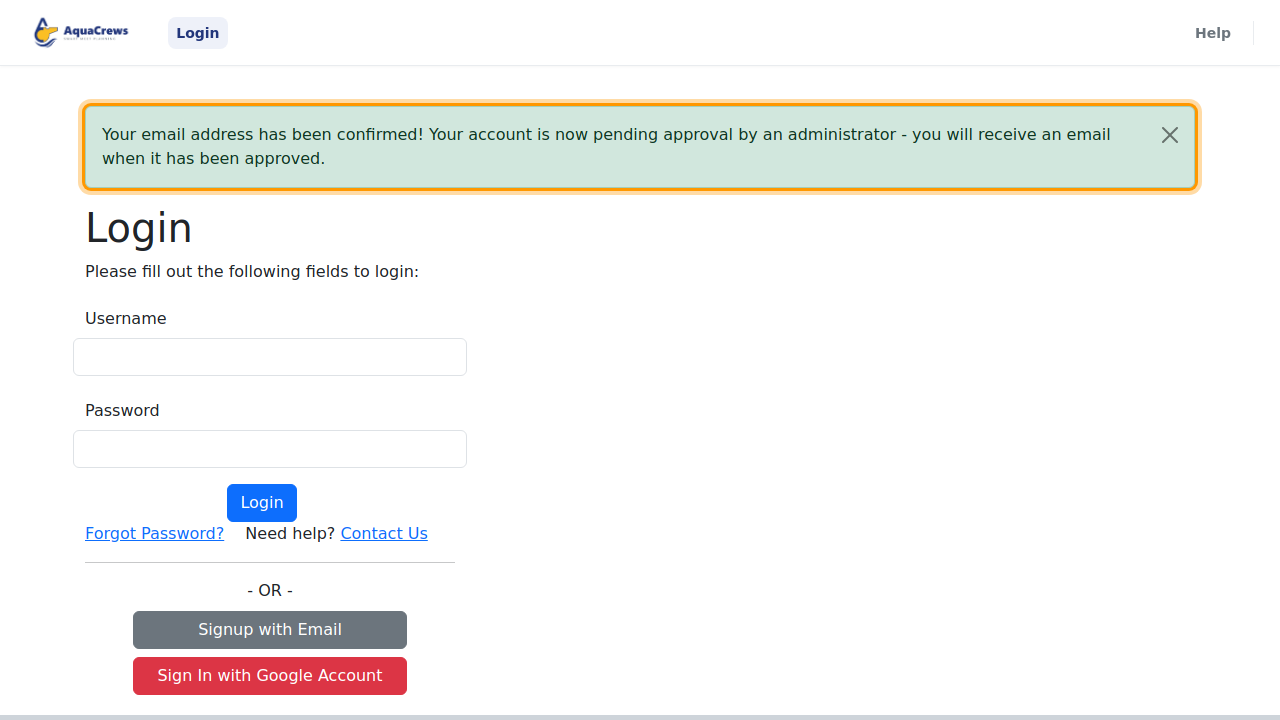
Click to see a larger version -
Wait for your LSC administrator to approve your account. You'll get an email when it's approved, and then you can sign in.
What happens next
Your LSC administrator is notified of your new account. Until they approve it, signing in shows the message Your Account Has Been Created and Is Pending Administrator Approval. Once you're approved, sign in and set up your profile.
Tips & troubleshooting
- No email? Check your spam or junk folder. If it isn't there, sign in with your email and password - AquaCrews will offer to resend the verification email. See Fix sign-in problems.
- Picked the wrong LSC? Use Contact Us to ask for your account to be moved.
- Approval taking a while? Approvals are done by volunteers in your LSC. If it's been more than a few days, contact your officials chair, or Contact Us.
Related: Sign in · Fix sign-in problems · Update your profile