
Fix sign-in problems
What to do when you can't sign in - you're waiting for approval, you've forgotten your password, or you never got the verification email.
Steps
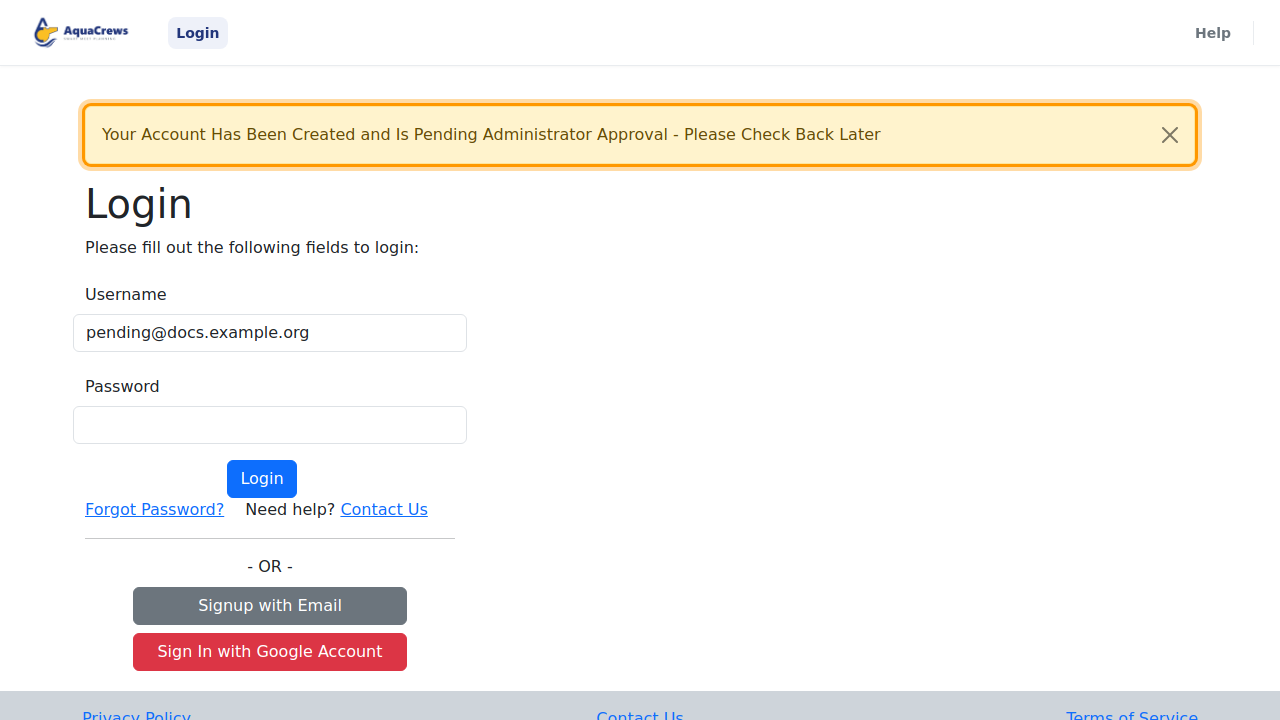
- If your account is waiting for approval, signing in shows a message instead of your Home page.
-
Your LSC administrator needs to approve your account - try again later.

Click to see a larger version -
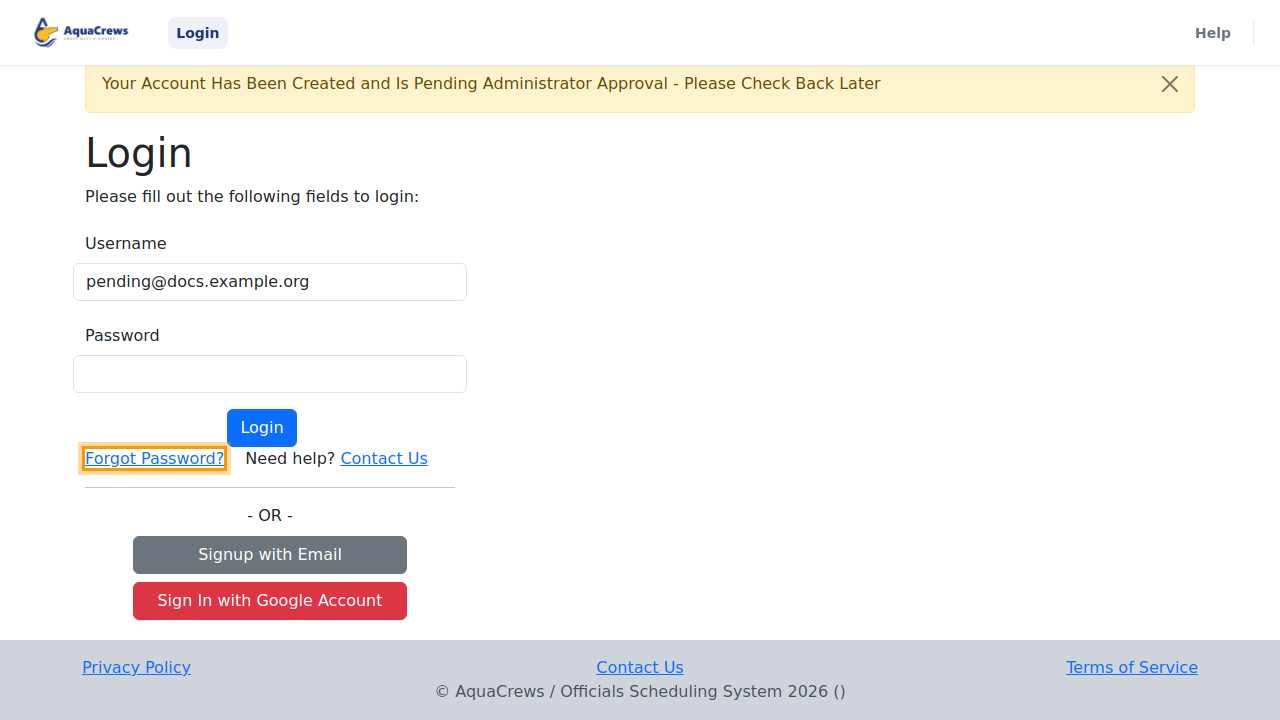
Forgot your password? On the Login page, click Forgot Password?

Click to see a larger version -
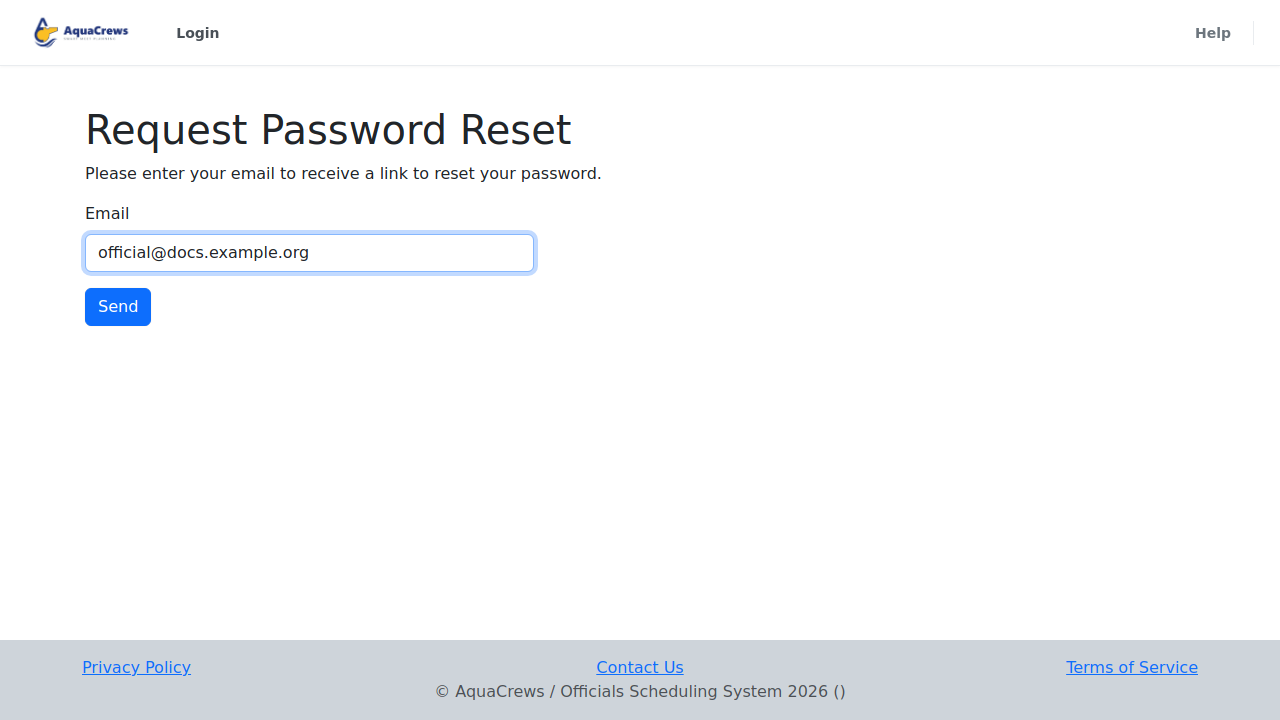
Enter your email address.
-
Click Send.

Click to see a larger version -
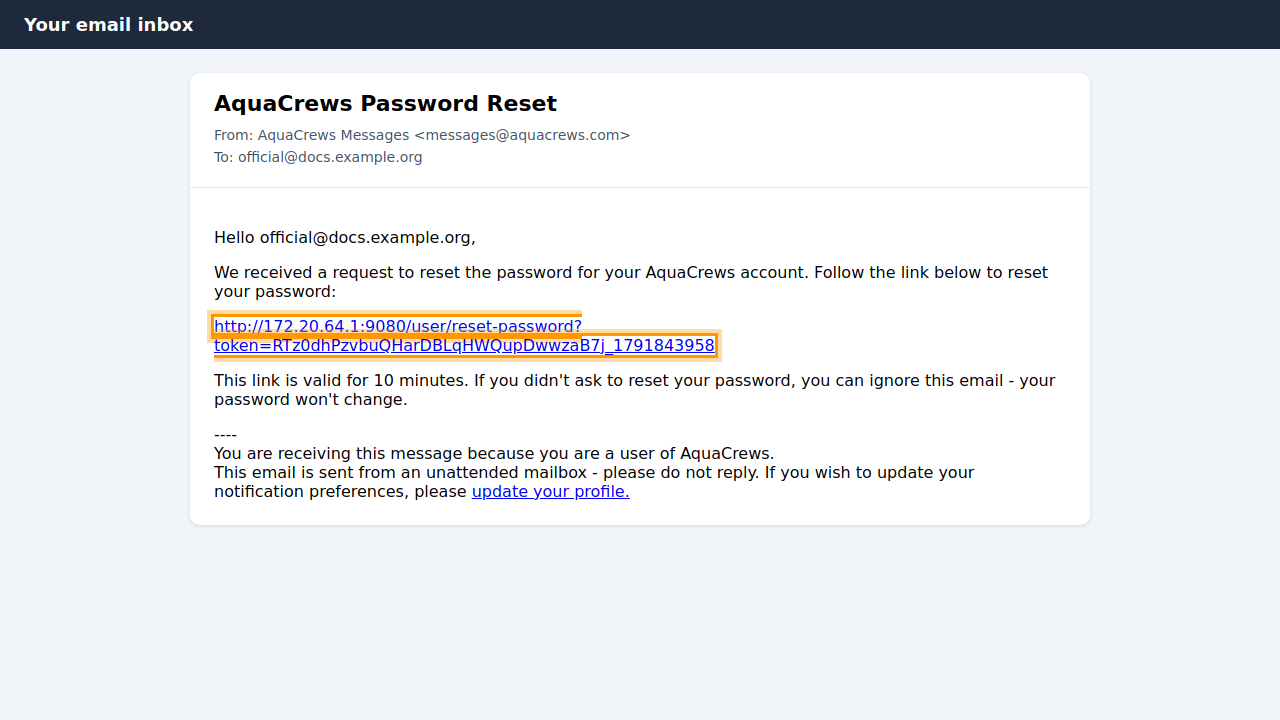
AquaCrews emails you a link to reset your password - check your inbox.
-
Open the email from AquaCrews with the subject AquaCrews Password Reset and click the link. The link works for a limited time, so use it soon.

Click to see a larger version -
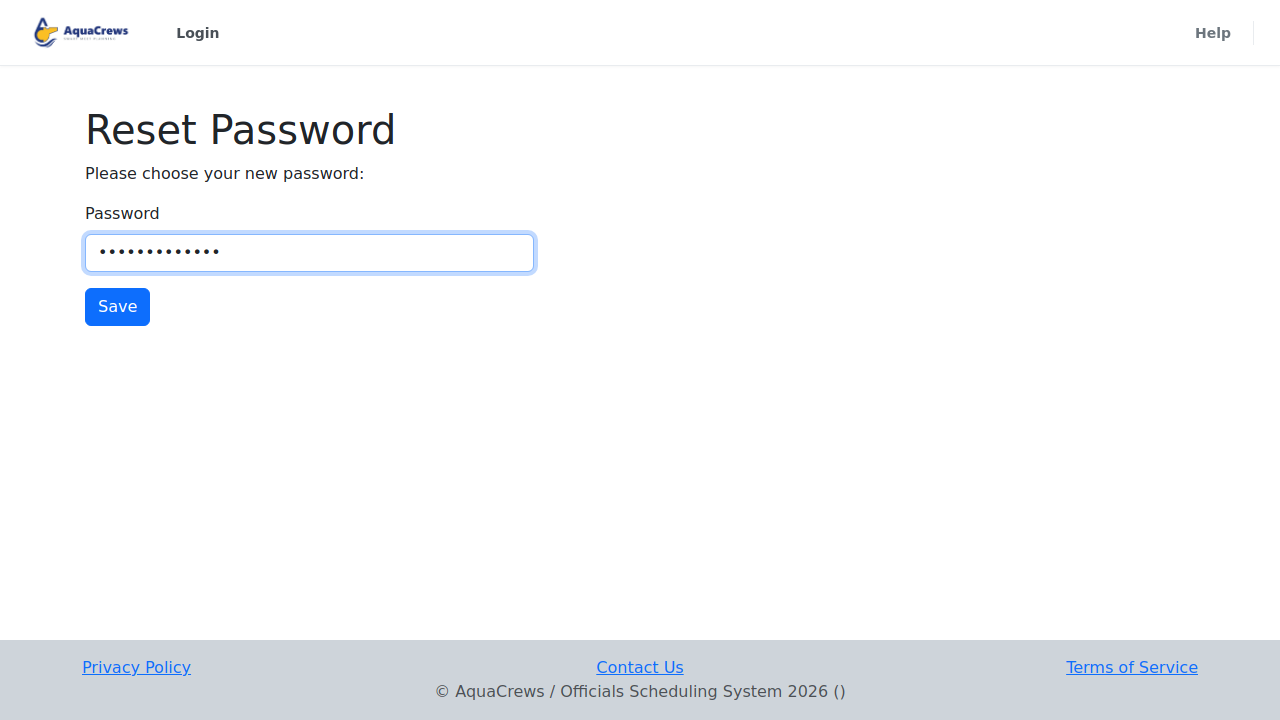
Enter a new password and click Save.

Click to see a larger version -
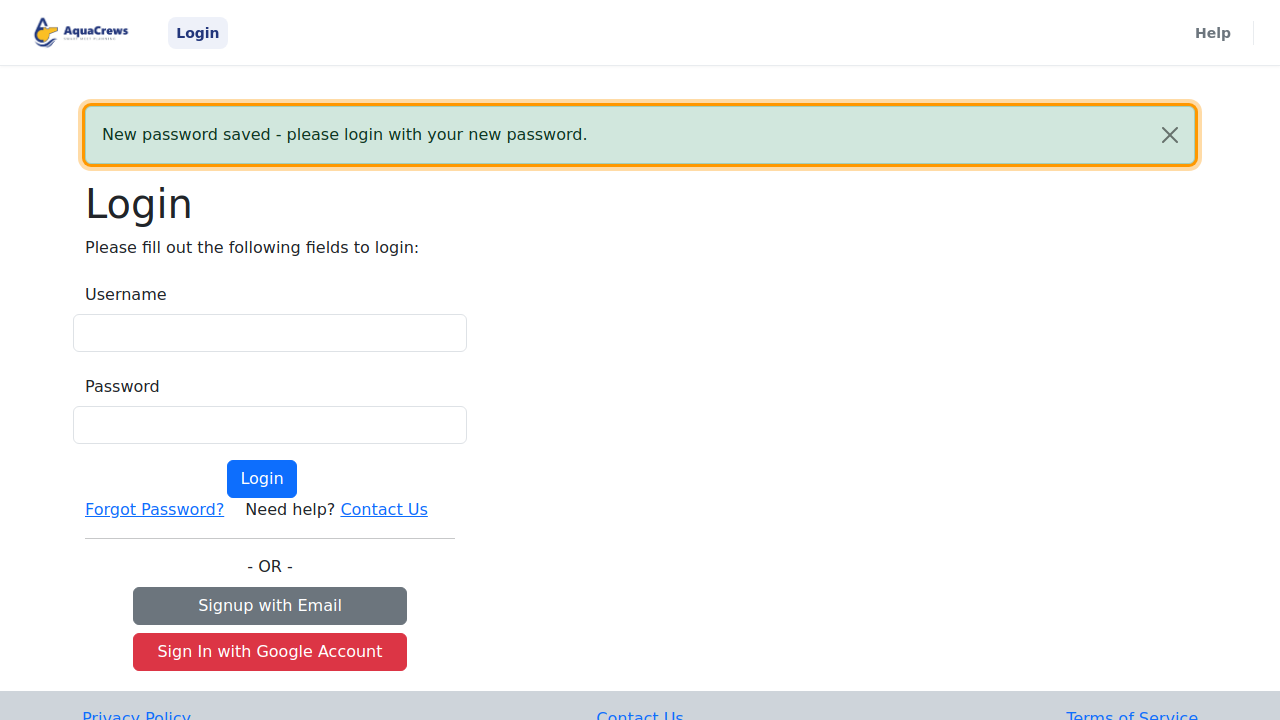
Sign in with your new password.

Click to see a larger version
Messages you might see when signing in
| Message | What it means | What to do |
|---|---|---|
| Your Account Has Been Created and Is Pending Administrator Approval | Your LSC administrator hasn't approved your account yet | Wait for the approval email, then sign in again |
| Your Account Has Not Been Activated Yet - Please Check Your Email or Resend the Activation Email | You haven't clicked the link in your verification email | Click the link in the email, or enter your email on the Resend Verification Email page that opens and click Send |
| Your Account Has Been Temporarily Disabled | Your account has been put on hold | Click Contact Us in the message |
| Your Account Is Not Active or There is a Problem With Your Account | Your account needs attention from the AquaCrews team | Click Contact Us in the message |
| Incorrect username or password | The email or password doesn't match | Check for typos, or reset your password (steps 3-9) |
Tips & troubleshooting
- No email? Check your spam or junk folder. Emails come from AquaCrews Messages (messages@aquacrews.com).
- "Unable to Reset Password - Your Account Login is Linked to an External Provider" means you signed up with Google. Use Sign In with Google Account instead - AquaCrews doesn't have a password for your account.
- Still stuck? Click Contact Us on the Login page.
Related: Sign in · Create an account with email · Change your password