
Answer a signup survey
Some meet referees send a signup survey link instead of (or as well as) listing the meet on AquaCrews. The survey asks which sessions you can work and a few questions about you. You don't need an AquaCrews account to answer it, but if you have one, signing in fills in your details for you.
Before you start: you have the survey link from the meet referee (by email, text, or social media).
Steps
-
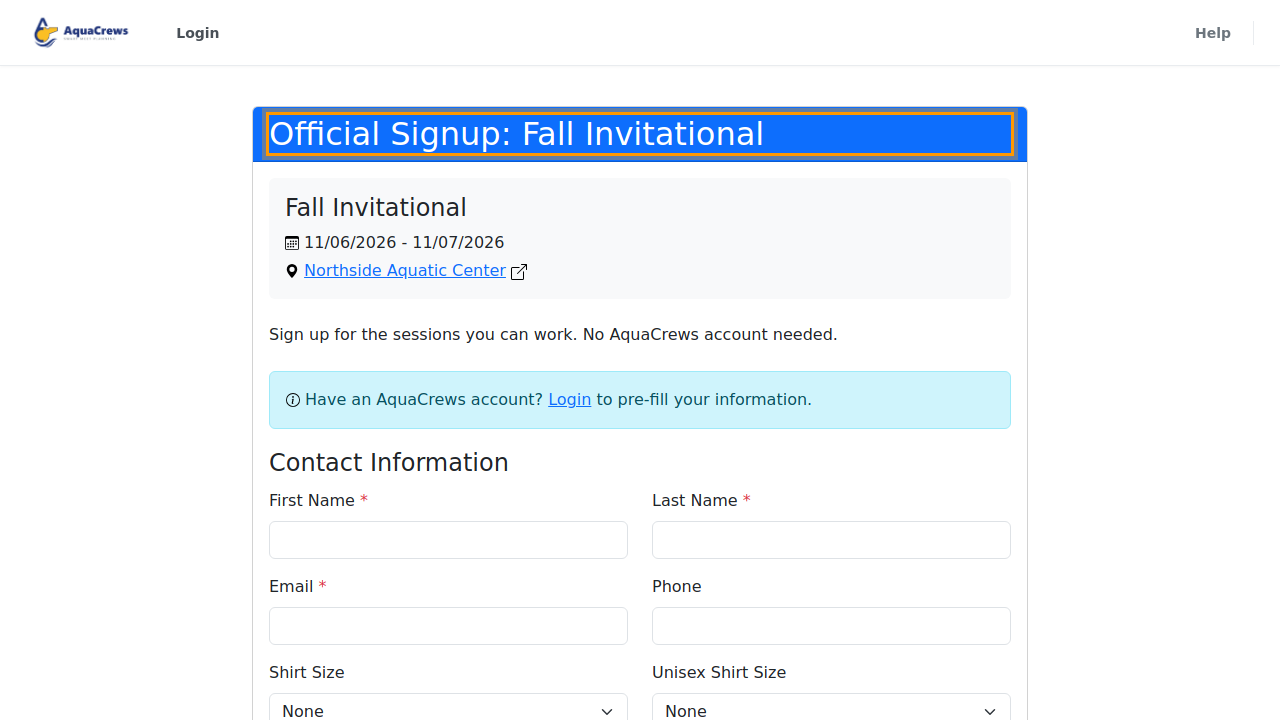
Open the survey link. The top shows the meet, its dates and pool, and a note from the meet referee.

Click to see a larger version -
Have an AquaCrews account? Click Login in the blue box.
- Sign in. You come straight back to the survey.
-
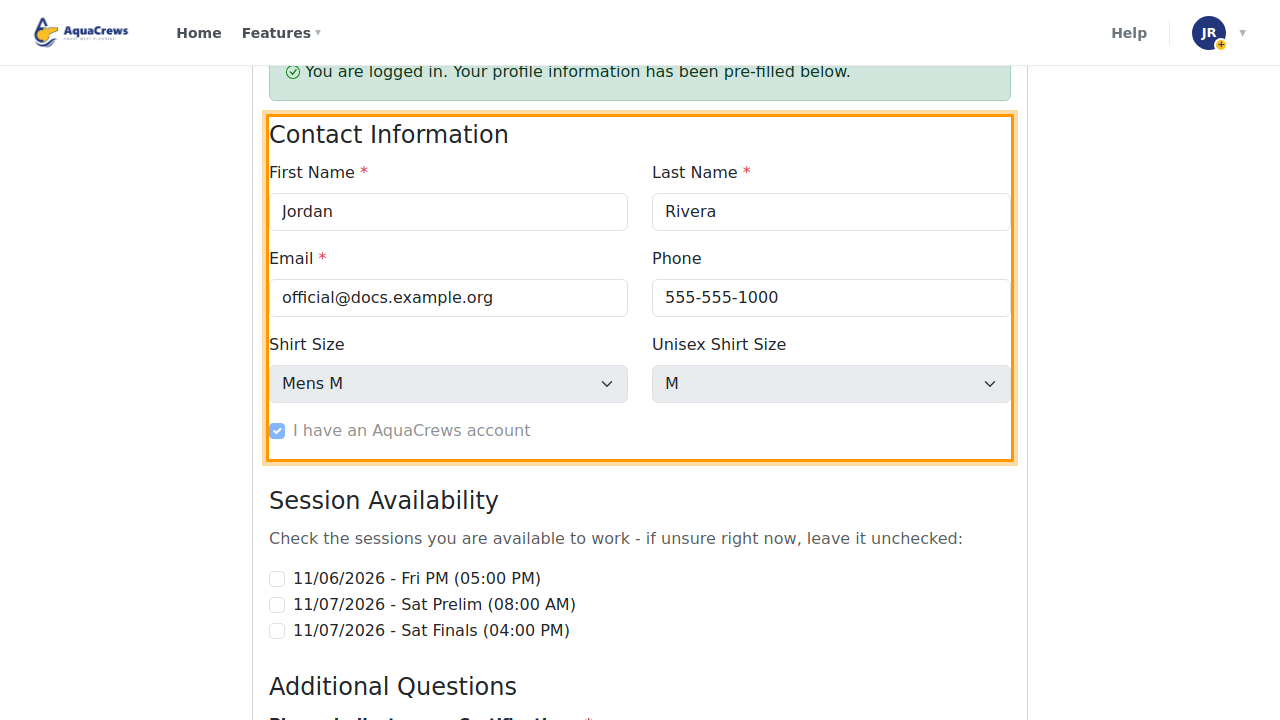
Your name, email, phone, and shirt sizes are filled in from your profile. To change them, update your profile first.

Click to see a larger version -
Under Session Availability, check the sessions you can work. If you're not sure yet, leave a session unchecked.
-
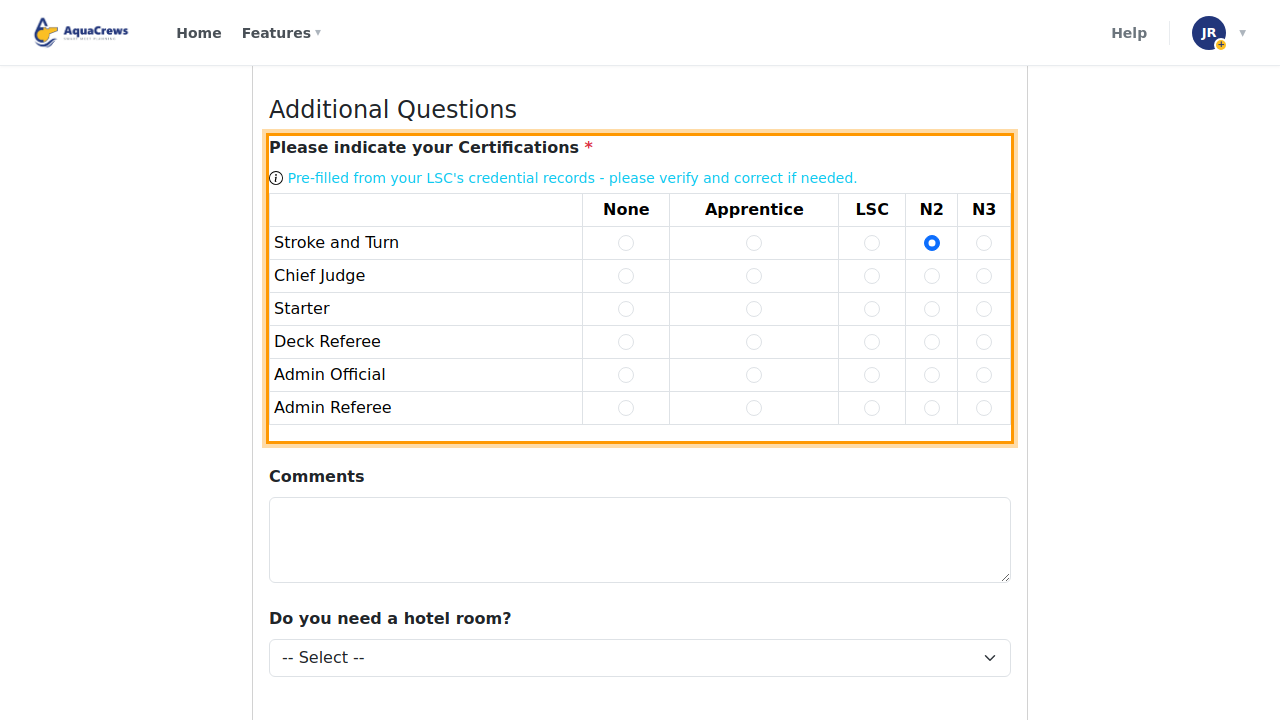
If the survey asks for your certifications, check them. They're filled in from your LSC's credential records when they're available. Answer any blank rows; questions marked with a red * must be answered.

Click to see a larger version -
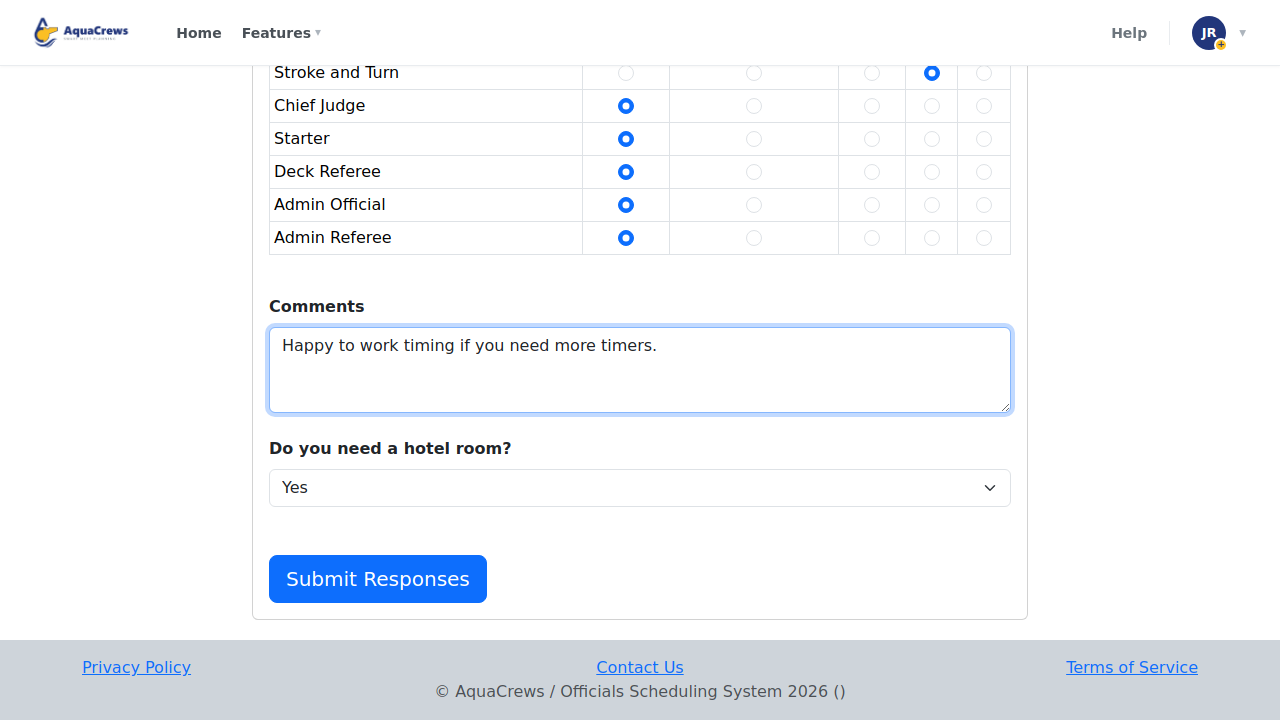
Answer the meet referee's other questions.

Click to see a larger version -
Click Submit Responses.
-
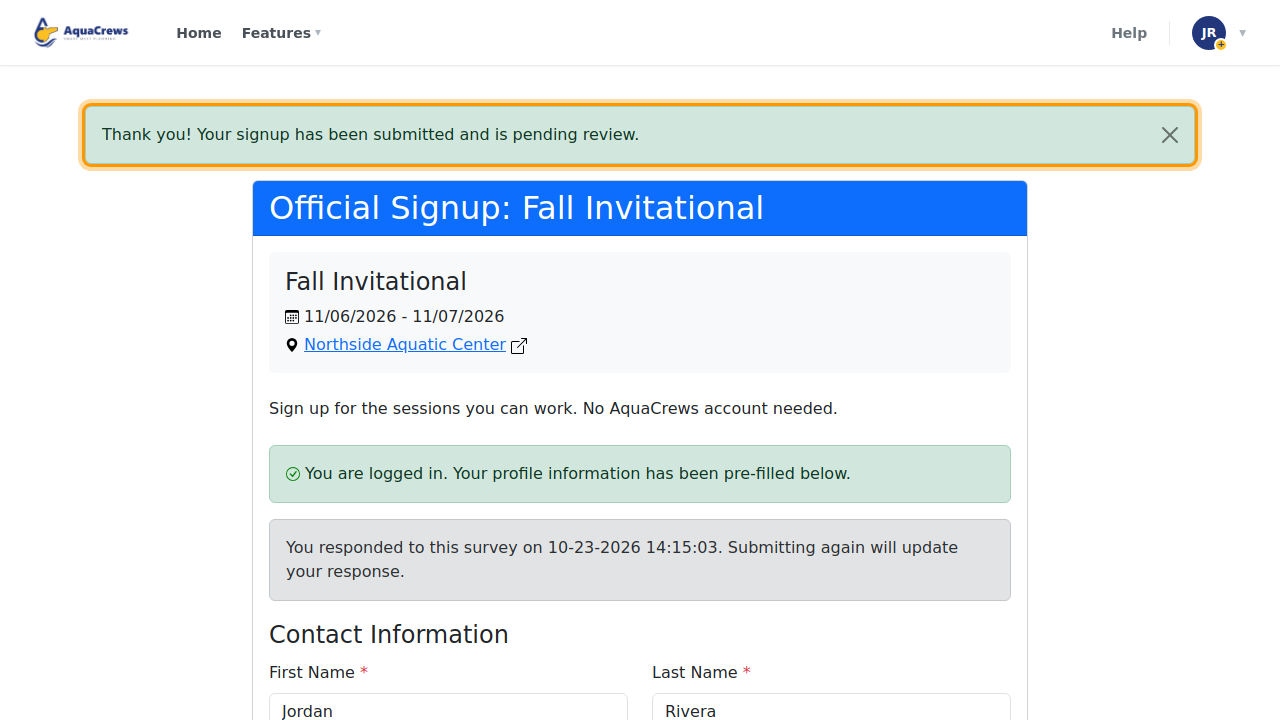
A green message confirms your signup is pending review by the meet referee.

Click to see a larger version -
To change your answers, open the link again, make your changes, and click Submit Responses. Your response is updated, as long as the meet referee hasn't reviewed it yet.
What happens next
The meet referee reviews your response and adds you to the meet for the sessions they need you. You'll then see the meet under My Meets, with your status for each session - see What your status means.
Tips & troubleshooting
- No AquaCrews account? Just fill in your name, email, and the rest of the form yourself and submit it. The meet referee can still add you to the meet.
- "This survey is no longer accepting responses"? The meet referee has closed the survey or its closing date has passed. Contact the meet referee.
- If the meet referee has already reviewed your response, submitting again sends them a new response.
Related: Sign up for a meet · What your status means · Signup surveys (for meet referees)