
Pause or reopen signups
Stop officials from signing up for (or changing their signup for) a meet - for example, once you have enough officials - and open signups again later.
Before you start: you're the meet's referee, or an LSC administrator.
Steps
- On the Home page, find the meet under My Meets and click Manage.
- Click the Overview tab.
-
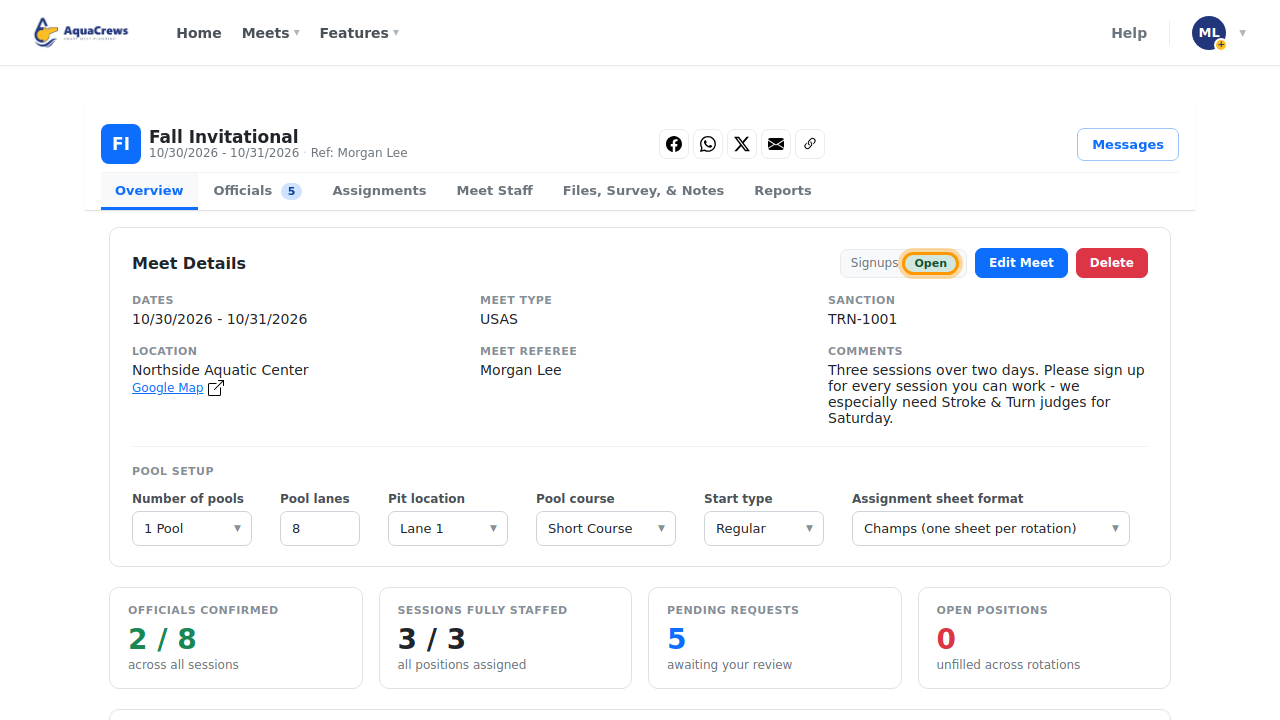
Signups shows Open when officials can sign up.
 Click to see a larger version
-
Click Open to pause signups.
-
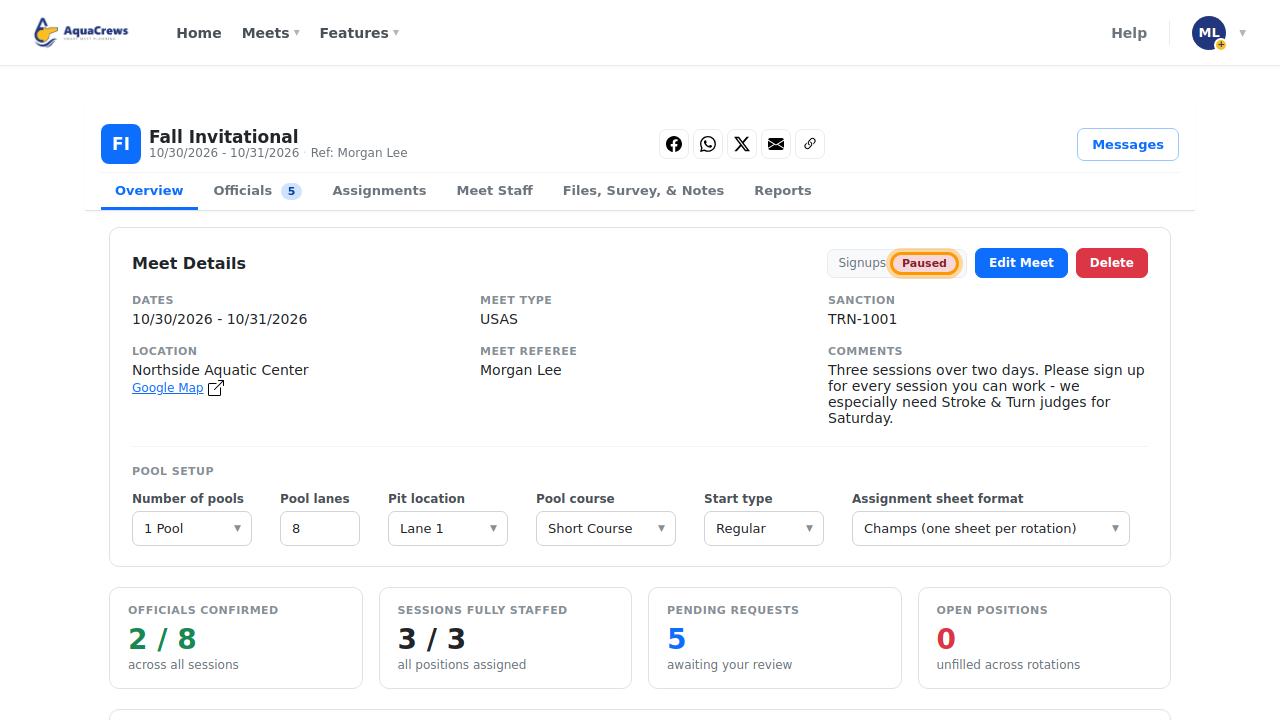
Signups shows Paused - officials can see the meet but can't sign up or change their signup.
 Click to see a larger version
-
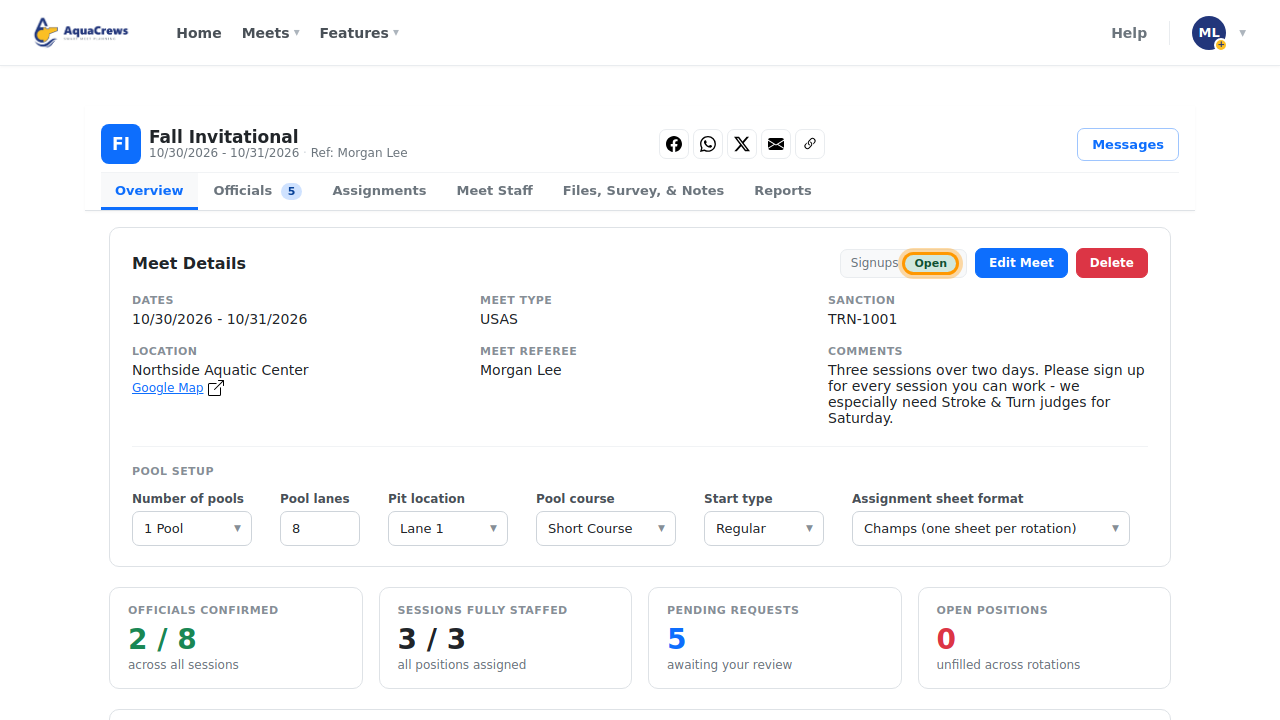
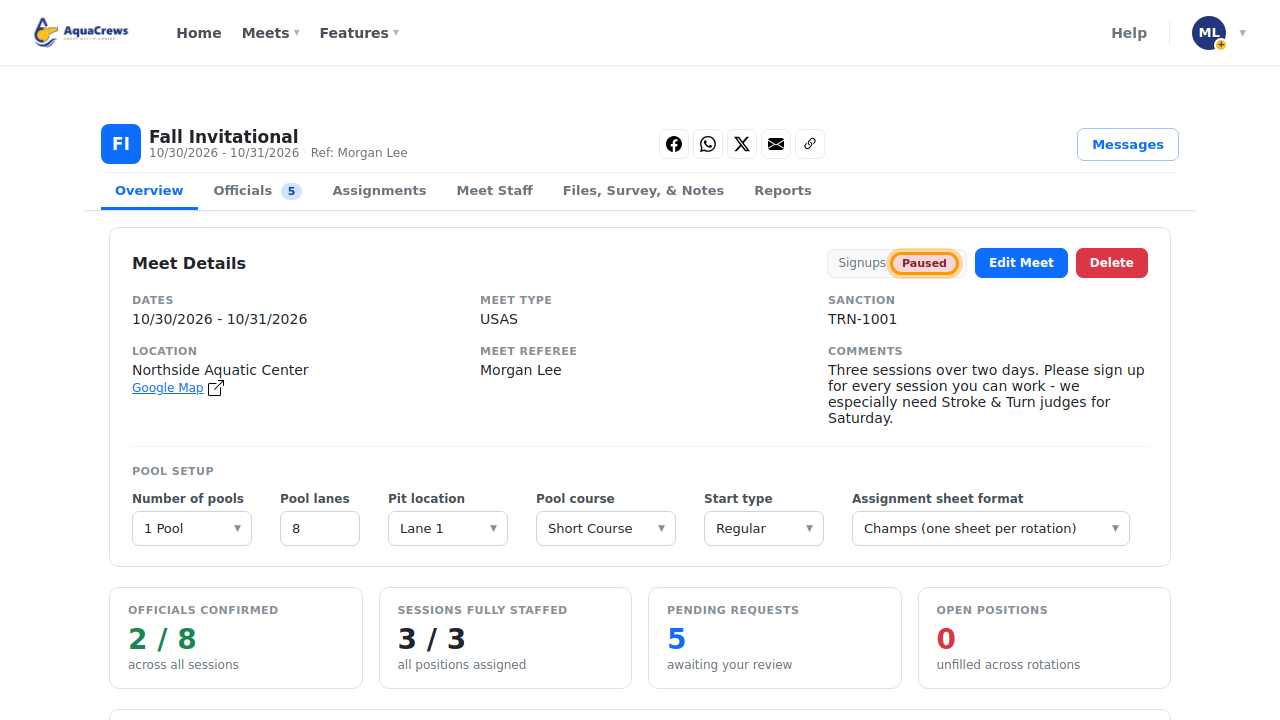
Click Paused to open signups again.
Tips & troubleshooting
- Officials see Signups paused on the meet's page.
- You can still add officials yourself while signups are paused - see Add officials yourself.
Related: Edit or delete a meet · Approve officials