
Delete your account
Permanently delete your AquaCrews account and your personal information.
This can't be undone. If you just want fewer emails, change your notification preferences instead.
Before you start: you're signed in.
Steps
- Click your name in the top-right corner.
- Click Profile.
-
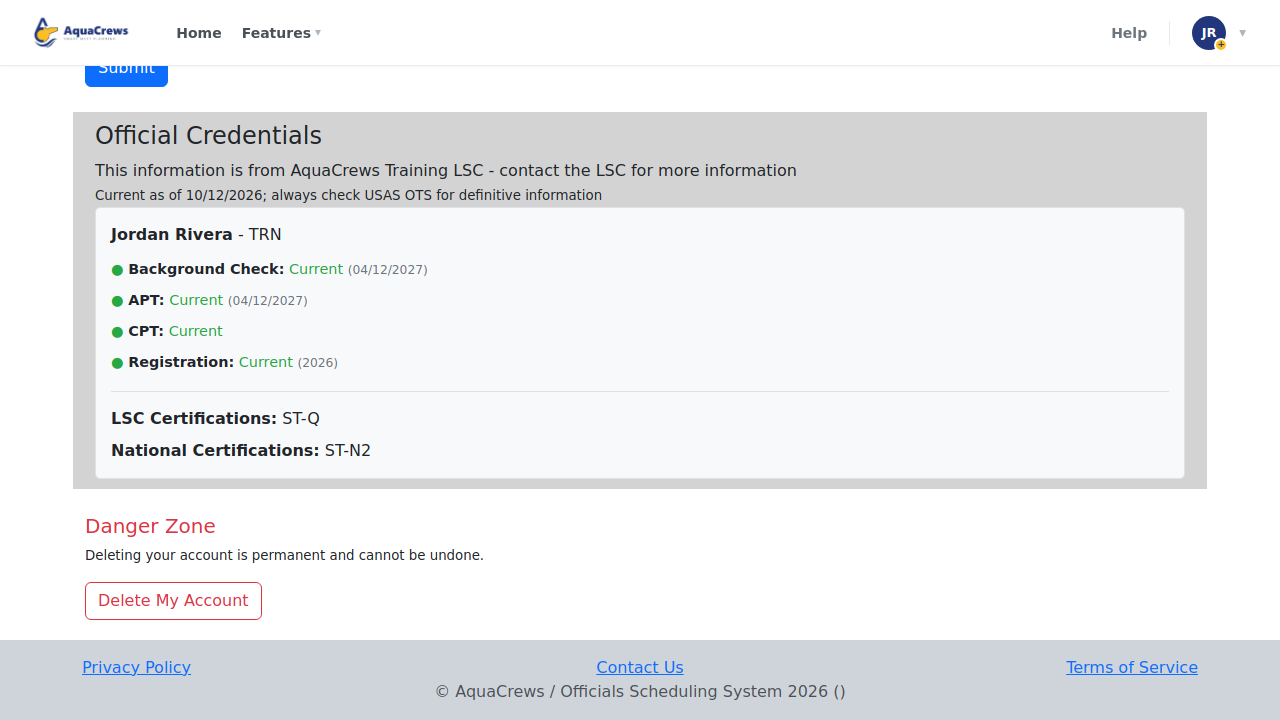
Scroll to Danger Zone at the bottom and click Delete My Account.
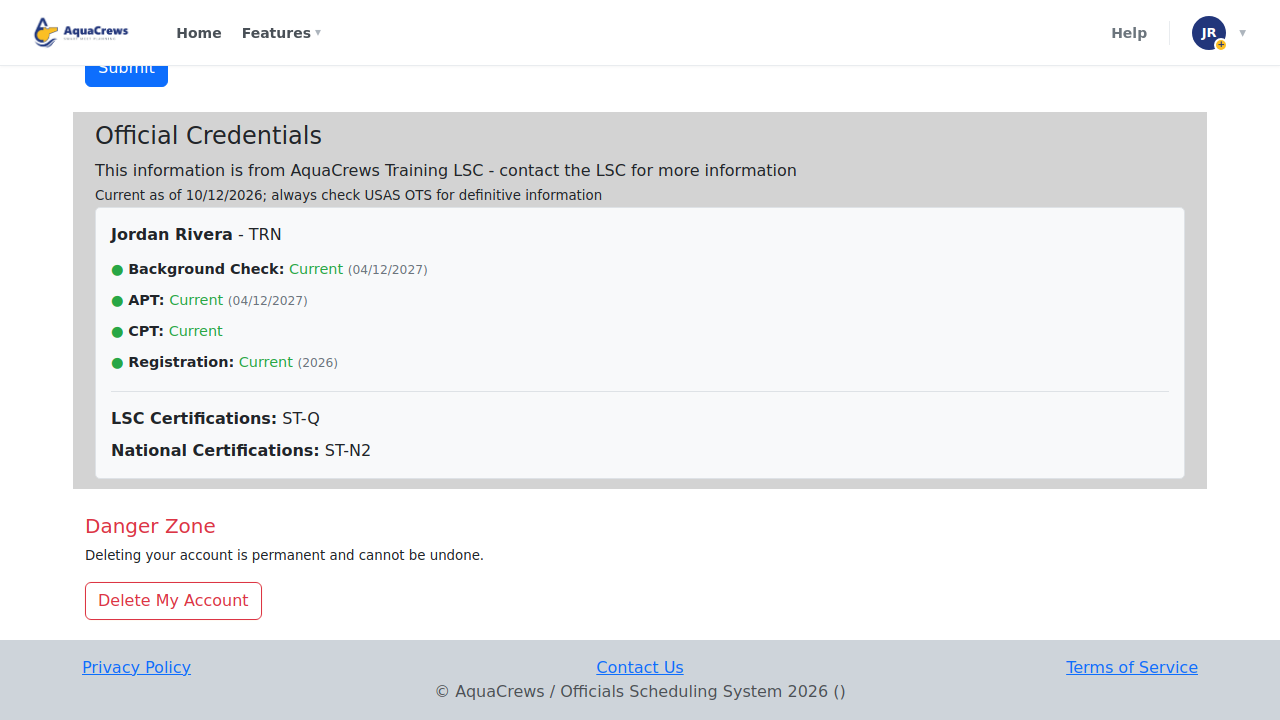
Click to see a larger version -
Read the warning - deleting your account can't be undone.
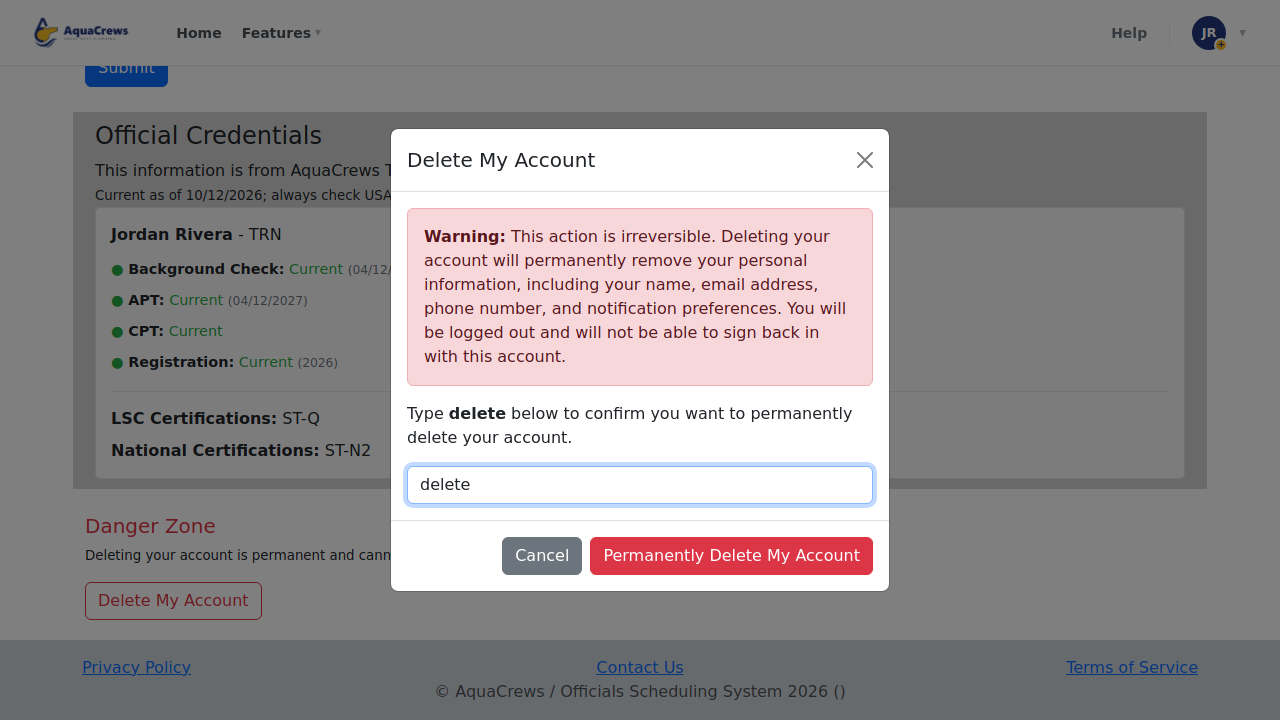
- Type delete in the box to confirm.
-
Click Permanently Delete My Account - you're signed out and your account is deleted.
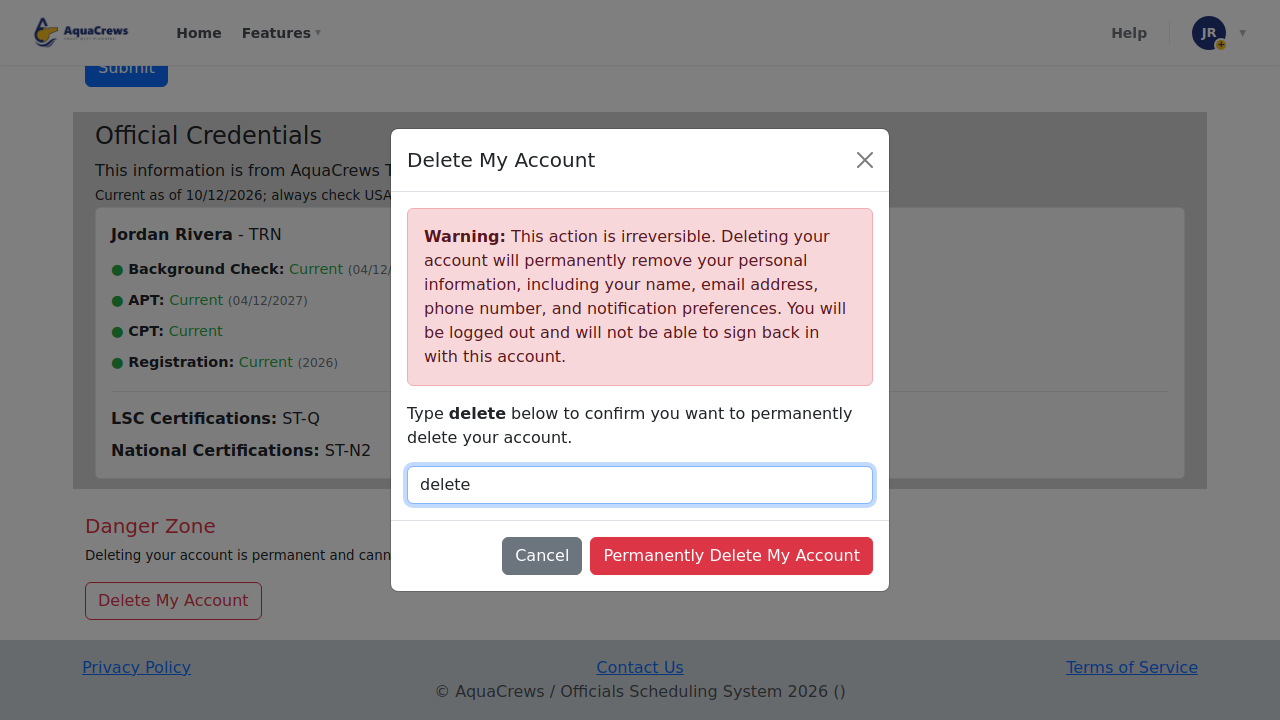
Click to see a larger version
What happens next
Your name, email address, phone number, and notification preferences are removed, and you're signed out. You can't sign in with this account again. Meets you worked still show the position as filled, by "Deleted Account" instead of your name.
Tips & troubleshooting
- Changed your mind before step 6? Click Cancel.
- Want to come back later? You'll need to create a new account and be approved again.
Related: Choose your email notifications · Privacy