
Organization-wide messages
Email every official in your LSC, all of its meet referees, or the officials in one region - for clinics, rule changes, and other announcements.
Note: Messaging must be enabled for your organization.
Before you start: you're signed in as an LSC administrator.
Steps
- Click Admin.
- Click Messages.
-
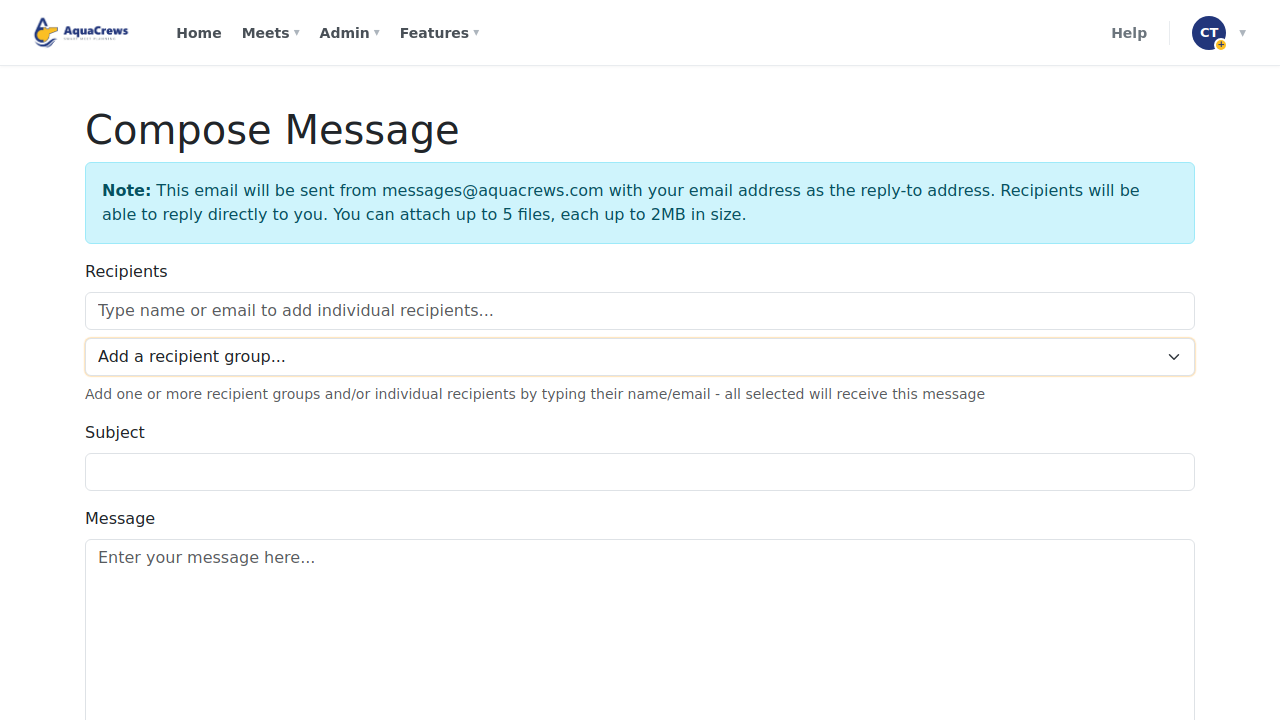
Choose a recipient group: all officials, all meet referees, or one region.
 Click to see a larger version
-
To add one person, type their name or email and choose them from the list.
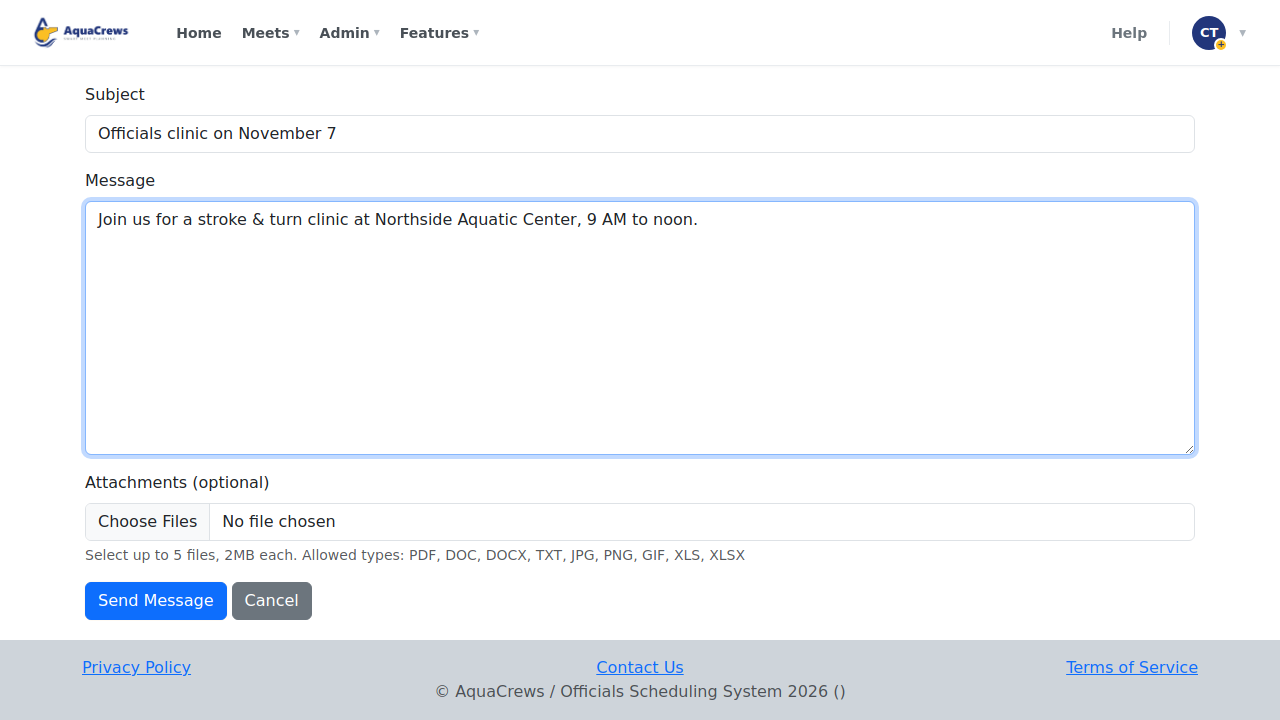
- Enter a Subject and your Message, and attach files if you need to.
-
Click Send Message, then OK to confirm the number of recipients.
 Click to see a larger version
Recipient groups
| Group | Who gets it |
|---|---|
| Organization - All Officials | Every active official in your LSC |
| Organization - All Meet Referees | Every meet referee in your LSC |
| Organization - region | Officials in that region, plus everyone who hasn't chosen a region |
Tips & troubleshooting
- Messages come from messages@aquacrews.com with your email as the reply-to address.
- Attachments: up to 5 files, 2 MB each.
- Region groups depend on officials choosing their region - see Set your region.
- For a message that should stay on everyone's Home page, post news instead.
Related: Post news · Message meet officials