
List meets and meet archive
See every meet in your LSC in one table, and look up archived meets from earlier seasons.
Before you start: you're signed in as an LSC administrator.
Steps
- Click Meets.
- Click List Meets.
-
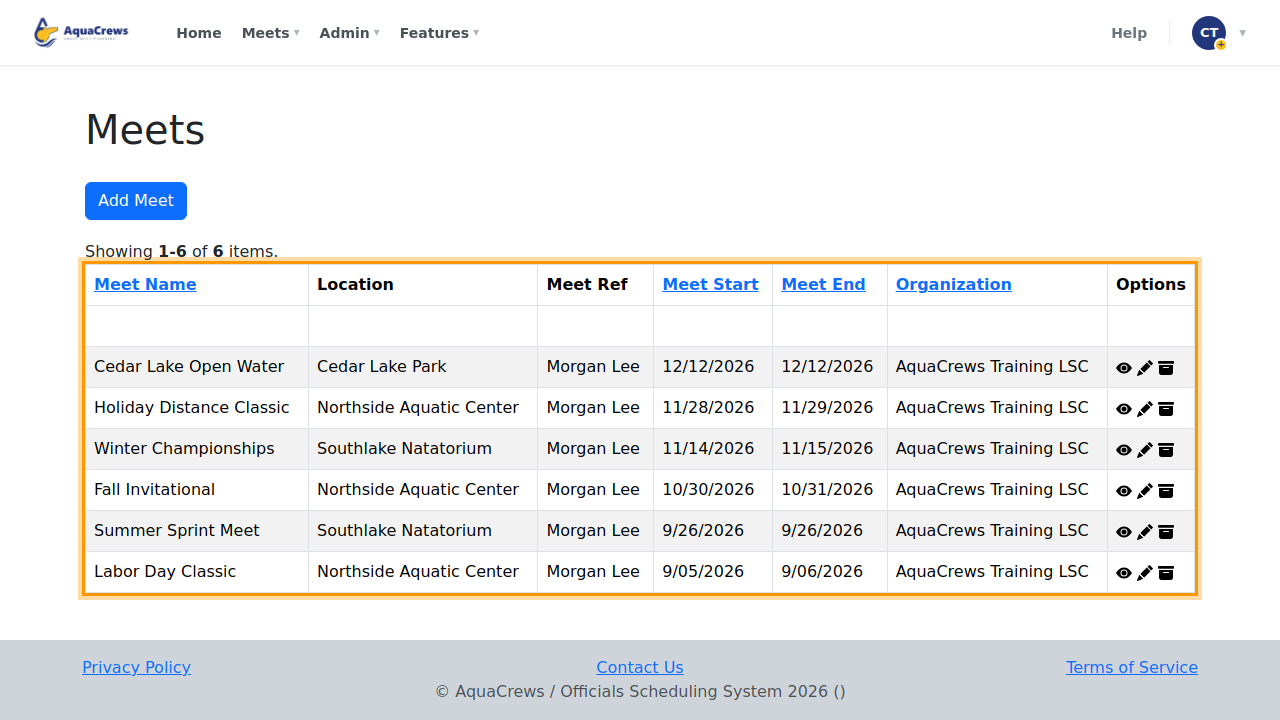
Every meet in your LSC is listed, with its pool, meet referee, and dates.
 Click to see a larger version
-
Click a column heading to sort the list.
- Use the icons to view, edit, or archive a meet.
- Click Meets.
- Click Meet Archive.
-
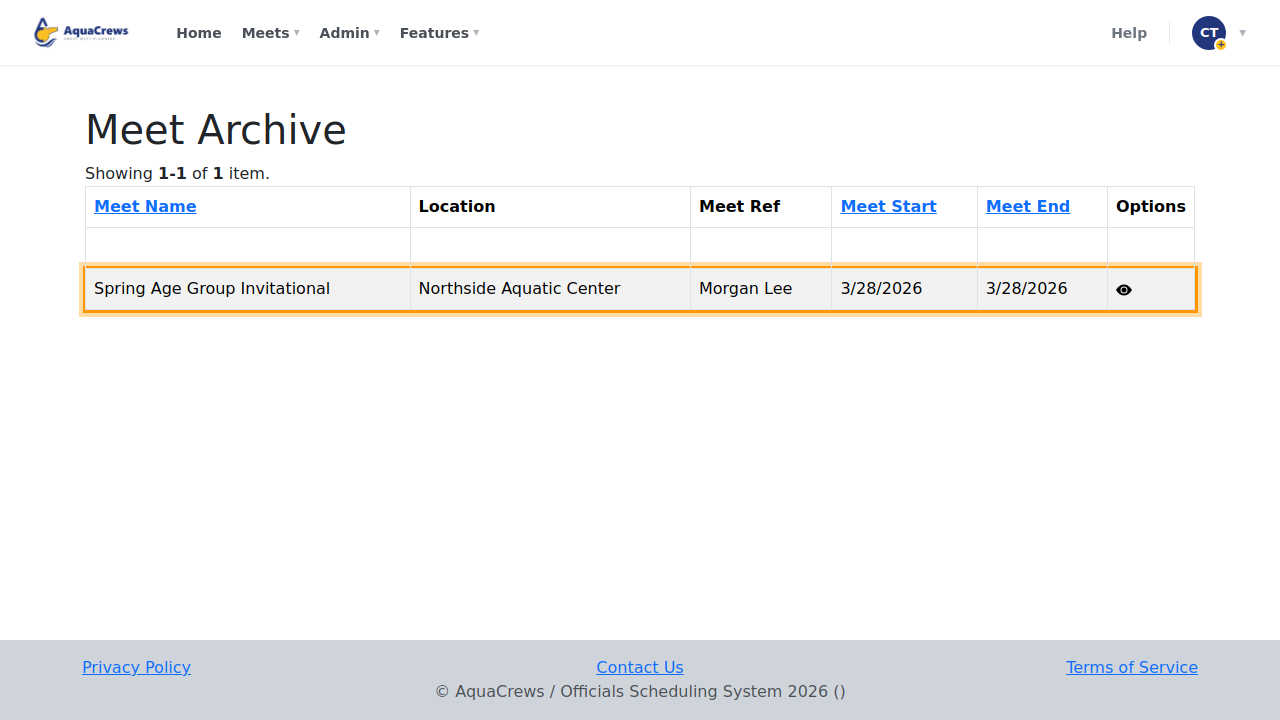
Past meets that were archived are listed here - click the eye to view one.
 Click to see a larger version
Tips & troubleshooting
- You only see your own LSC's meets.
- Add Meet creates a meet - see Create a meet.
- Archiving moves an old meet out of the main list; it stays in the archive for history and reports.
Related: LSC Statistics · Create a meet