
LSC Statistics
See how your LSC is doing - meets held, sessions worked, active officials - compared with the year before, and find officials who need a follow-up.
Before you start: you're signed in as an LSC administrator.
Steps
- Click Admin.
- Click LSC Statistics.
-
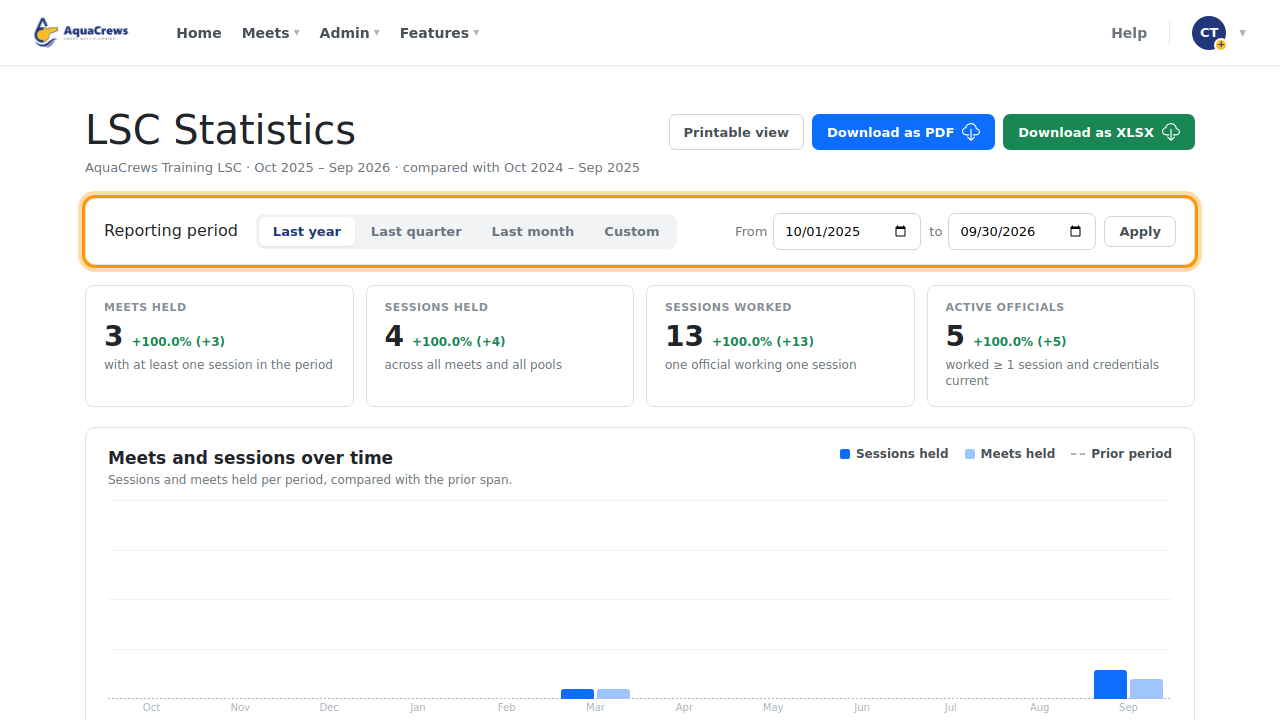
The totals show meets held, sessions held and worked, and active officials, compared with the year before.
 Click to see a larger version
-
Choose a Reporting period - or Custom with From and To dates - to change the time span.
- The chart shows meets and sessions over time.
-
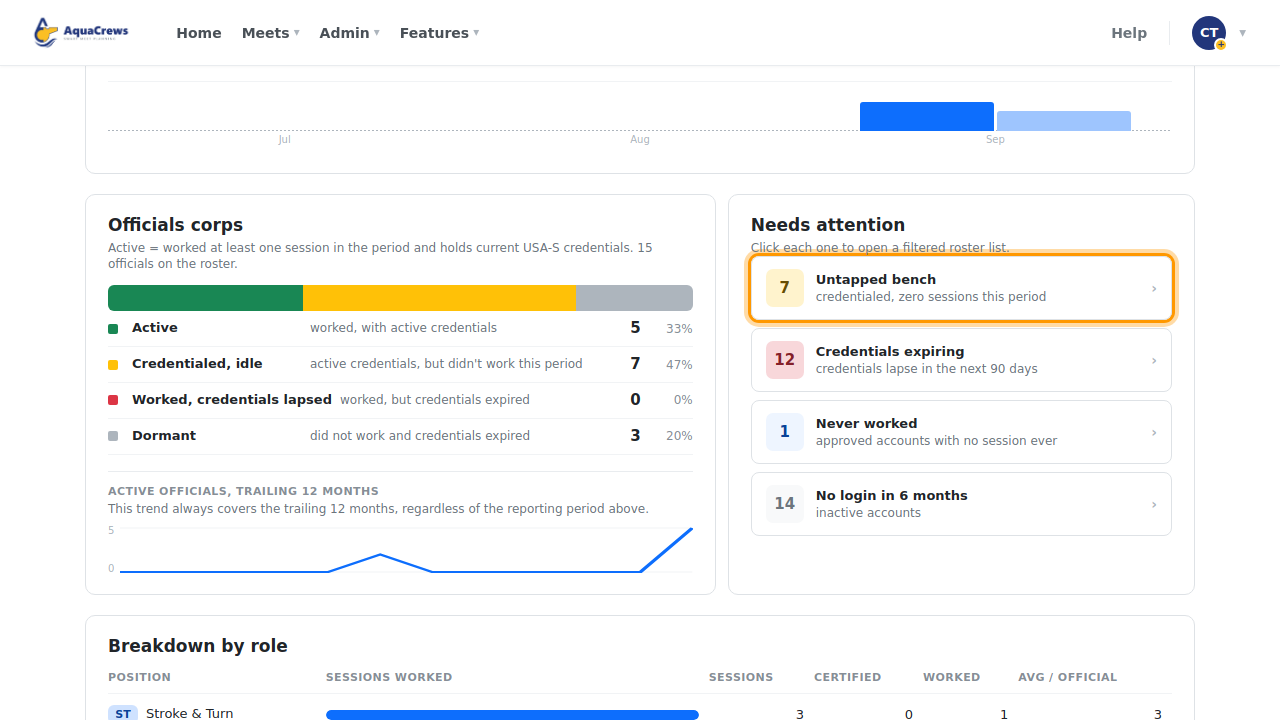
Under Needs attention, click an item to see the officials in it.
 Click to see a larger version
-
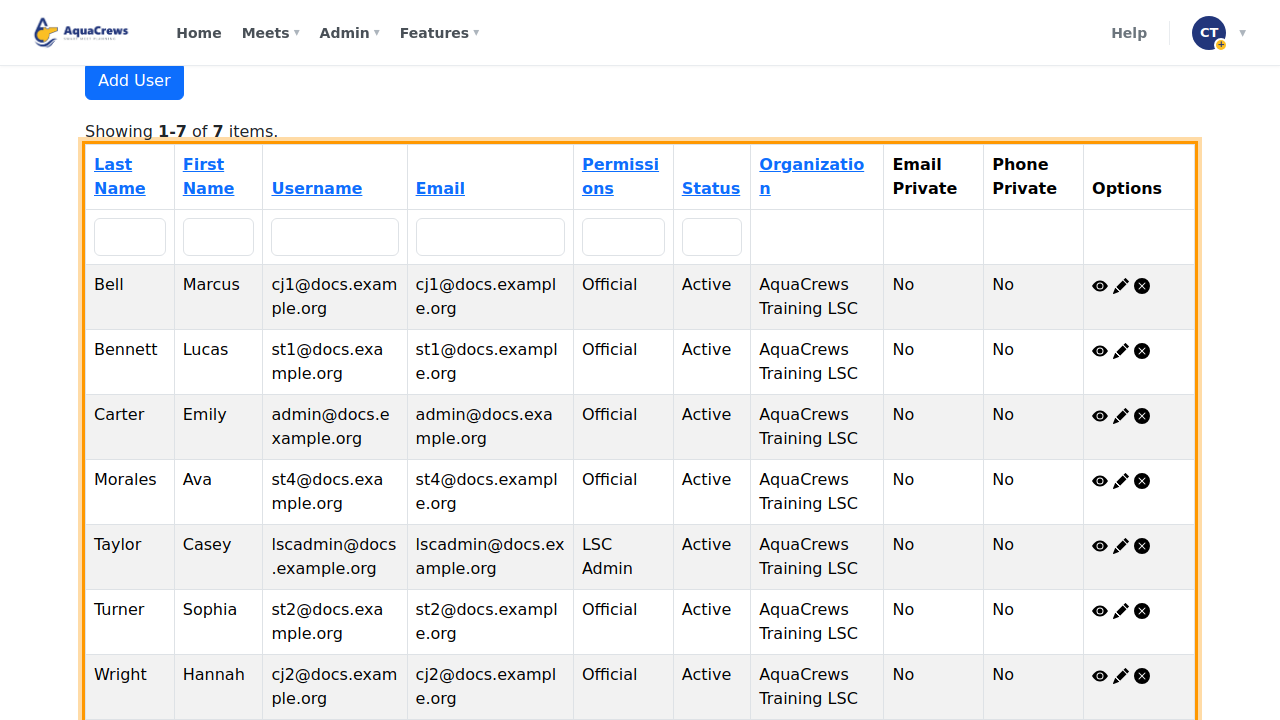
The list shows who's in that group, so you can follow up.
 Click to see a larger version
Tips & troubleshooting
- Officials corps shows how many officials are active, credentialed but not working (the untapped bench), and inactive.
- Click Printable view, Download as PDF, or Download as XLSX to share the numbers.
Related: LSC Roster · Manage users