
Manage regions
Regions divide your LSC into areas. Pools belong to a region, officials choose their region, and messages and meet filters can be limited to one region.
Before you start: you're signed in as an LSC administrator.
Steps
- Click Admin.
- Click Regions.
-
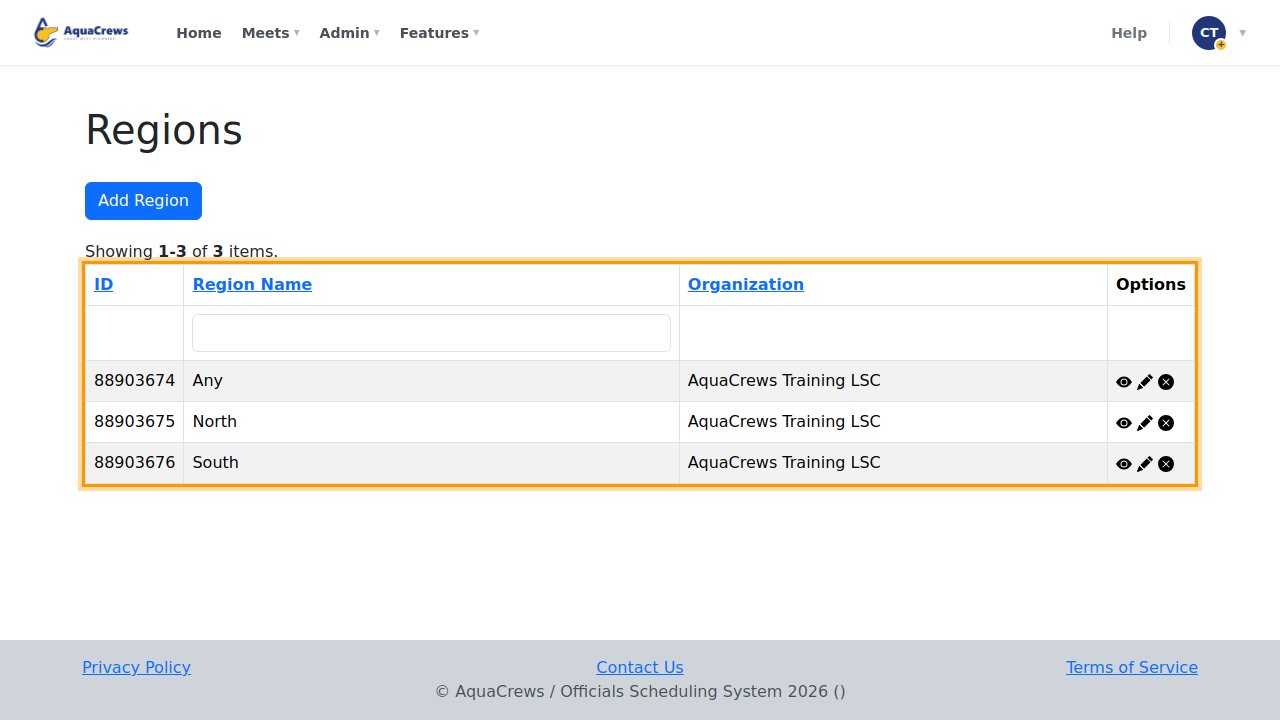
Your LSC's regions are listed - Any is built in and means no particular region.
 Click to see a larger version
-
Click Add Region.
-
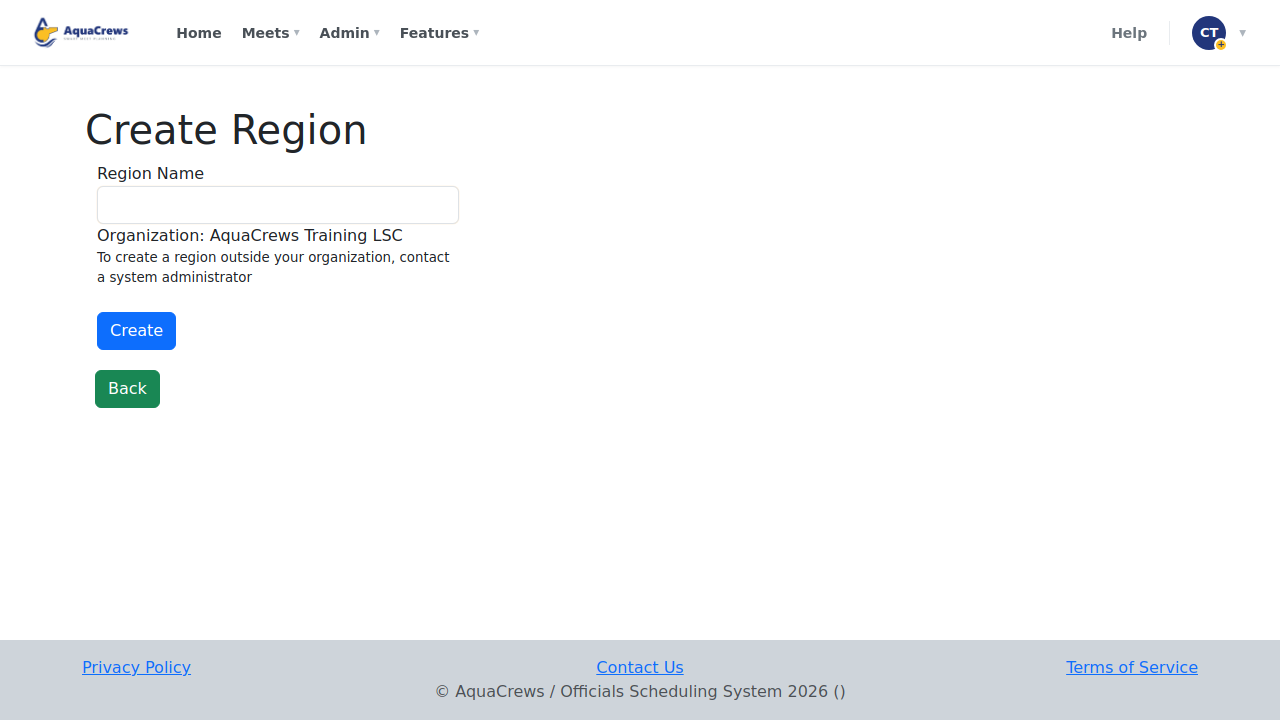
Enter the Region Name.
 Click to see a larger version
-
Click Create.
-
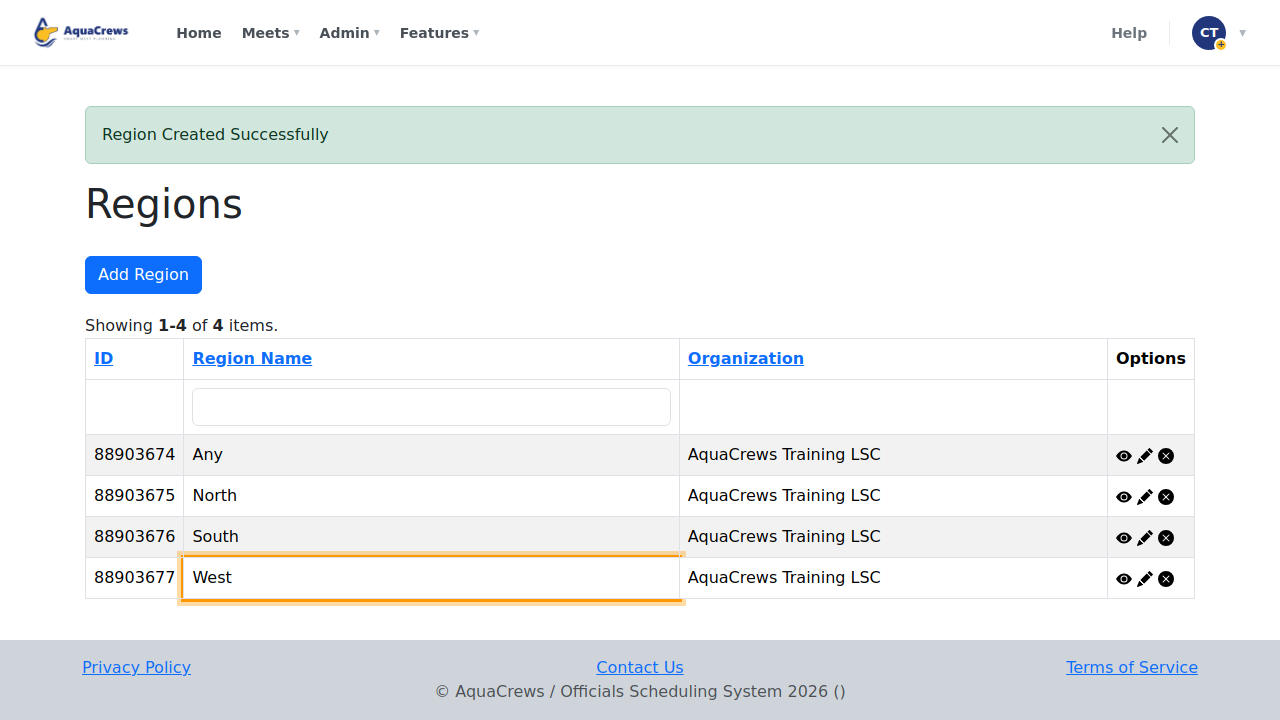
The region is added - officials can now choose it as their region, and pools can be put in it.
 Click to see a larger version
Tips & troubleshooting
- Use the pencil to rename a region, or the x to delete it.
- Before deleting a region, check which pools and officials are in it, and move them to another region - see Manage LSC locations.
- Officials pick their region in their profile - see Set your region.
Related: Manage LSC locations · Organization-wide messages