
Report: Check-In Sheet
A sign-in sheet for officials' check-in, attendance, and radios, with the sessions each official isn't working greyed out.
Before you start: you're the meet's referee, an LSC administrator, or on the meet's staff.
Steps
- On the Home page, find the meet under My Meets and click Manage.
-
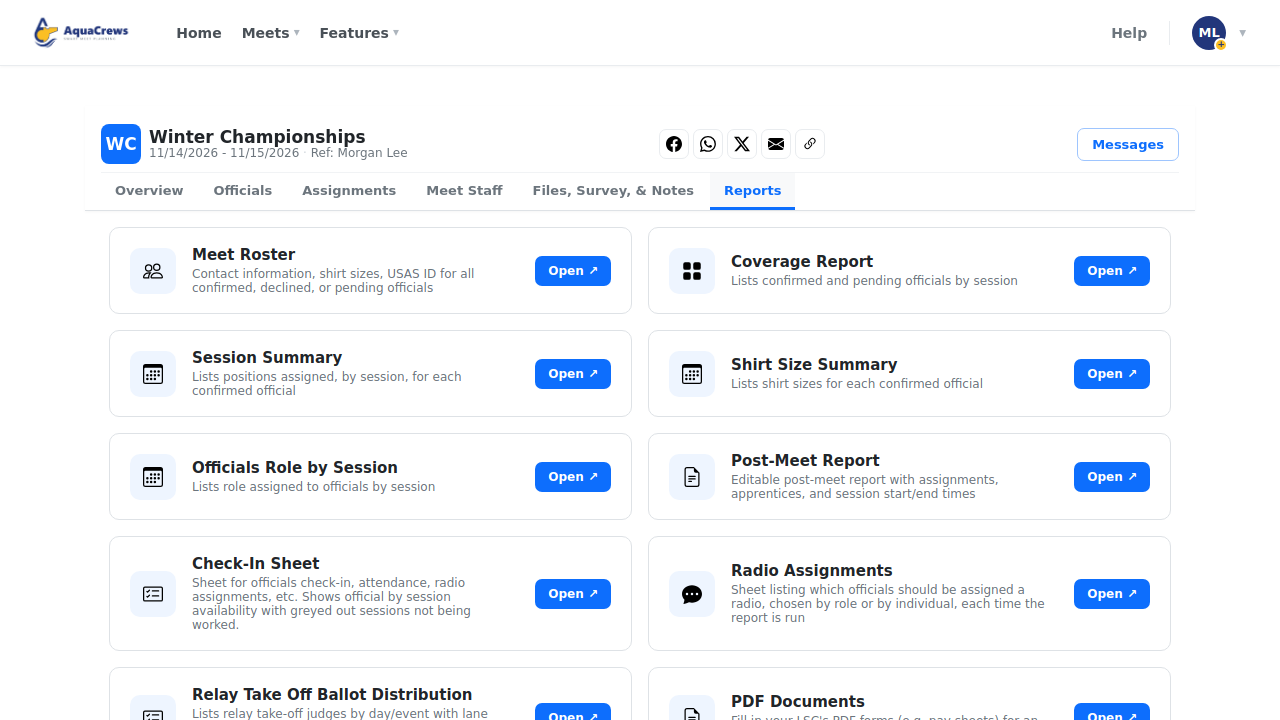
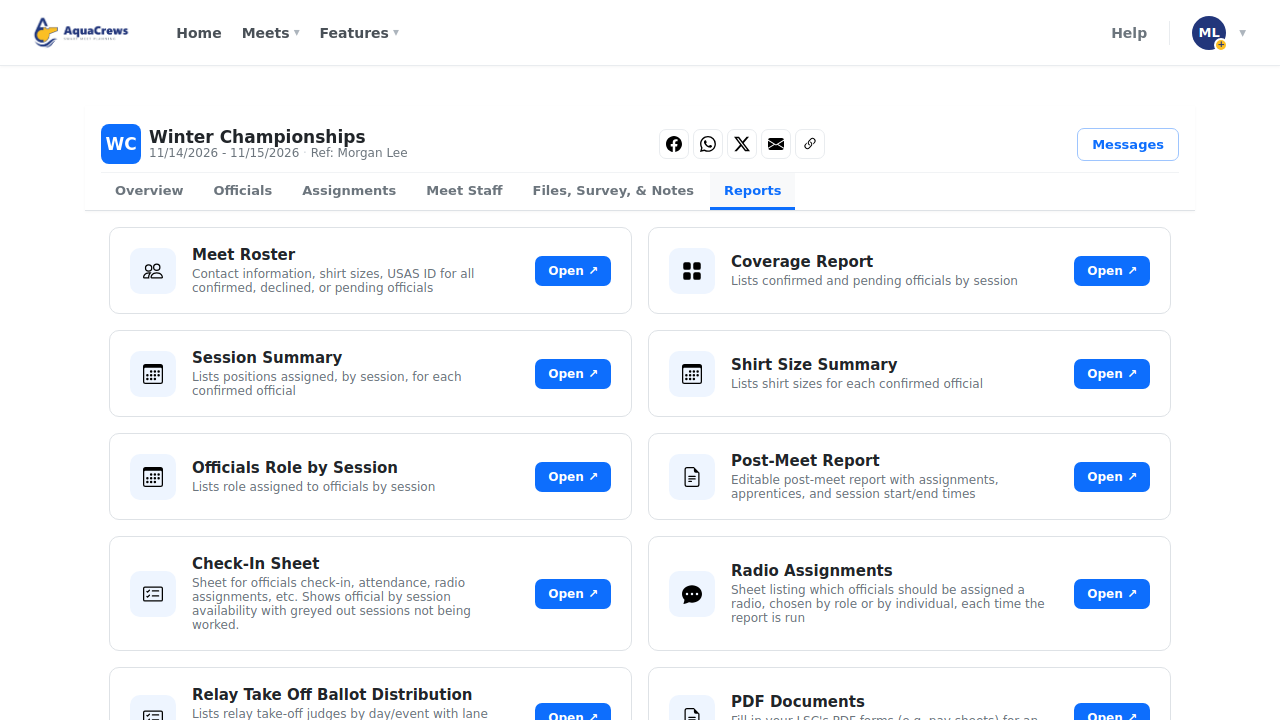
Click the Reports tab.
 Click to see a larger version
-
On Check-In Sheet, click Open.
-
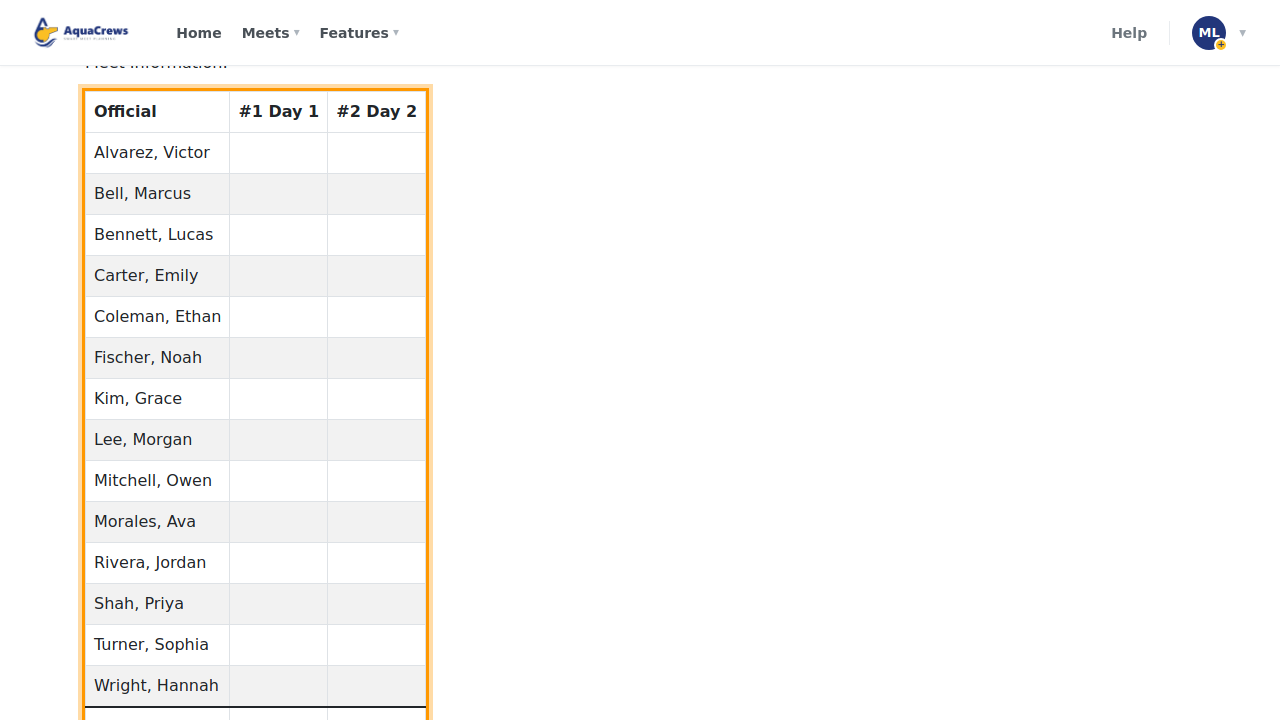
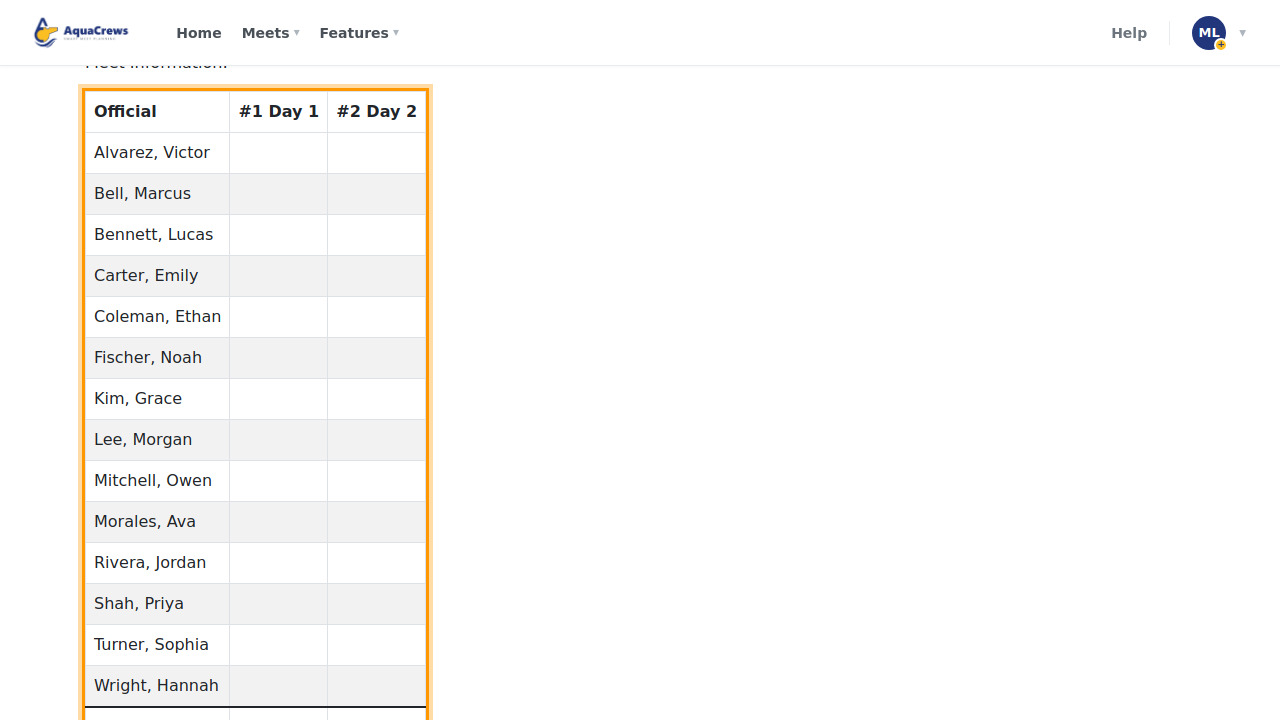
The sheet lists every official, with sessions they aren't working greyed out.
 Click to see a larger version
-
Click Download as DOCX to print it, or edit it in Word first.
Tips
- Download as PDF and Download as XLSX are there too.
Related: All reports · Build deck assignments