
Report: Post-Meet Report
An editable report of the meet - officials, assignments, apprentices, and session times - to send to your LSC after the meet.
Before you start: you're the meet's referee, an LSC administrator, or on the meet's staff.
Steps
- On the Home page, find the meet under My Meets and click Manage.
-
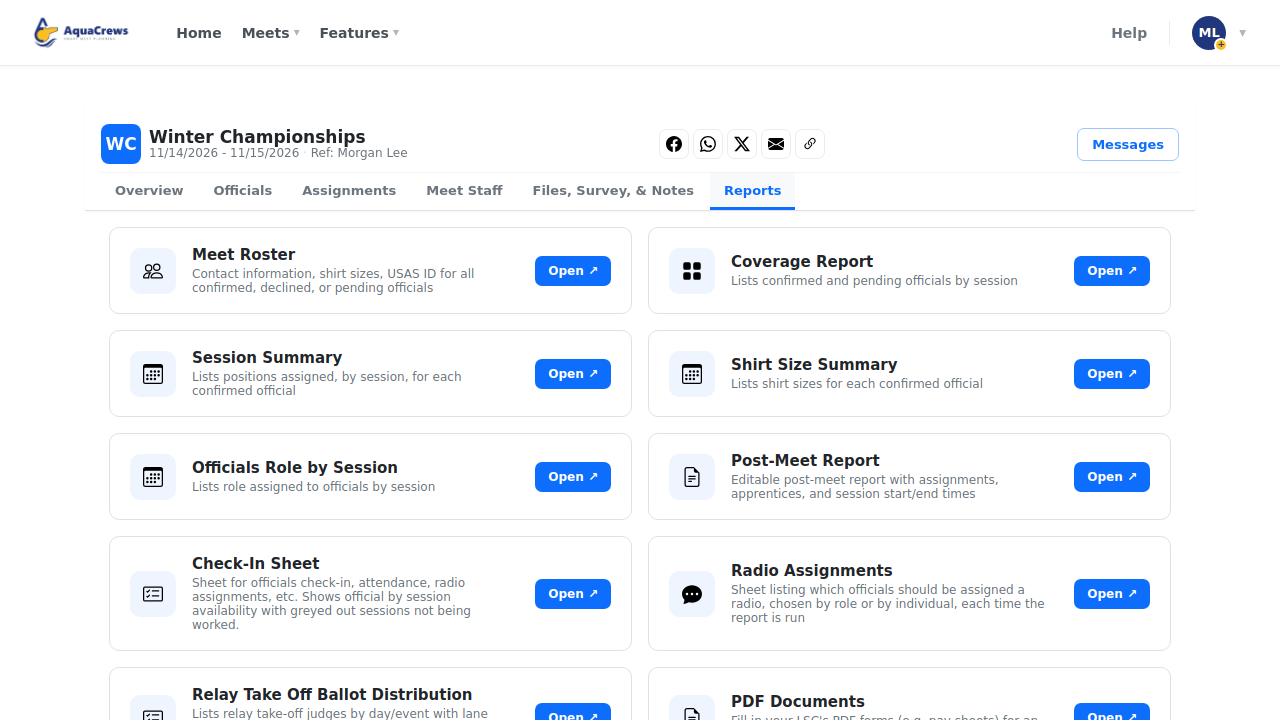
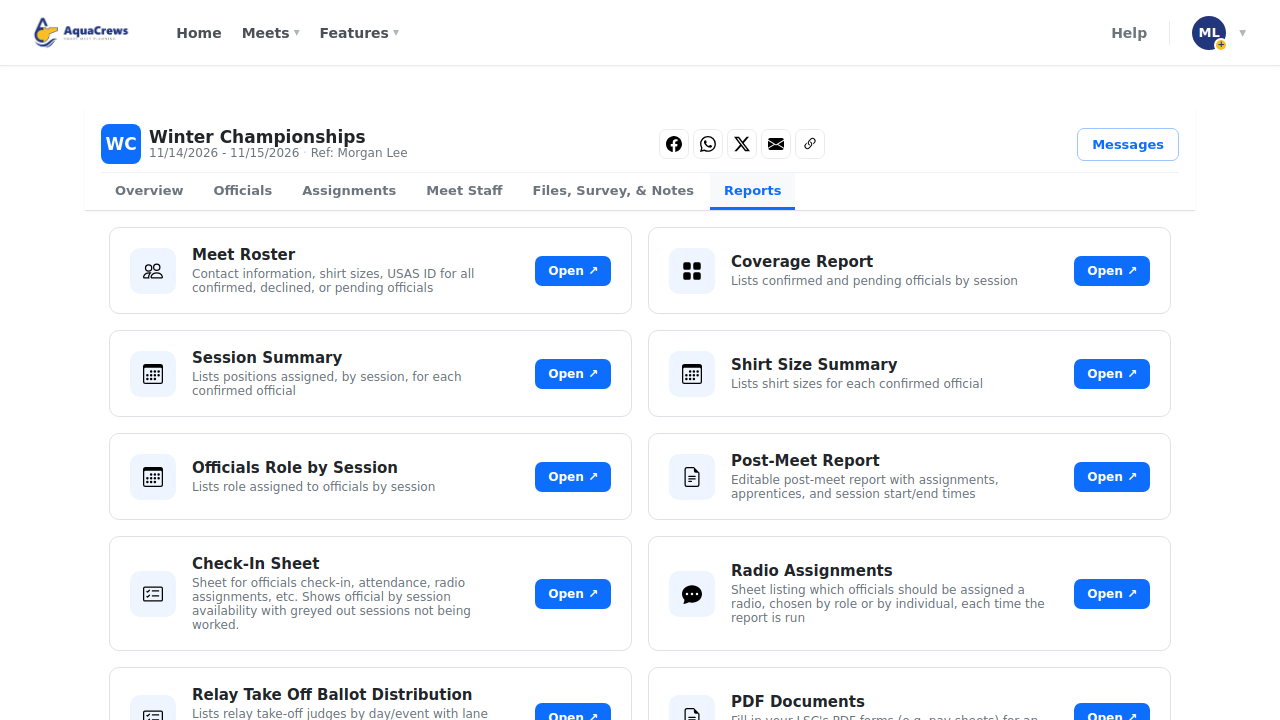
Click the Reports tab.
 Click to see a larger version
-
On Post-Meet Report, click Open.
-
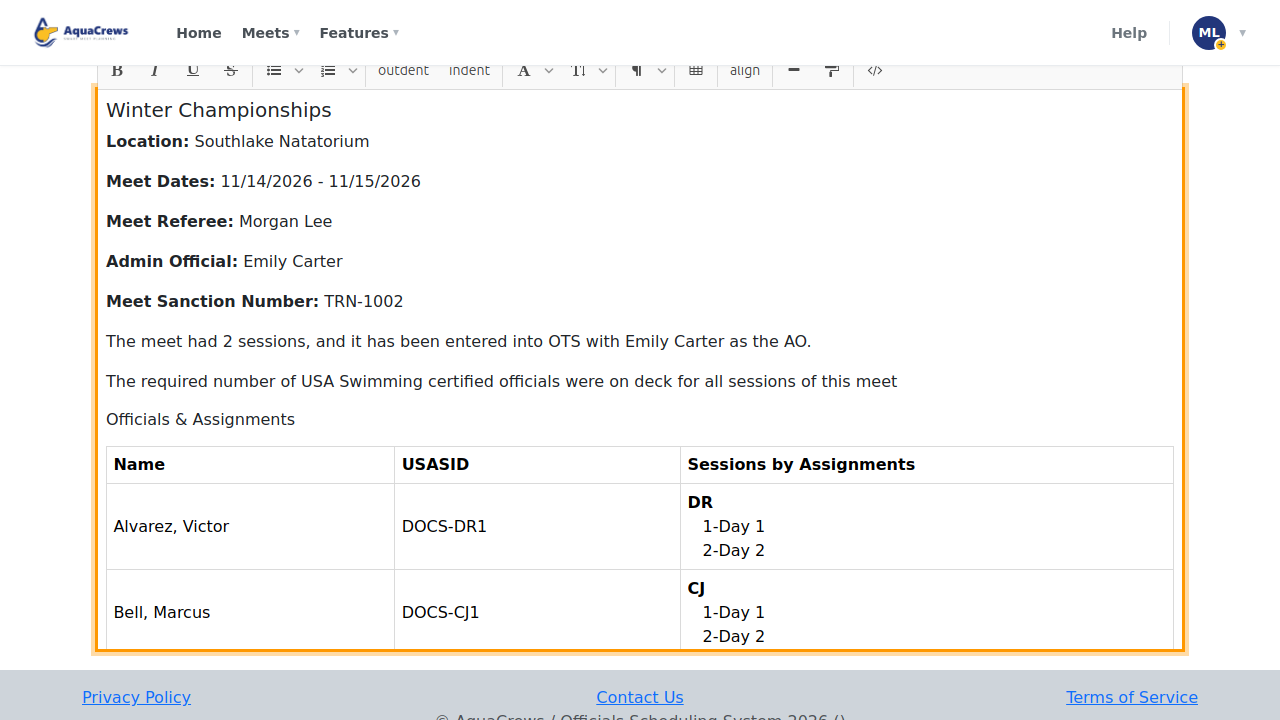
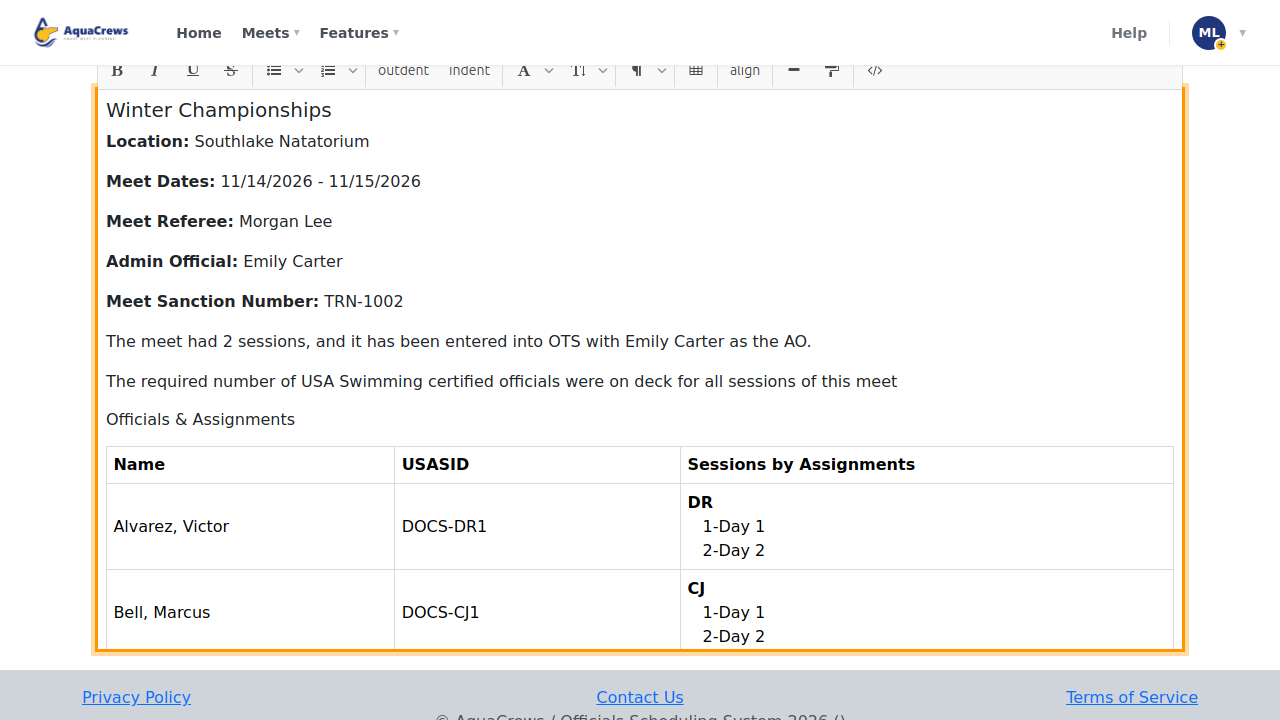
The report is filled in from the meet's assignments, apprentices, and session times.
 Click to see a larger version
-
Type in the report to add or change anything.
- Click Save Report to keep your changes.
- Click Download PDF to save or send it.
Tips
- Click Regenerate Report to start over from the meet's current assignments - your edits are replaced.
Related: All reports · Build deck assignments