
Report: Officials Role by Session
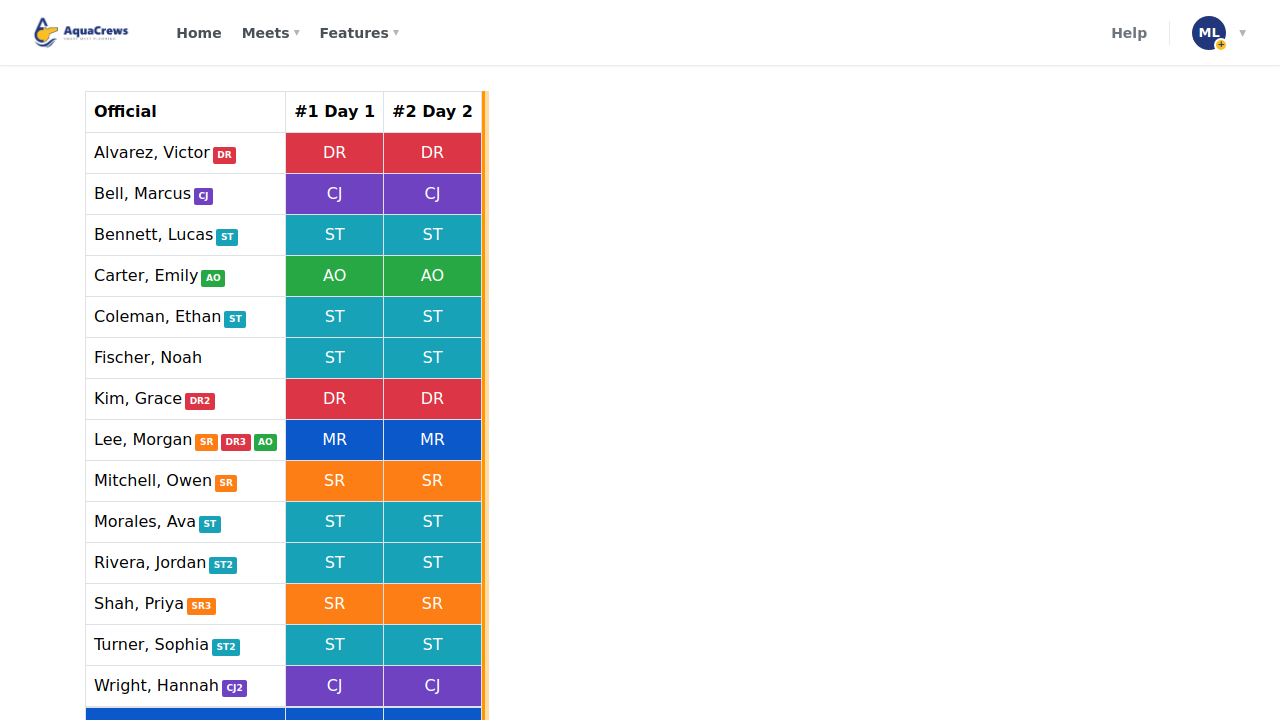
Shows the role each official works in each session, color-coded, so you can spot sessions that are short of a role.
Before you start: you're the meet's referee, an LSC administrator, or on the meet's staff.
Steps
- On the Home page, find the meet under My Meets and click Manage.
-
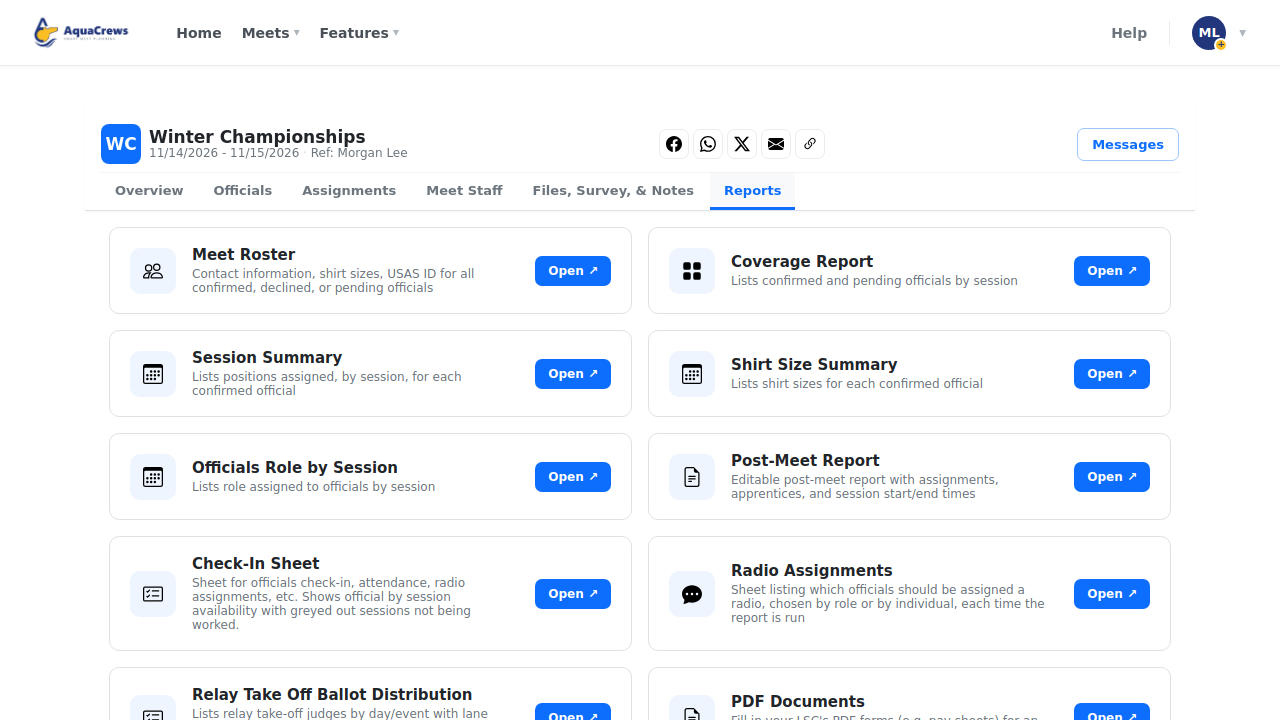
Click the Reports tab.
 Click to see a larger version
-
On Officials Role by Session, click Open.
-
Each row is an official, and each column shows the role they work in that session.
 Click to see a larger version
-
Use it to spot sessions that are short of a role.
- Click Download as PDF or Download as XLSX to save a copy.
Tips
- For open water meets, turn judges show their turn number, for example TJ-1 and TJ-2.
- The tags next to names show each official's certifications.
Related: All reports · Build deck assignments