
Report: Meet Roster
Contact information, shirt sizes, and USA Swimming ID for every confirmed, pending, and declined official in the meet.
Before you start: you're the meet's referee, an LSC administrator, or on the meet's staff.
Steps
- On the Home page, find the meet under My Meets and click Manage.
-
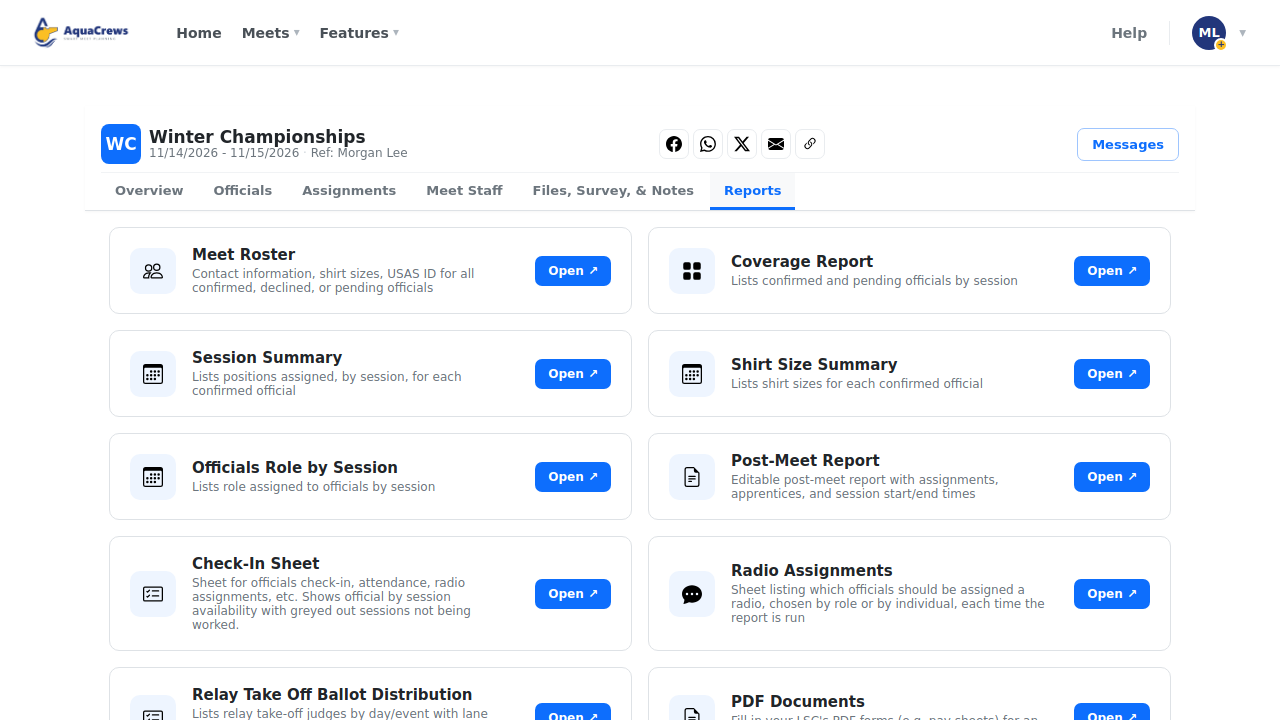
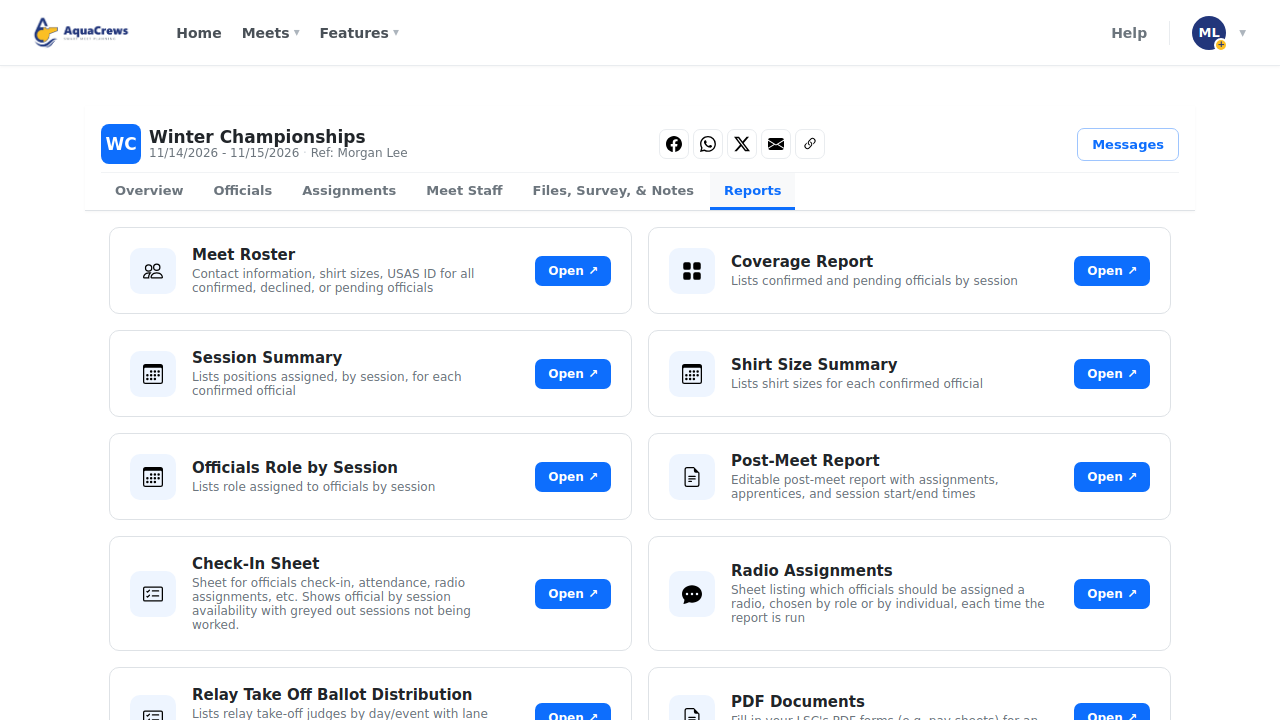
Click the Reports tab.
 Click to see a larger version
-
On Meet Roster, click Open.
-
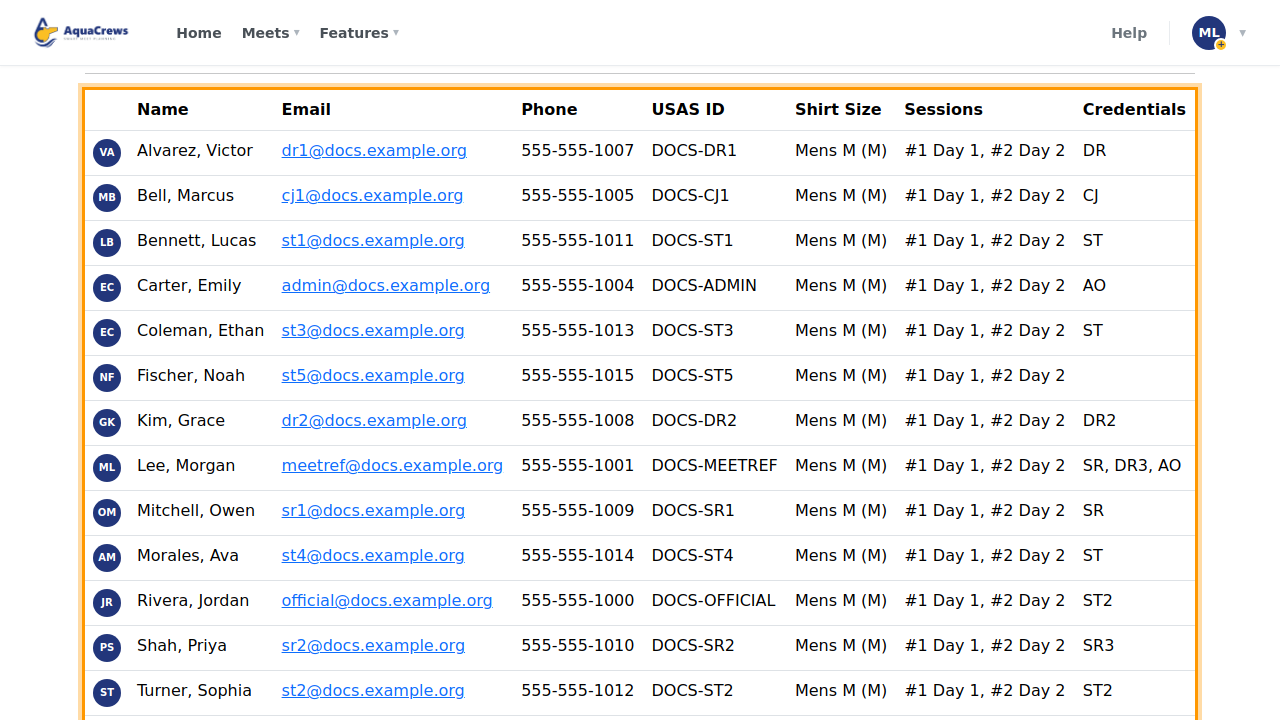
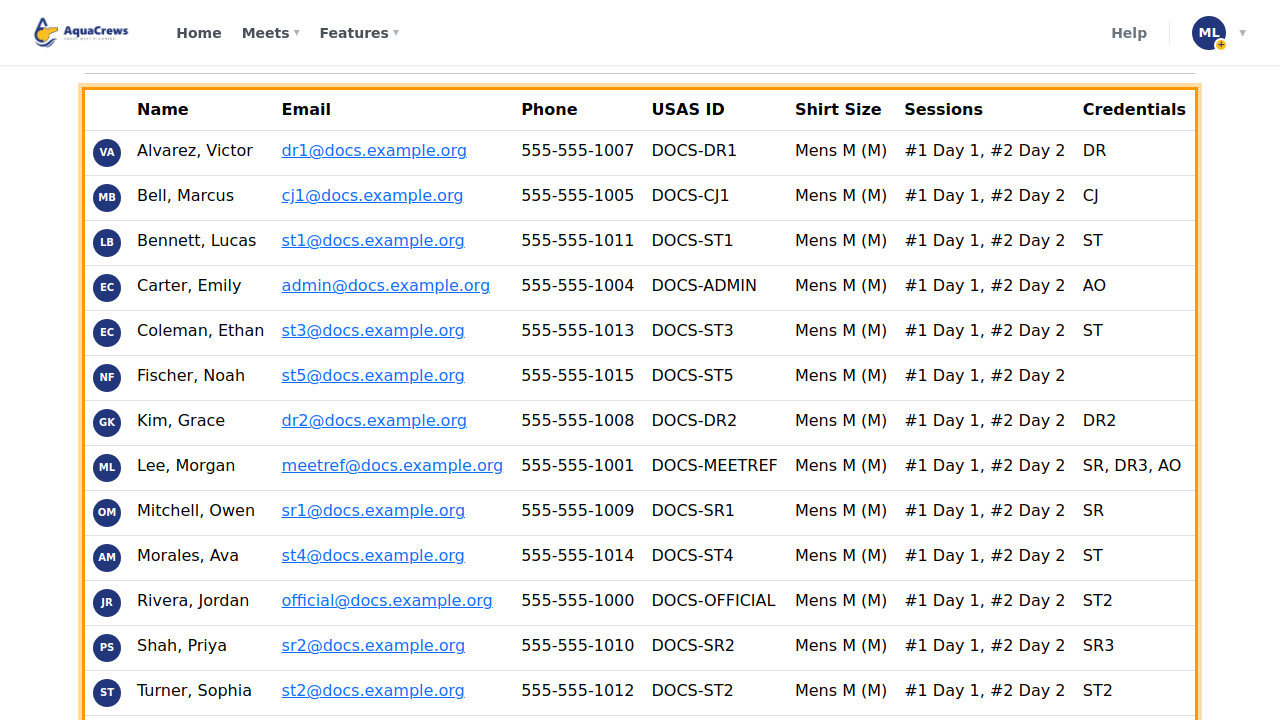
Confirmed Officials lists each official with contact details, USA Swimming ID, and shirt sizes.
 Click to see a larger version
-
Pending and Declined officials are listed below.
- Click Download as PDF or Download as XLSX to save a copy.
Tips
- Officials who chose to hide their email or phone in their profile show only their name to other users.
Related: All reports · Build deck assignments