
Share a meet
Post a link to your meet on social media, email it, or copy it to paste anywhere - the link takes officials straight to the meet's sign-up page.
Before you start: you're the meet's referee, or an LSC administrator.
Steps
- On the Home page, find the meet under My Meets and click Manage.
-
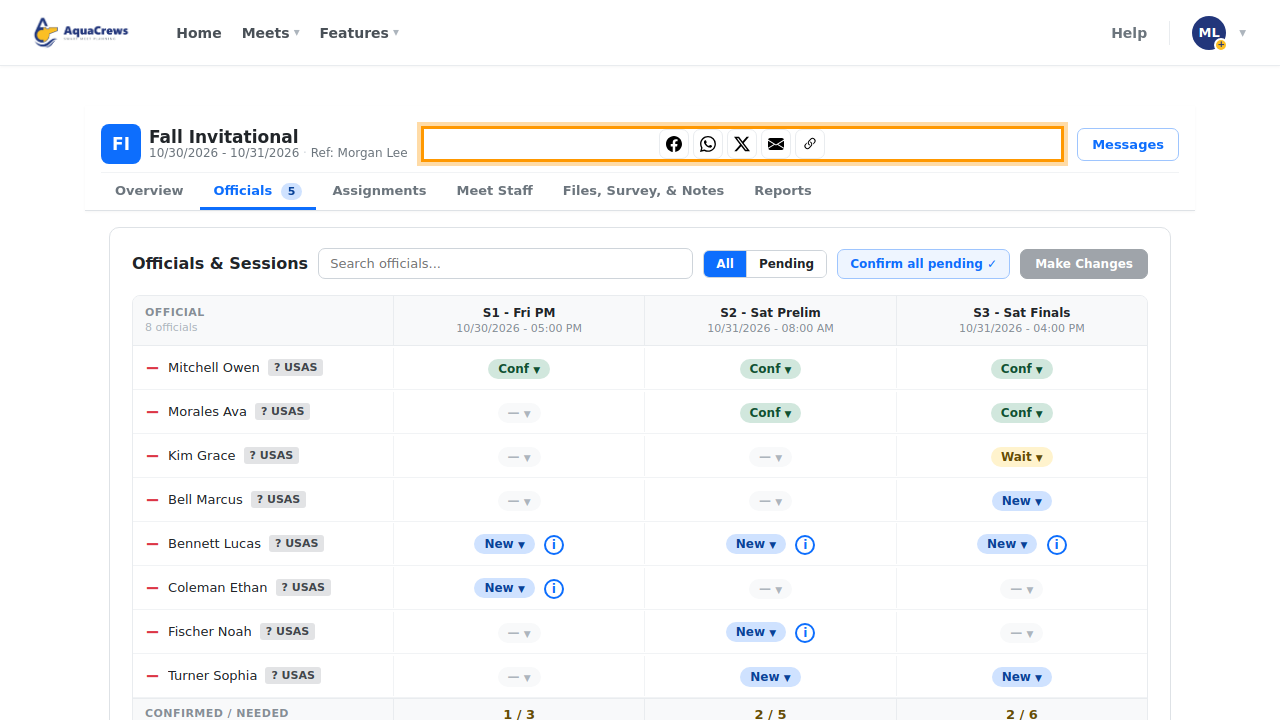
The share buttons are at the top of the meet management page.
 Click to see a larger version
-
Click Facebook, WhatsApp, or X to post a link to the meet.
- Click the envelope to email the link.
- Click the link button to copy the meet's link, then paste it into a text, group chat, or newsletter.
- The link opens the meet's page, where officials can sign up.
Tips & troubleshooting
- Officials need an approved AquaCrews account to sign up. Anyone else who opens the link is asked to sign in or create an account first.
- To email the officials who are already signed up, use Messages instead.
Related: Create a meet · Message meet officials