
Take the tour and get help
AquaCrews has a guided tour that walks you around the app, and a help center where you can search for answers or send a question to the AquaCrews team.
Before you start: you're signed in.
Take the tour
-
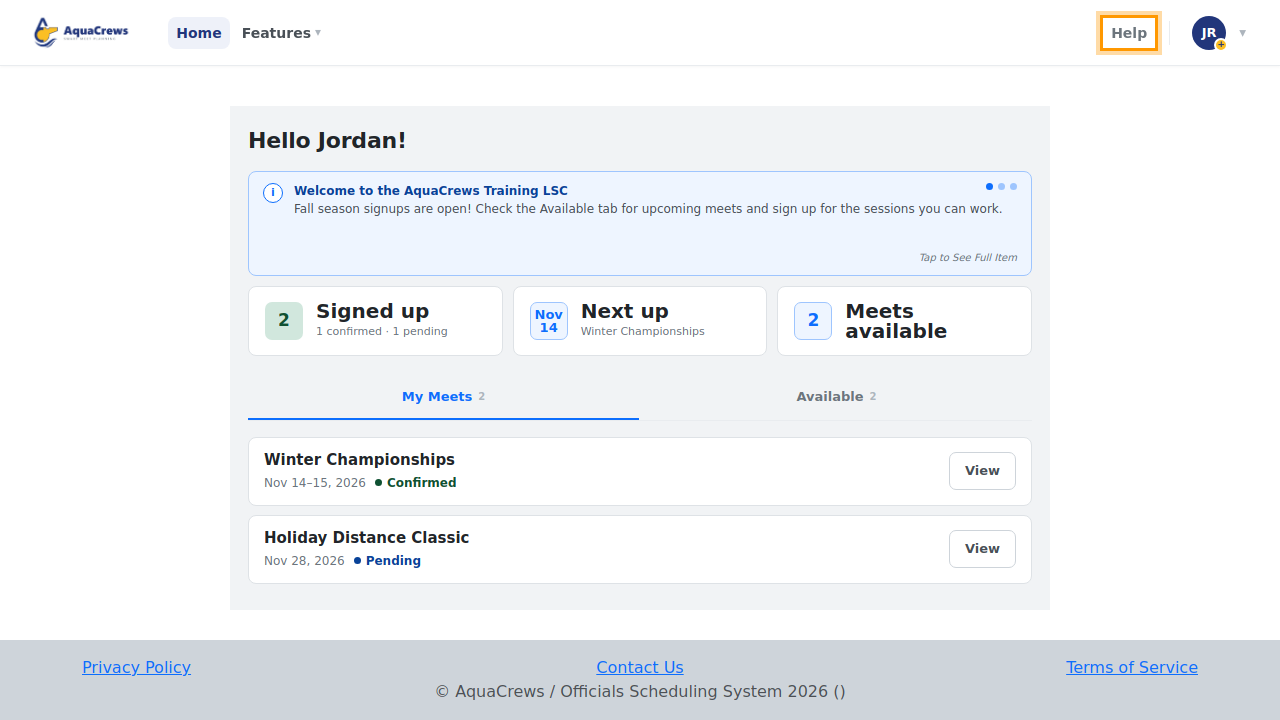
Click Help at the top of the page.

Click to see a larger version -
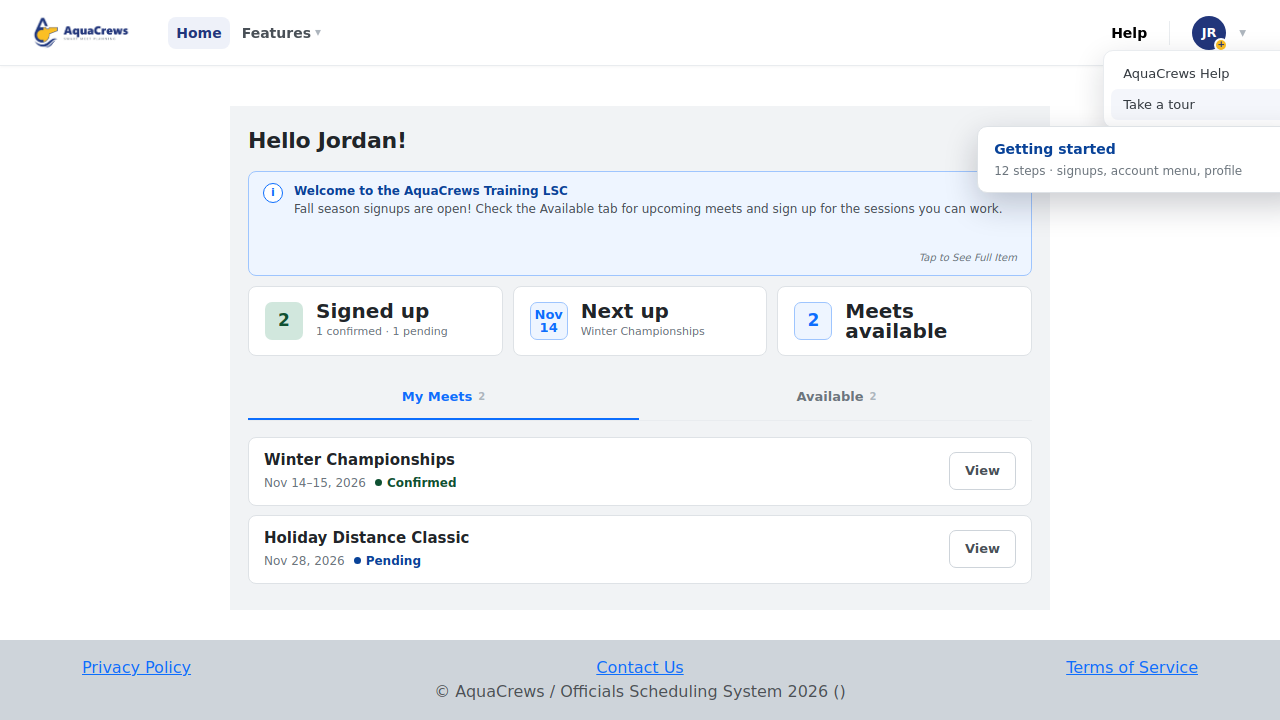
Click Take a tour.
-
Choose a tour - Getting started covers the basics.

Click to see a larger version -
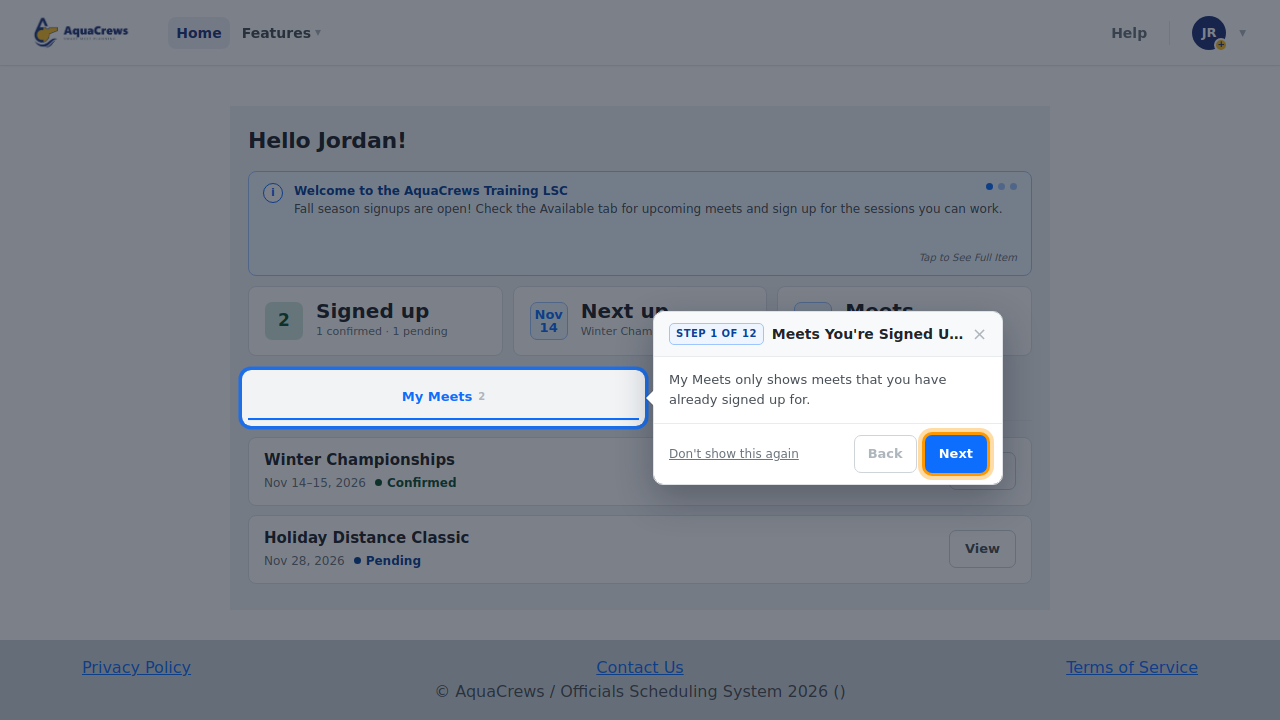
Read each step, then click Next. Click Back to see a step again.

Click to see a larger version -
Click × to close the tour at any time.
Get help
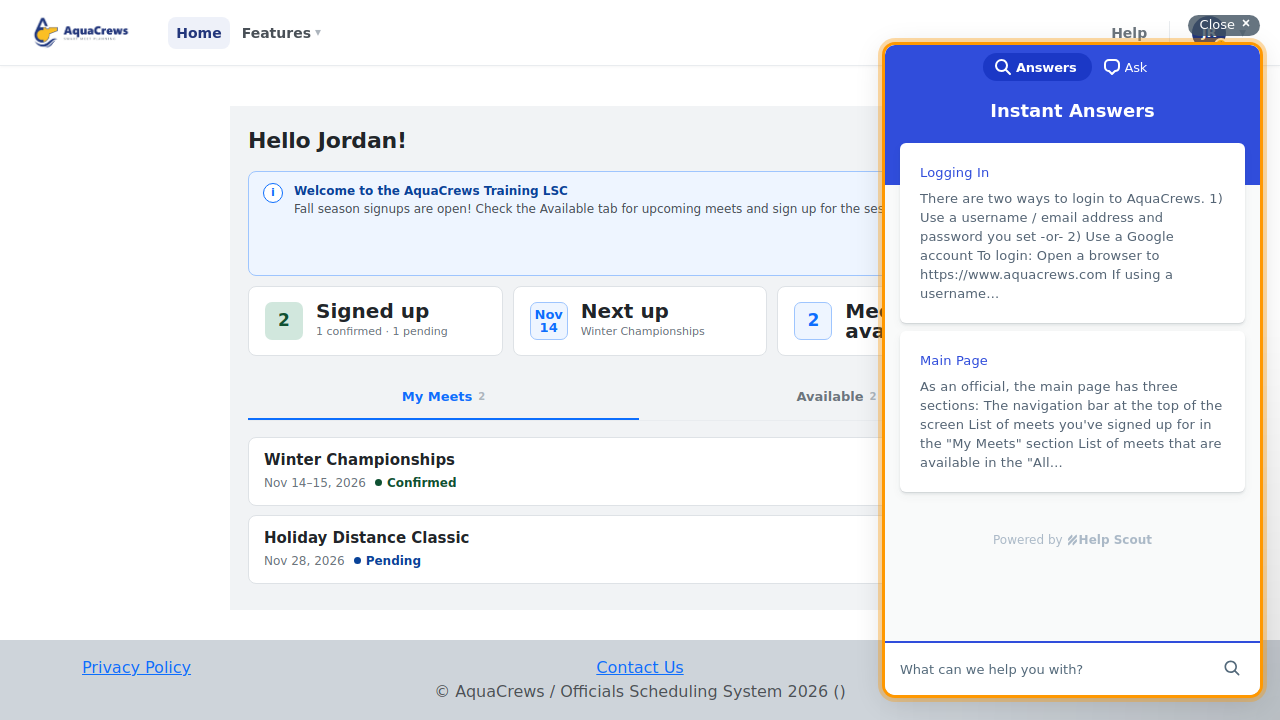
- For help, click Help, then AquaCrews Help.
-
Search the help articles, or click Ask to send a question to the AquaCrews team.

Click to see a larger version
Tips & troubleshooting
- The tour starts by itself the first time you sign in. Click Don't show this again if you don't want it to come back.
- If you close the tour partway through, AquaCrews offers to pick up where you left off next time.
- Meet referees also see a Meet referee tour, and meets that use the Meet Planner have a Meet Planner tour.
- Can't sign in? Use Contact Us on the Login page or at the bottom of any page.
Related: Tour of the Home page · Fix sign-in problems · How do I...