
Meet Matrix
The Meet Matrix shows every upcoming meet session in your LSC and every official's status for each one, on one page.
Before you start: you're signed in.
Steps
- Click Features.
- Click Meet Matrix.
-
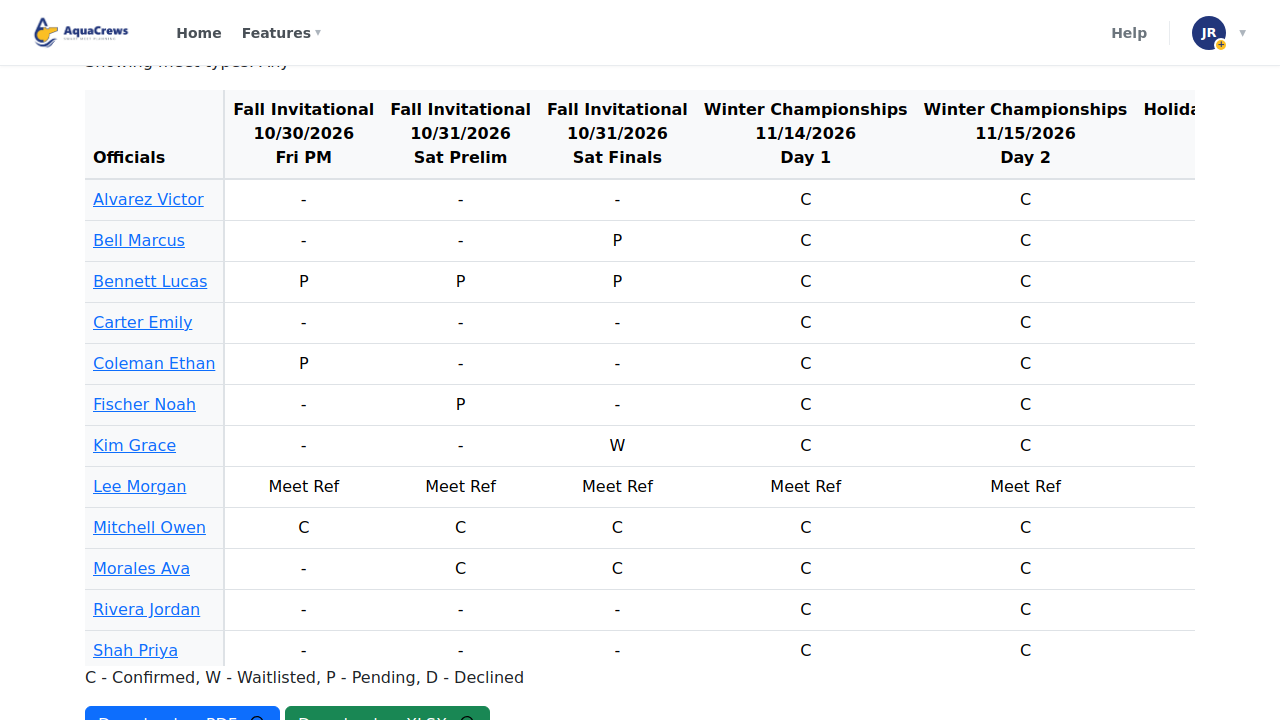
Each column is a meet session, and each row is an official.

Click to see a larger version -
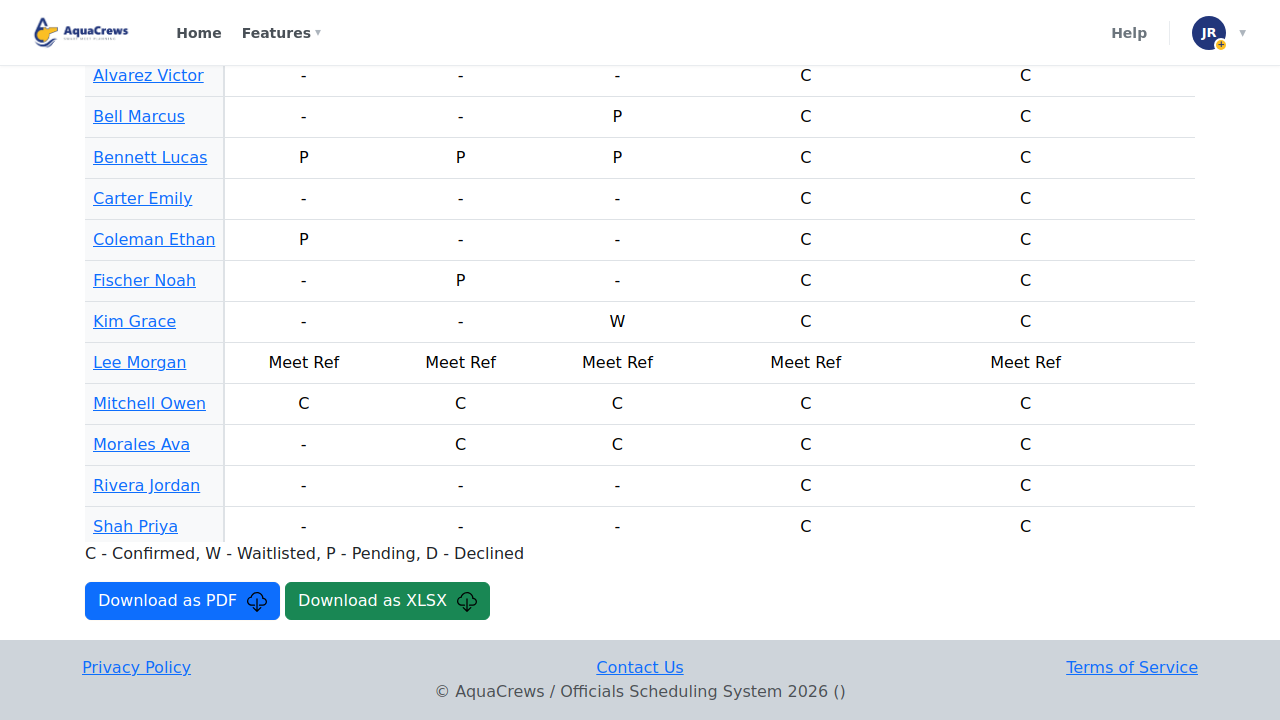
The letters show each official's status: C Confirmed, W Waitlisted, P Pending, D Declined.
- To see one kind of meet, choose it in Filter by Meet Type and click Apply.
-
Click Download as PDF or Download as XLSX to save a copy.

Click to see a larger version
Tips & troubleshooting
- Scroll sideways to see more sessions when your LSC has many meets.
- Click an official's name to email them.
- Current as of shows when the matrix was last updated.
Related: What your signup status means · Find a meet