
My Meet History
See the meets and sessions you've worked, and the positions you held - handy for certification paperwork and keeping track of your season.
Before you start: you're signed in.
Steps
- Click your name in the top-right corner.
- Click My Meet History.
-
Your totals show how many meets and sessions you worked, and in which positions.
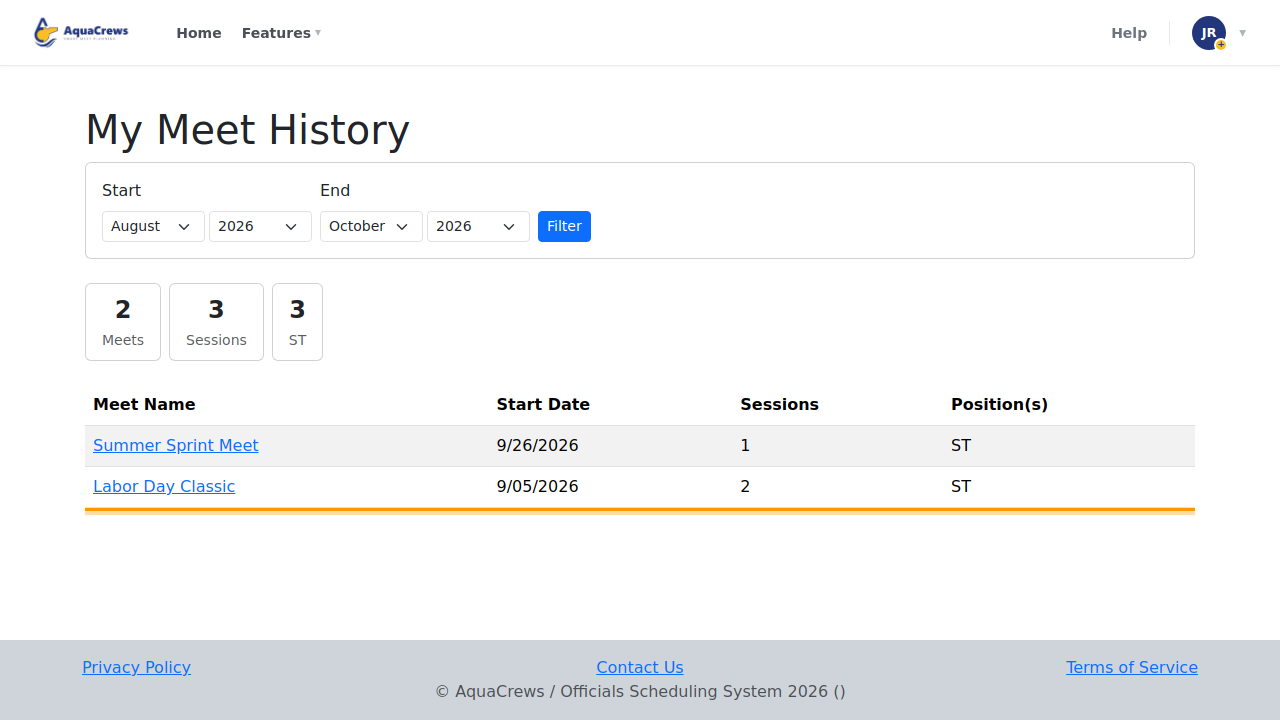
Click to see a larger version -
To see a different time period, choose a Start month and year.
- Choose an End month and year, then click Filter.
-
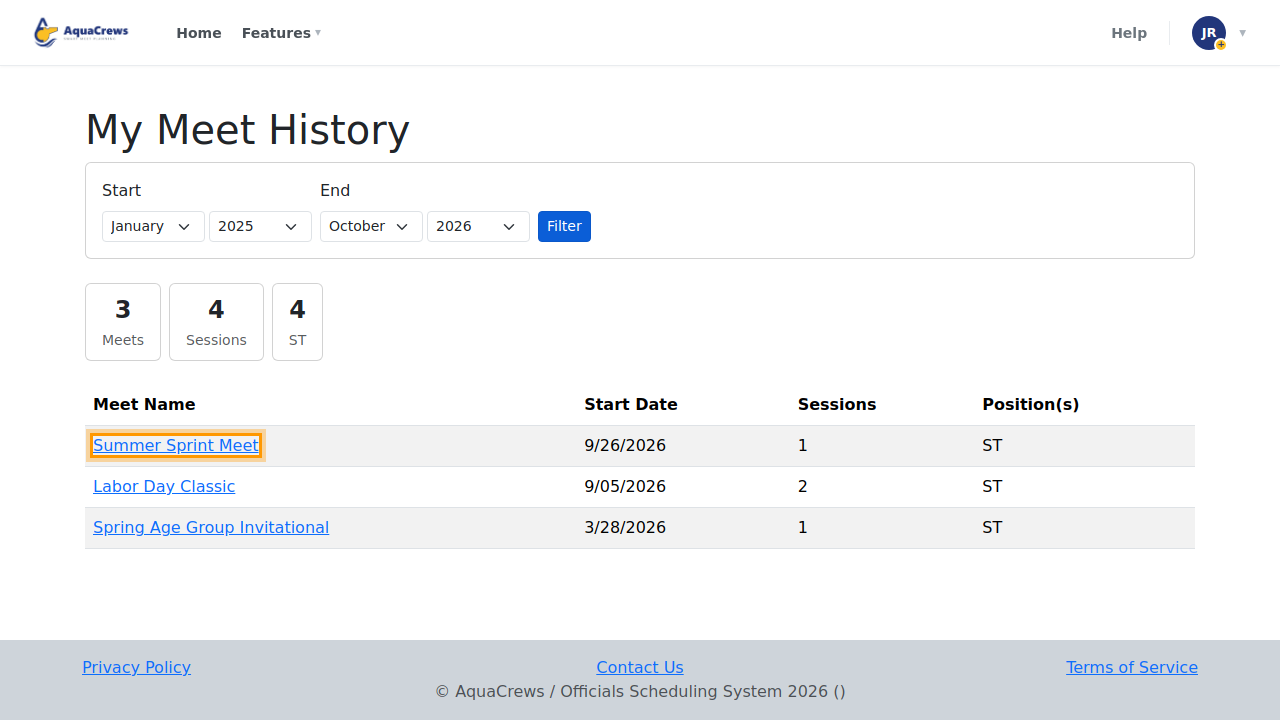
Click a meet's name to open it.
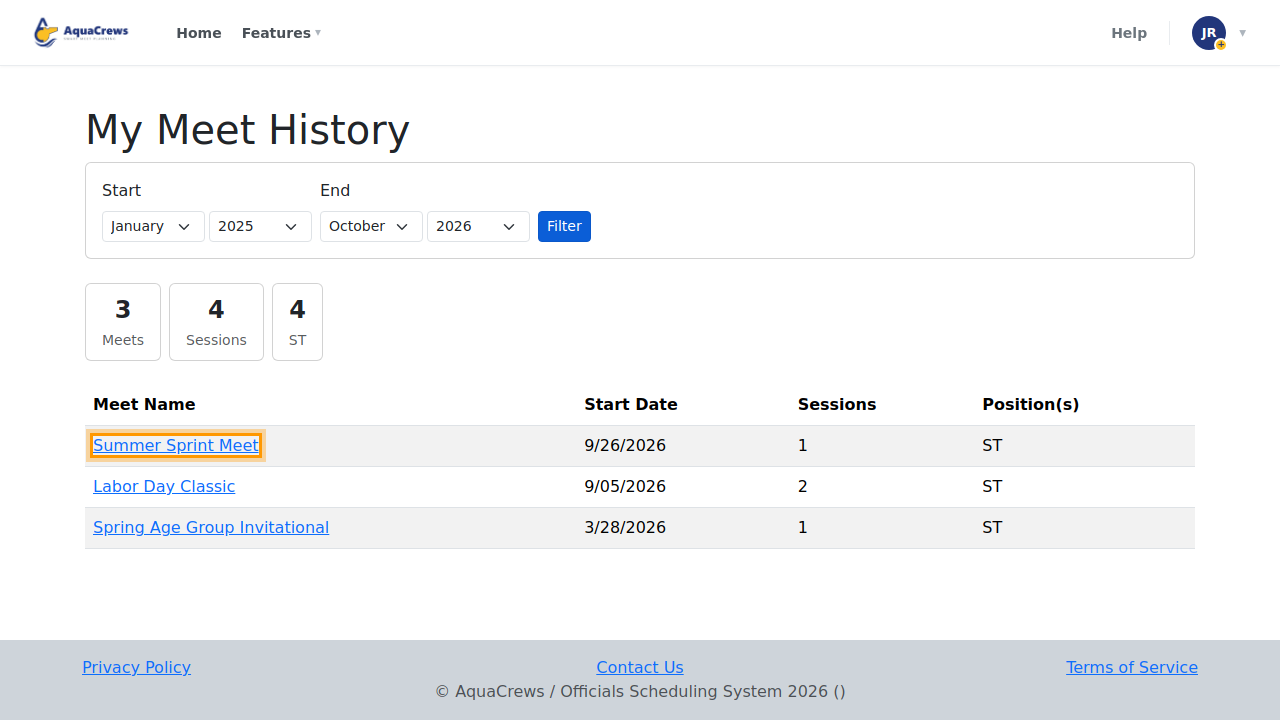
Click to see a larger version
Tips & troubleshooting
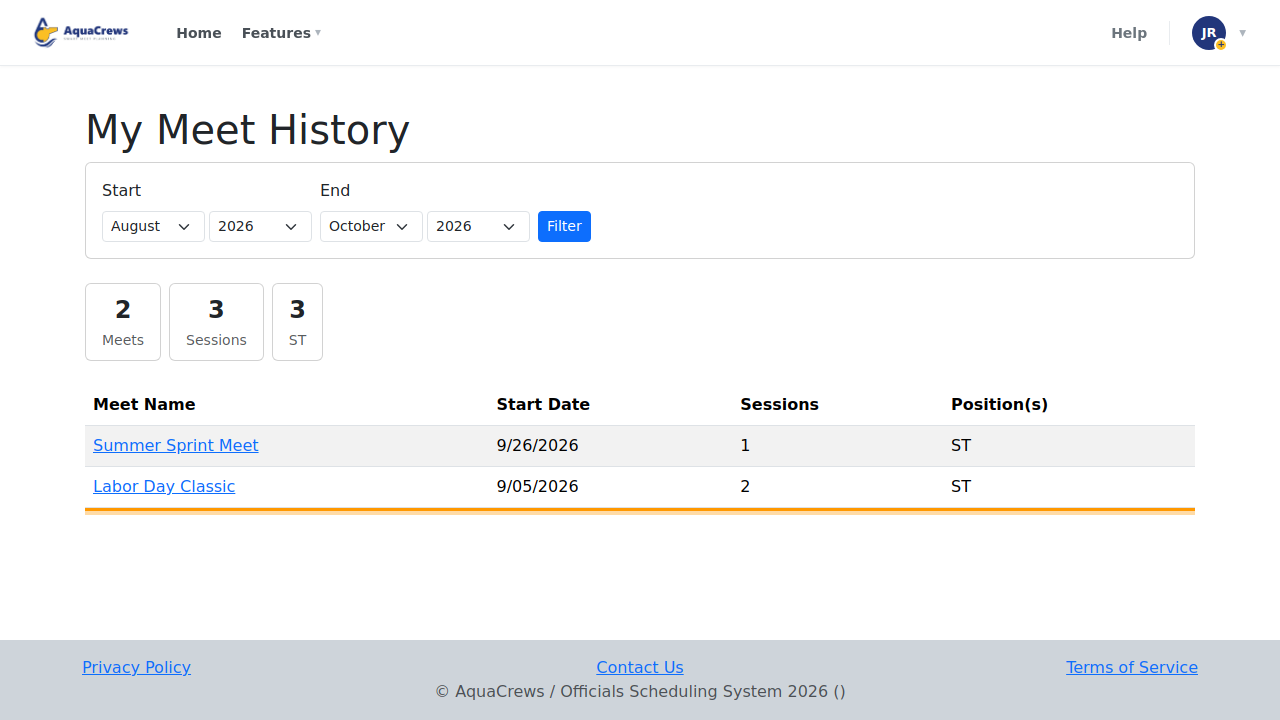
- The page starts with the current swim season - from August 1 through this month.
- History comes from the assignments meet referees publish. A meet you worked without published assignments may not show a position.
- Something missing? Ask the meet referee to check the meet's assignments.
Related: My Meets page and calendars