
File Repository (browse & upload)
Find and download your LSC's shared files - rulebooks, forms, checklists - and share a file of your own.
Note: This feature must be enabled for your organization.
Before you start: you're signed in.
Steps
- Click Features.
- Click File Repository.
-
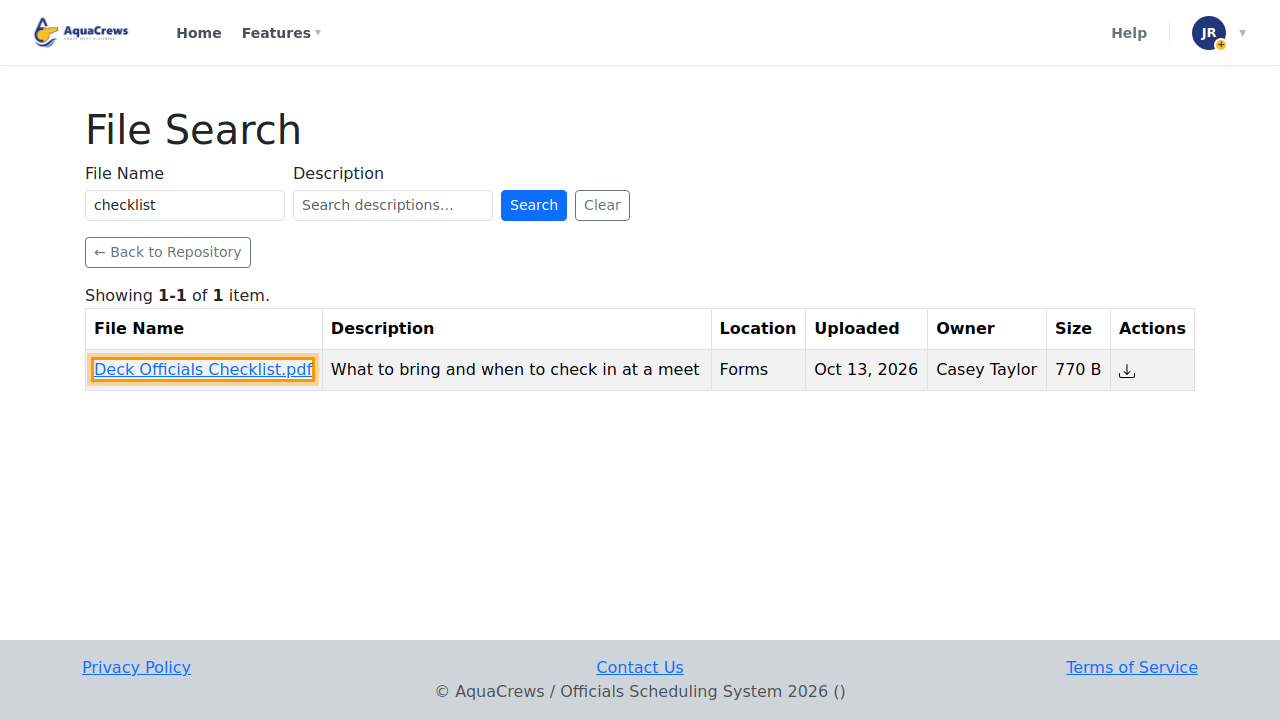
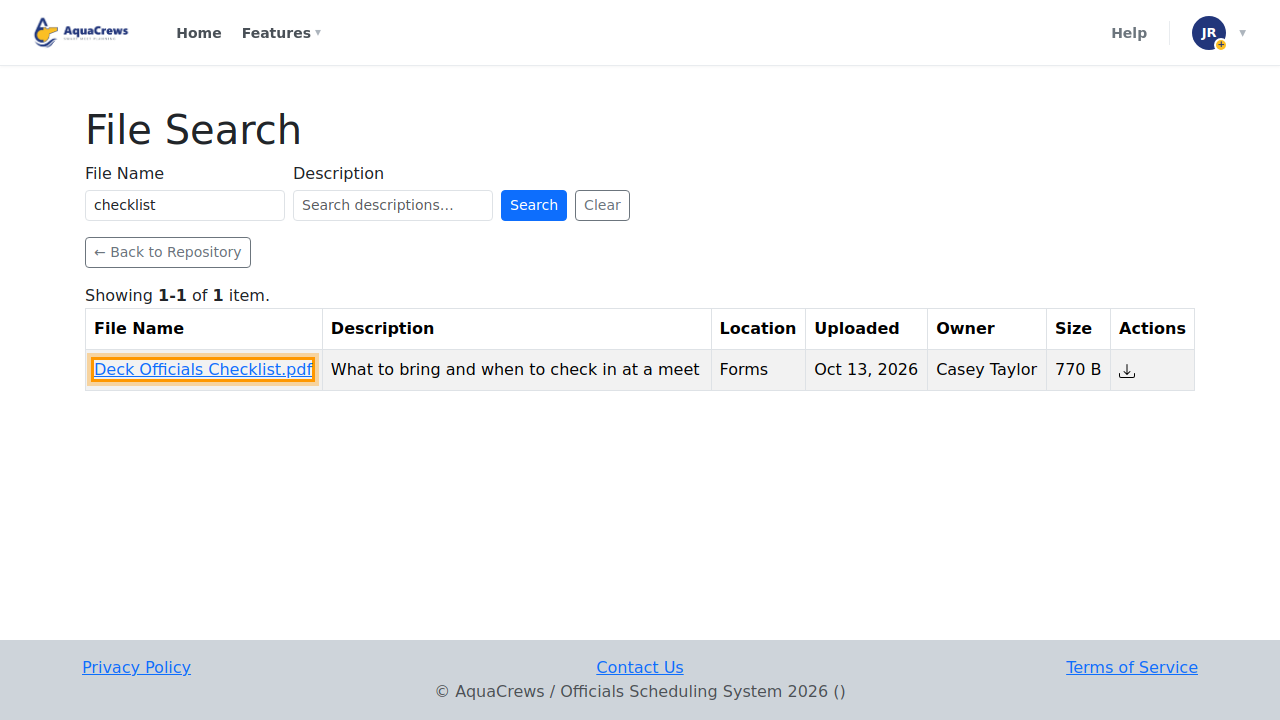
To find a file in any folder, type part of its name in File Name and click Search All Folders.
Click to see a larger version -
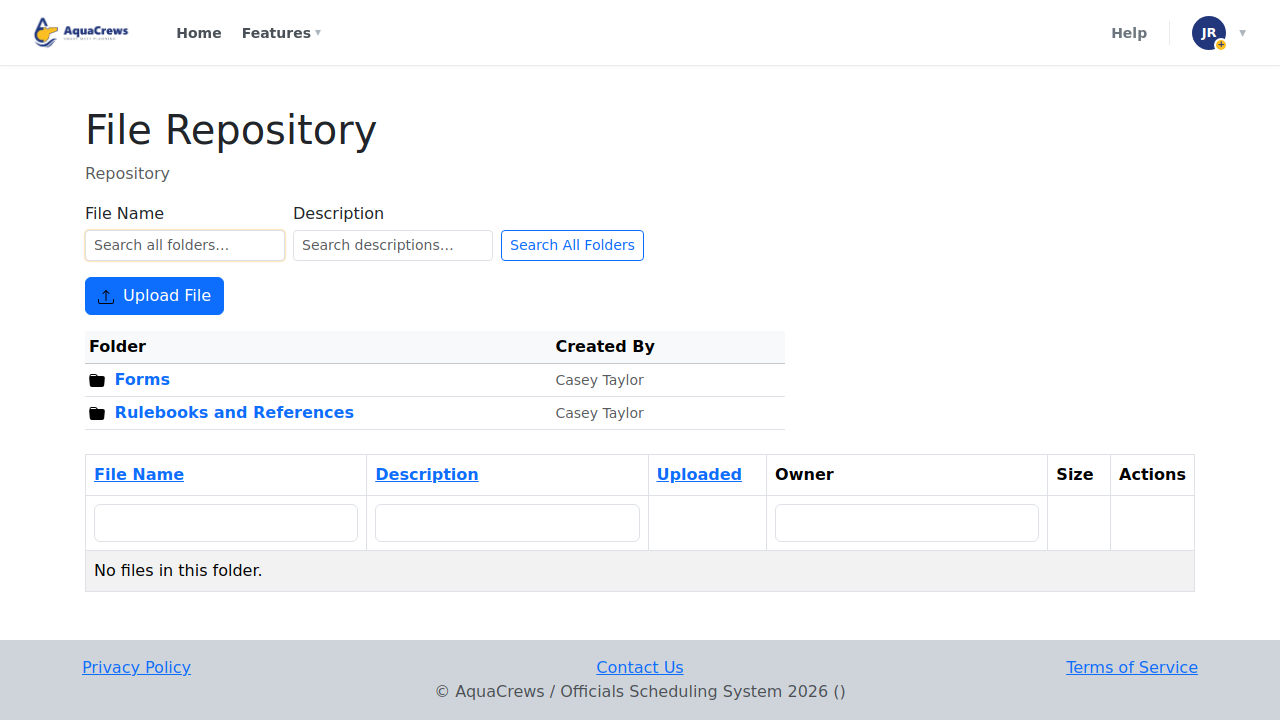
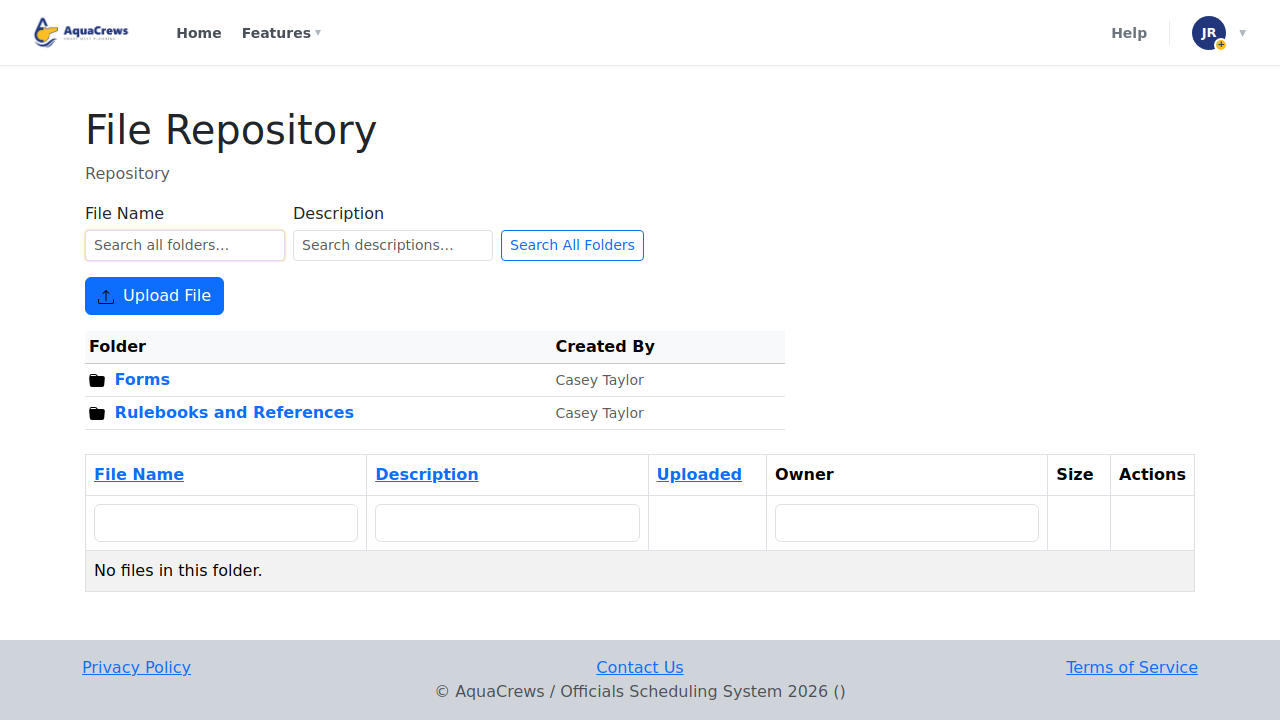
Or click a folder to open it.
Click to see a larger version -
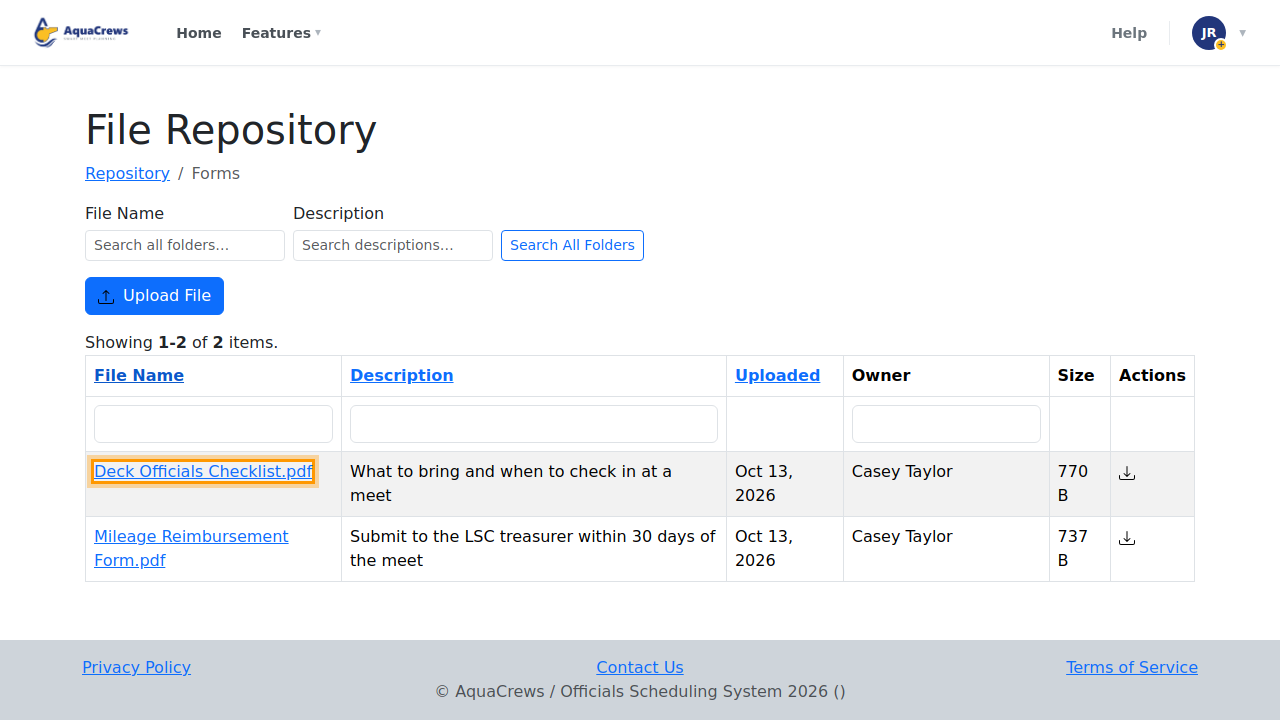
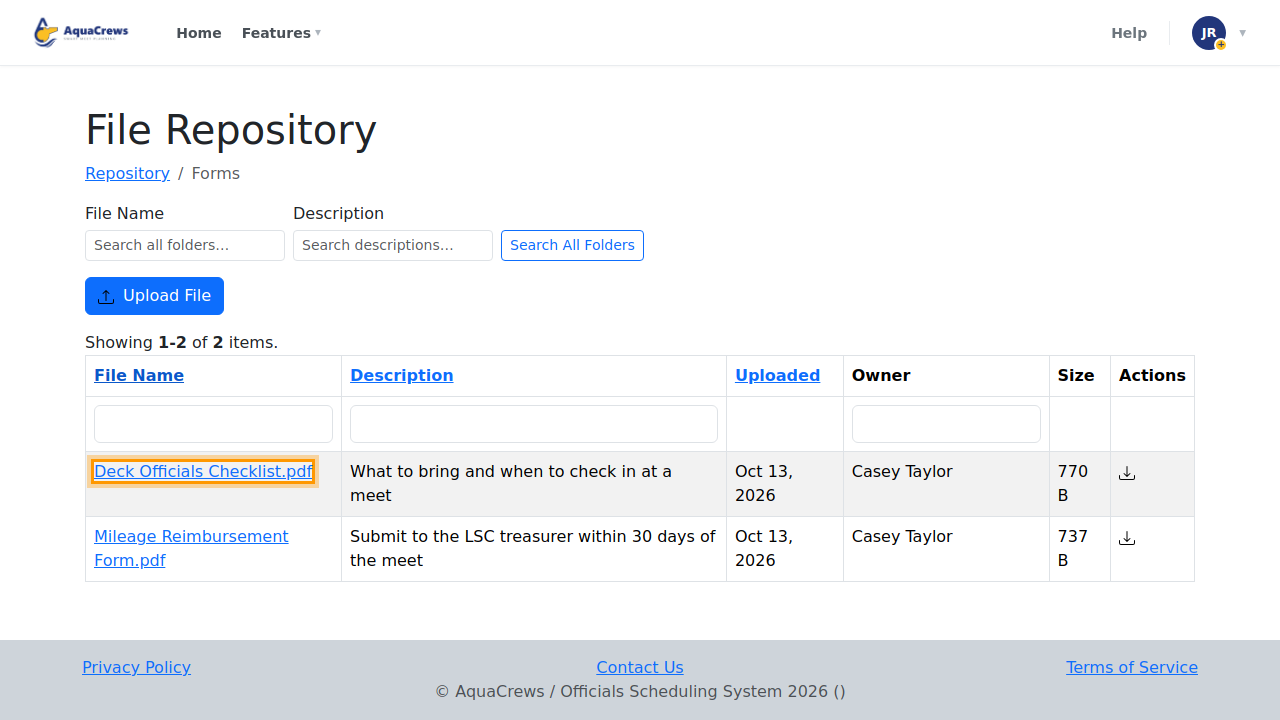
Click a file to download it.
Click to see a larger version -
To share a file, click Upload File.
-
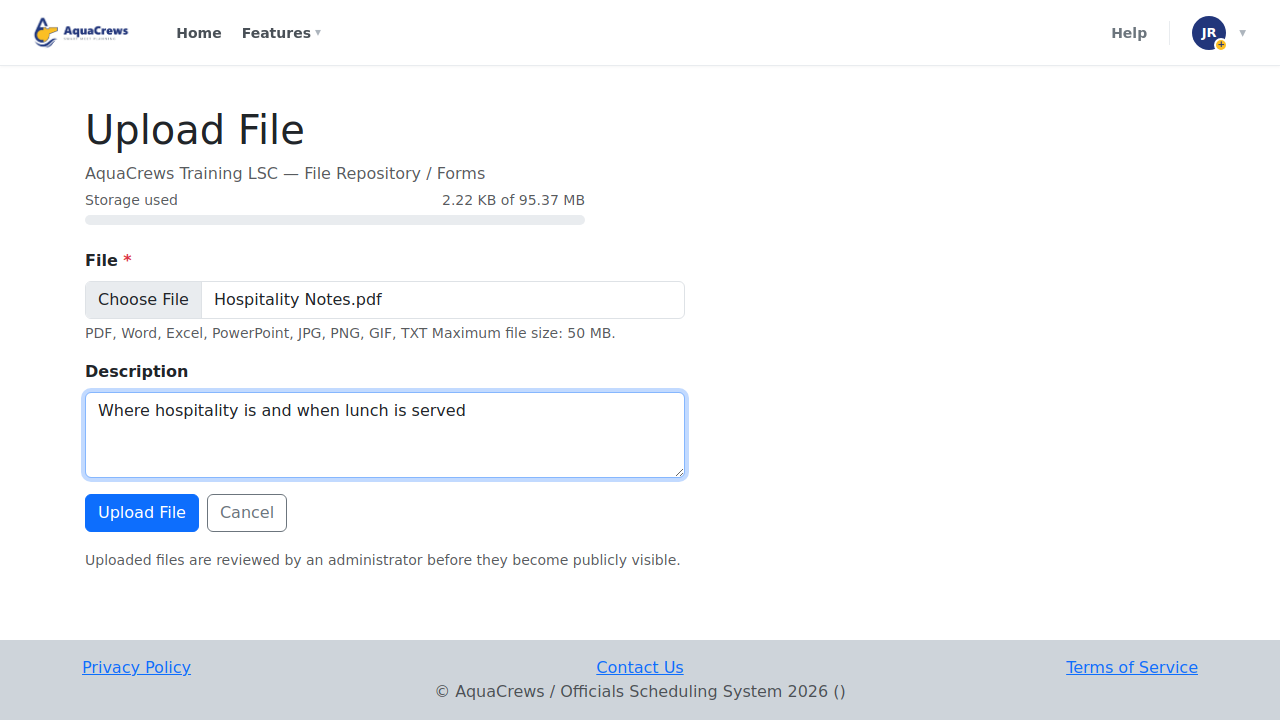
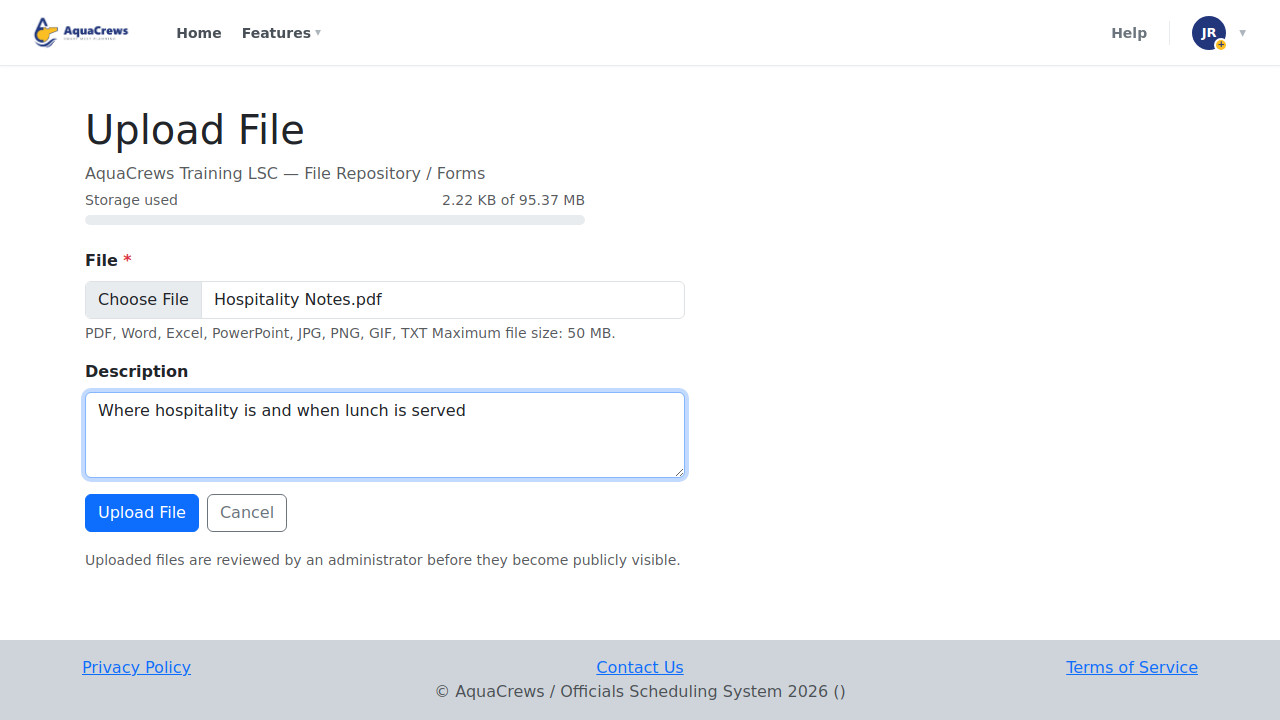
Choose the file and add a short Description.
Click to see a larger version -
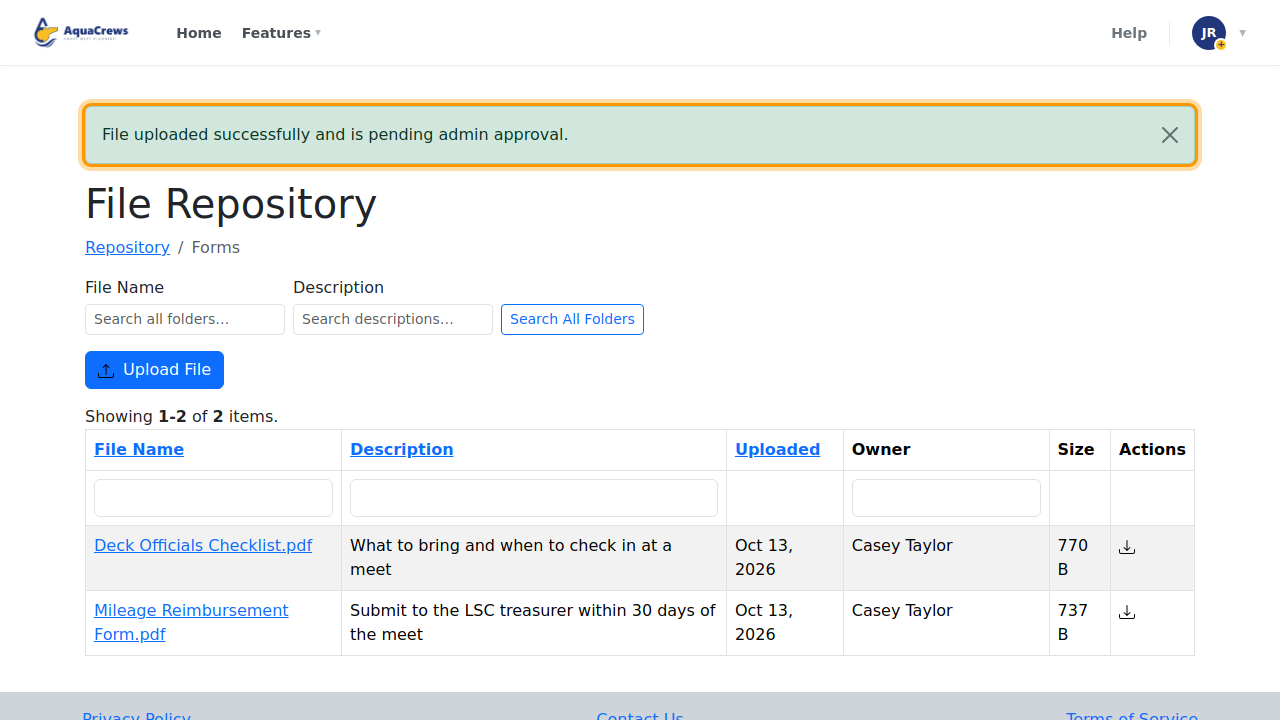
Click Upload File.
-
Your LSC administrator approves the file before others can see it.
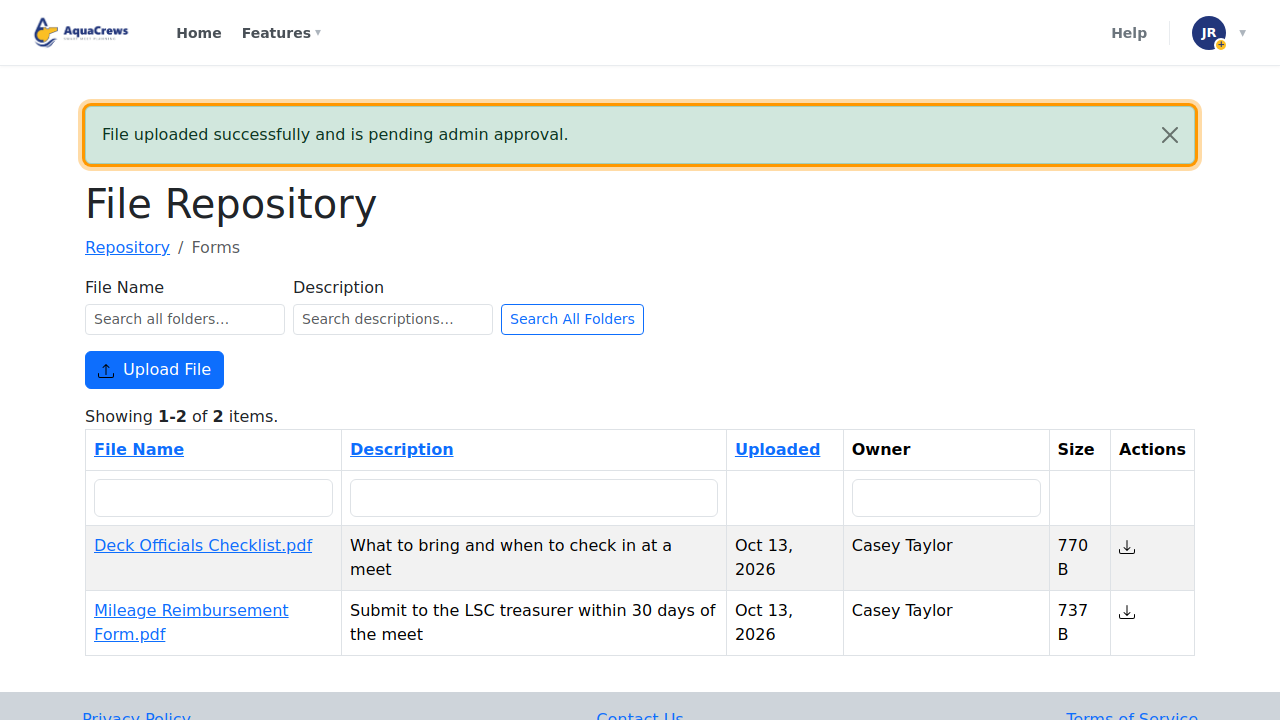
Click to see a larger version
Tips & troubleshooting
- You can upload PDF, Word, Excel, PowerPoint, JPG, PNG, GIF, and TXT files, up to 50 MB.
- Open the folder you want before clicking Upload File - the file goes into the folder you're in.
- Search Description too, if you don't know the file's name.
Related: Ask Rules AI